Chapter 3: Using BD FACSDiva Software 101
• Sort—Starts sorting events for the current acquisition tube. All counters
reset to zero when this button is clicked. Events are sorted until the
requested number of sorted events has been reached.
Click the Sort button again to stop sorting before reaching the requested
number of events. The counters stop at the number of sorted events. If you
click Sort to restart sorting, the counters reset to zero.
• Pause—Stops sorting, but not acquisition. Sort counters and sort timers
freeze when the Pause button is clicked. Click the Resume button to
continue sorting and to continue incrementing the sort counters and timers.
• Access Stage—When the ACDU stage is in the back, the stage is moved
forward to put a plate on or take a plate off the stage. When the stage is in
the front, the stage is moved to the back and out of the way so you can
install a collection tube holder.
• Move Drawer—Moves the aspirator drawer in or out depending on its
current state. The default state is in. For more information, see Aspirator
Drawer on page 33.
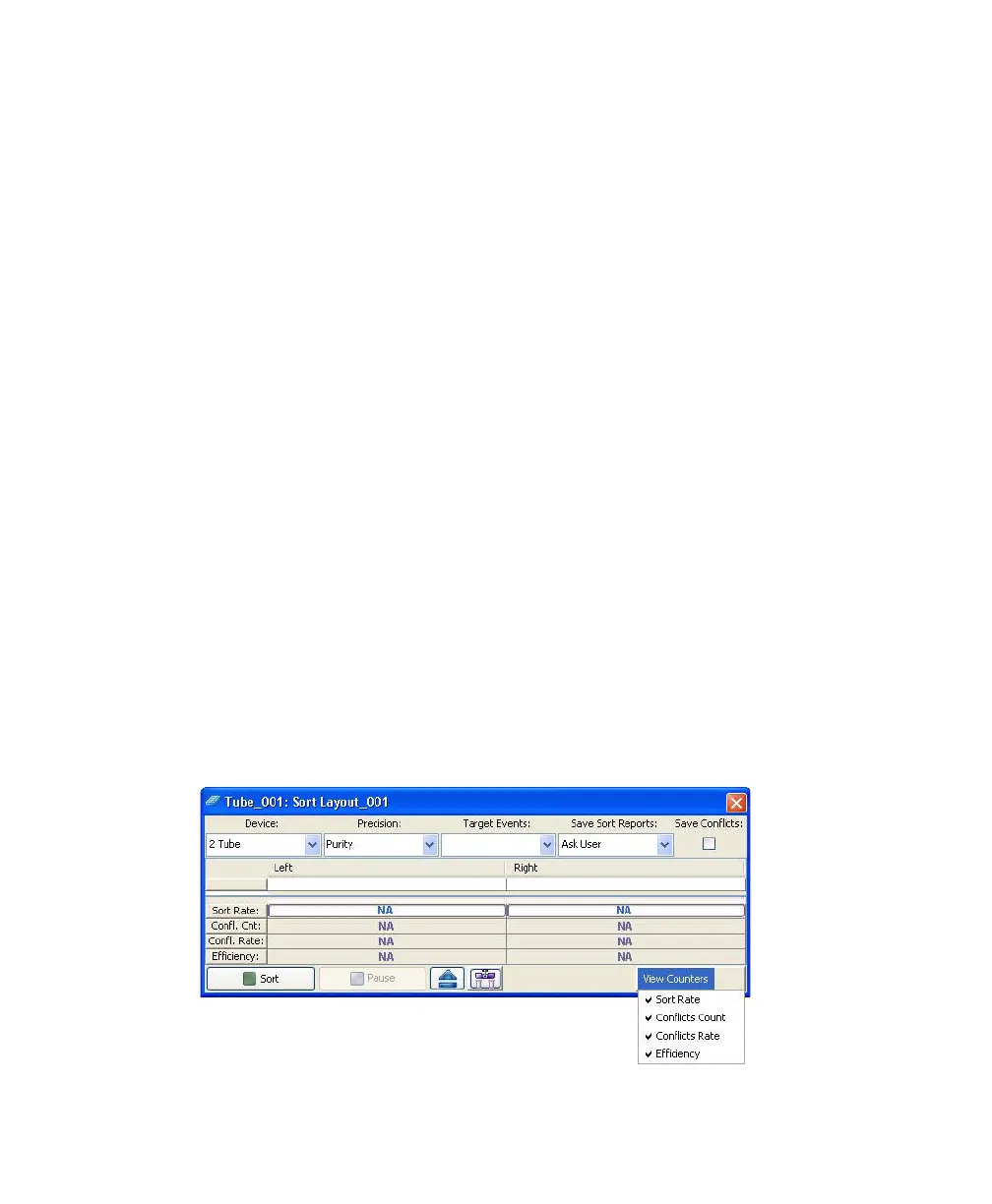
Using Counters
Counters provide ongoing status during sorting. Counter fields cannot be edited.
To display fewer counters in the Sort Layout window, click the View Counters
button and select a menu option. The corresponding counter is hidden. (Only
counters with a checkmark next to the name are displayed.)



 To Next Page