100 BD FACSAria User’s Guide
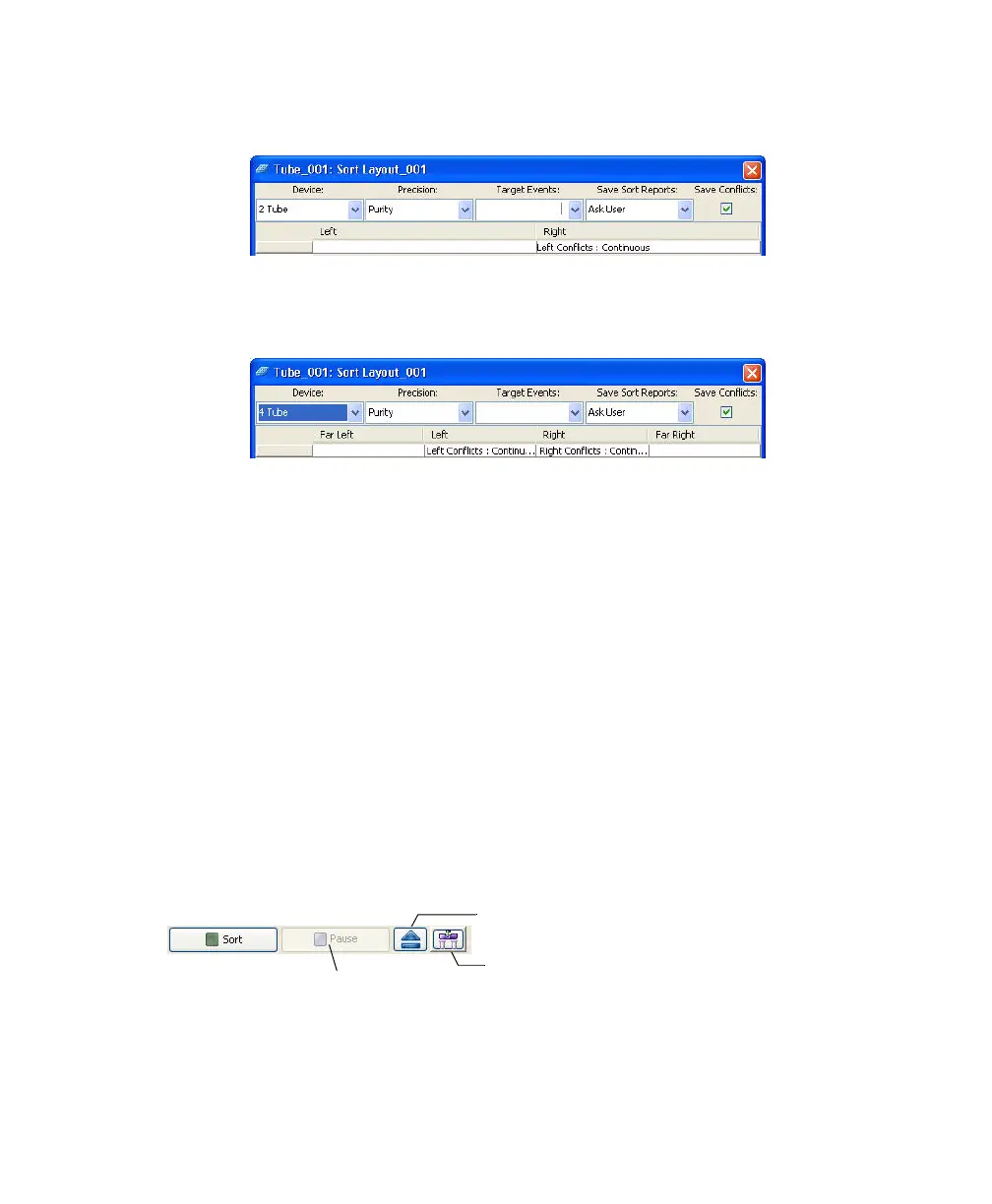
• For a two-tube layout, conflicts are sorted to the right.
• For a four-tube layout, conflicts for the Far Left tube are sorted to the
left, and conflicts for the Far Right tube are sorted to the right.
Editing a Sort Layout
• To change the number of events for any population, click in the Sort
Location field(s) containing the population, then select a number from the
Target Events menu or enter a new number.
• To remove a population from a sort location field, select the field, then
select the corresponding population from the Delete menu.
• To clear all populations from a field, select the field, then select Clear All.
Using Sorting Controls
Sorting controls appear at the bottom of the Sort Layout window. Use these
controls for the following functions.
Access Stage
Move Drawer
Pause/Resume



 To Next Page