Chapter 3: Using BD FACSDiva Software 99
• Ask User—Prompts the user each time the sort is stopped to select
whether or not to save the sort report. This is the default option.
This setting is saved with the sort layout.
6 Select the field(s) corresponding to the tube(s), well(s), or spot(s) where the
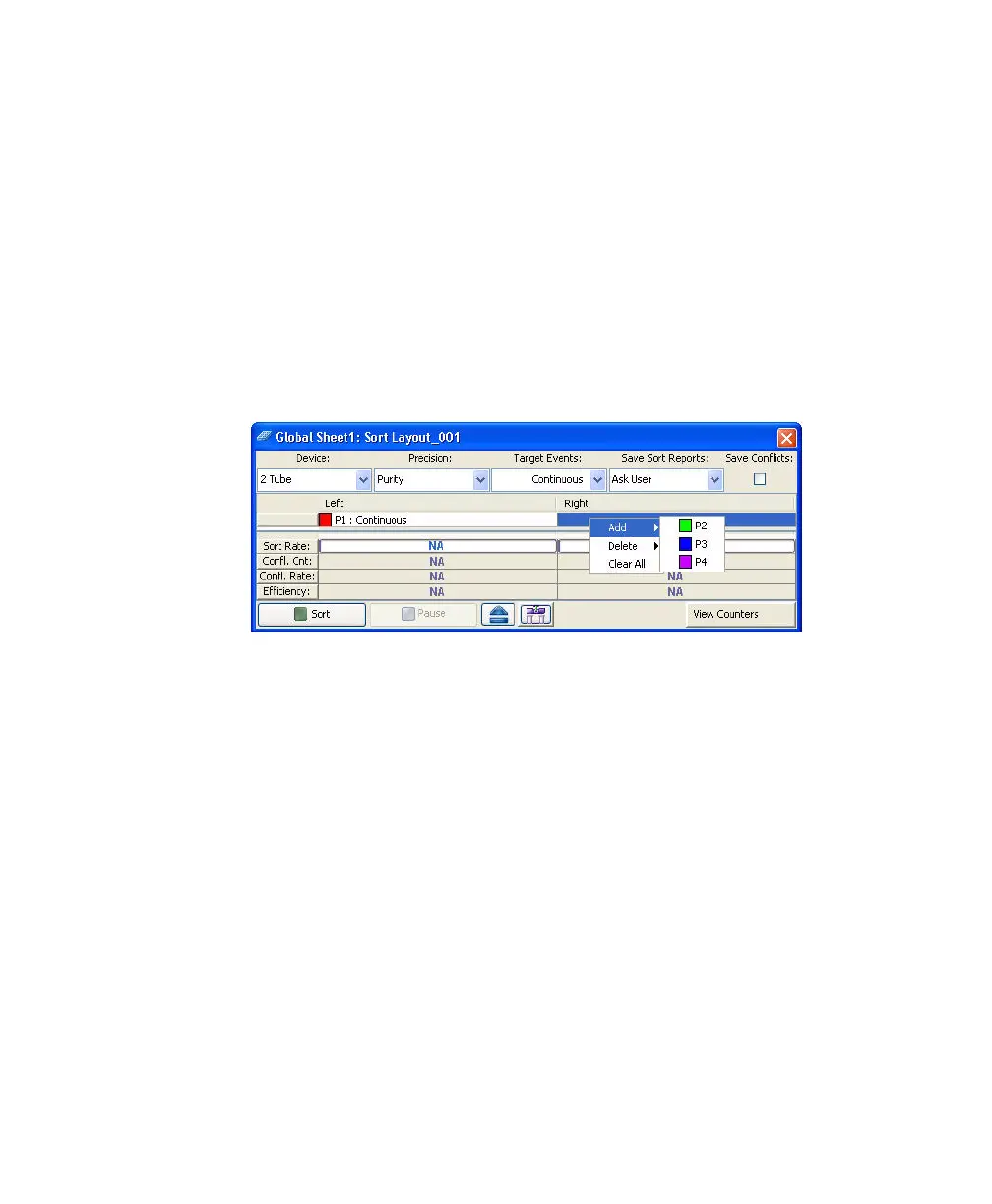
population will be sorted and select a defined population from the Add
menu.
After you click in a sort location field, a menu appears where you can select
to add, delete, or clear all populations in the field (Figure 3-10).
Figure 3-10 Adding populations to be sorted
After you add a population, the population and the number of target events
are added to the corresponding sort location field.
Tip Select a row or column header to select all fields in that row or
column. When you add a population, it will also be added to all selected
fields at once.
7 Specify whether to save sort conflicts by selecting the Save Conflicts
checkbox.
This checkbox is enabled only when using a two- or four-tube layout.
When selected, all sort conflicts are sorted into a default location.



 To Next Page