Chapter 4: Running Samples 123
Adjusting Area Scaling for the Blue Laser
1 Open the QC experiment by double-clicking the experiment icon.
Verify that the Area Scaling worksheet is displayed in the Worksheet
window.
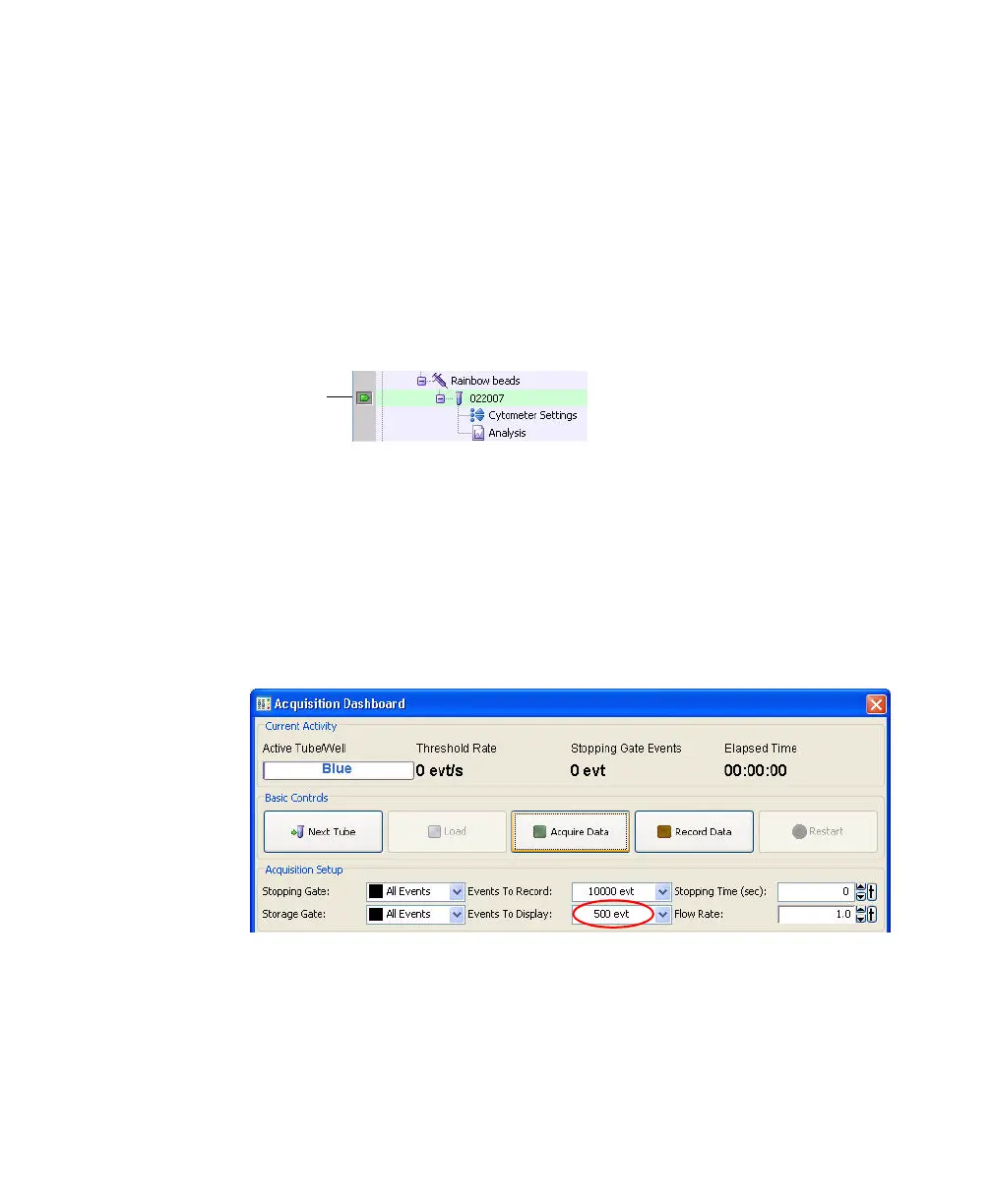
2 Click to set the current tube pointer next to the tube with today’s date in
the Browser.
3 Install the tube of beads onto the loading port.
4 Click Load in the Acquisition Dashboard.
The loading port rises to enclose the tube within the chamber. Once the
tube is loaded, acquisition starts automatically.
5 Set the Events to Display to 500 events.
-
6 Adjust the FSC and SSC voltages to place the particles within the P1 gate at
approximately 100 x 10
3
on scale in the FSC-H vs SSC-H dot plot.
a Click the Parameters tab in the Cytometer window.
current tube
pointer



 To Next Page