138 BD FACSAria User’s Guide
Add label-specific controls when your experiment contains samples stained
with the same fluorophore conjugated to different antibodies (labels) that
require different compensation values. This is especially noticeable in
tandem conjugates due to lot-to-lot variation. Refer to the BD FACSDiva
Software Reference Manual for more information about this feature.
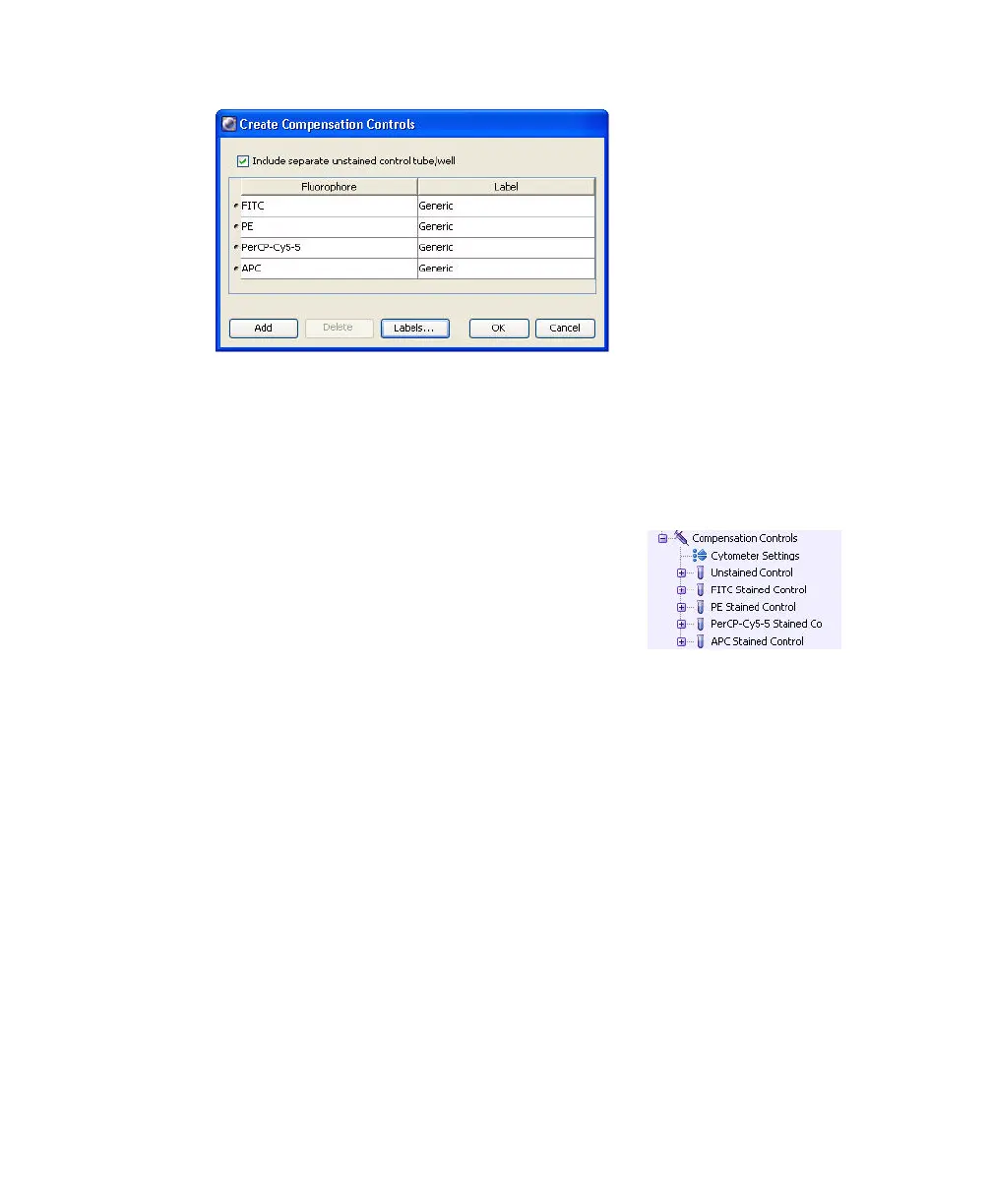
A compensation specimen is added to the
experiment, along with a stained control tube for
each compensation control. (Expand the
specimen to view all tubes.) Worksheets
containing appropriate plots are added for each
compensation tube.
Calculating Compensation
The unstained control will be used to verify the settings for FSC, SSC, and FSC
threshold, and to gate the population of interest.
1 Install the unstained control tube onto the cytometer.
2 Expand the compensation specimen in the Browser.
3 Set the current tube pointer to the unstained control tube and click Load.
4 Verify that the population of interest is displayed appropriately on the FSC
vs SSC plot. Adjust if needed. (Figure 4-12).



 To Next Page