140 BD FACSAria User’s Guide
11 Double-click the first stained control tube to display the corresponding
worksheet.
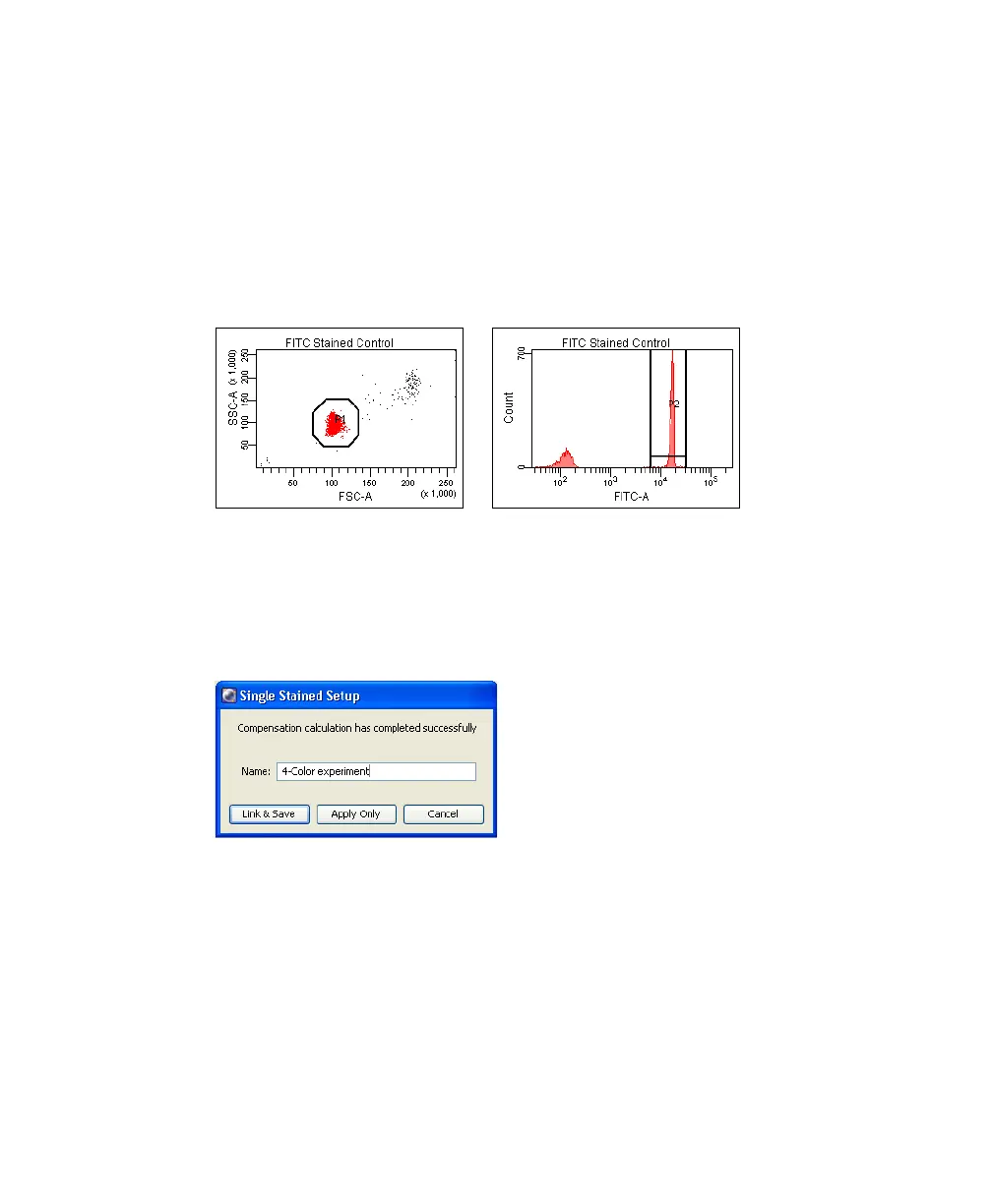
12 Verify that the Snap-to Interval gate encompasses the positive population
(Figure 4-13).
Adjust the gate, if needed.
Figure 4-13 Gating the positive population
13 Repeat steps 11 and 12 for the remaining compensation tubes.
14 Select Experiment > Compensation Setup > Calculate Compensation.
15 Enter the name of your experiment as the setup name, then click OK.
Tip To keep track of compensation setups, include the experiment name,
date, or both in the setup name.
NOTE BD Biosciences recommends that you always visually and statistically
inspect automatically calculated overlap values. The means of the positive
controls should be aligned with the means of the negative.



 To Next Page