Chapter 5: Sorting 161
This control moves the emission filter that allows you to view the Accudrop
beads in front of the lower camera. When the control is clicked, the image
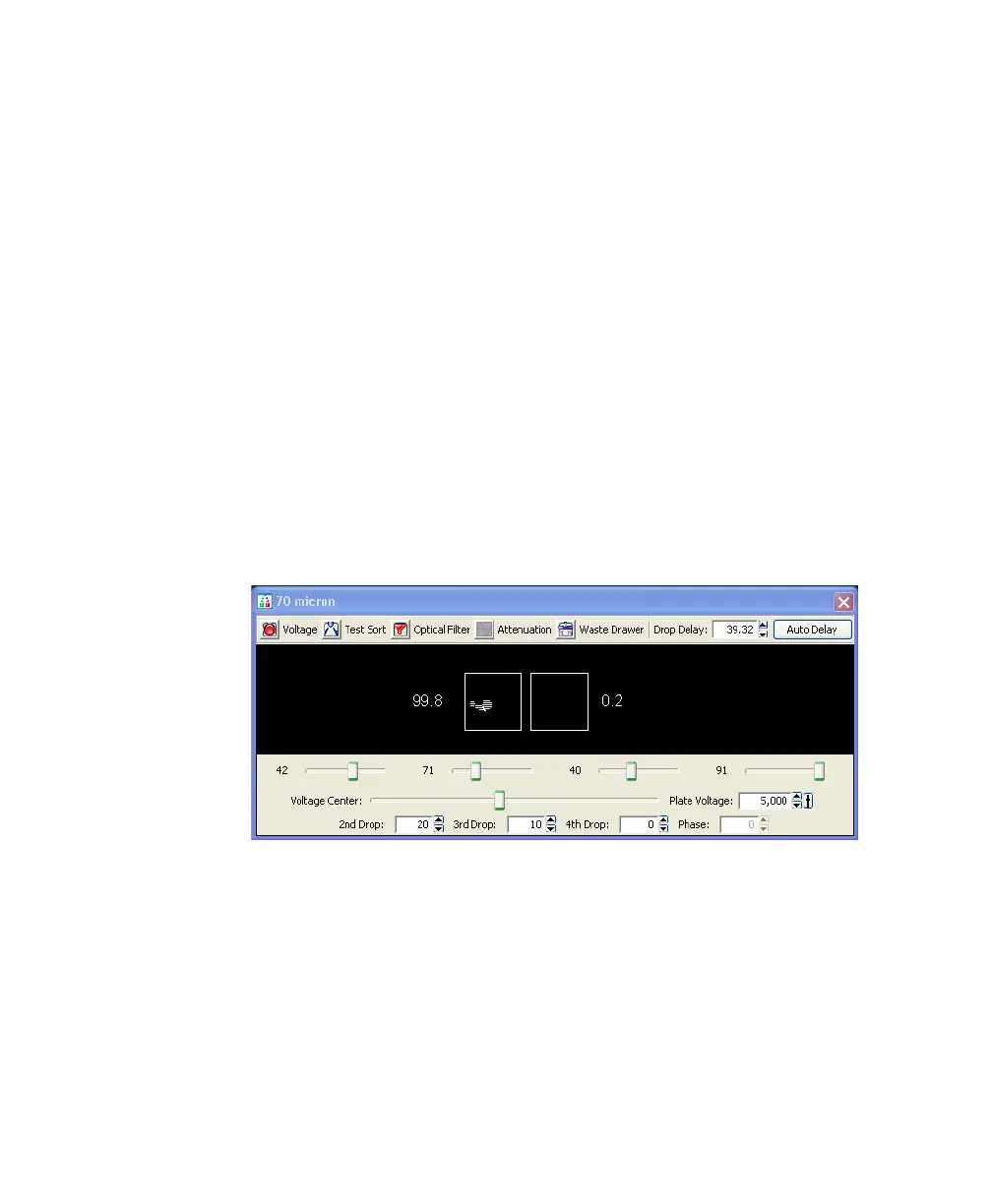
switches from a raw image to a processed (digitized) image. The two boxes
indicate the region of the image where the left and center stream intensities
are calculated during image processing; the numbers shown are percentages
of the total intensity.
If the left side stream is not completely contained in the left region, adjust
the voltage slider to place the stream in the center of the region.
8 Verify that the sort precision mode is set to Initial. See Sort Precision Modes
on page 75 for more information.
9 Optimize the drop delay.
Adjust the Drop Delay value in 1-drop increments (Ctrl-click arrow
control) to achieve close to 100% intensity in the left side stream. Wait a
few seconds after each click for a complete response to the delay change.
Figure 5-3 Sorting Accudrop beads in Initial mode
10 In the Sort Layout window, change the precision mode to Fine Tune.
11 Optimize the drop delay.
Adjust the Drop Delay value in 0.03-drop increments (click arrow control)
until the left side stream intensity is ≥90%. Wait a few seconds after each
click for a complete response to the delay change.



 To Next Page