160 BD FACSAria User’s Guide
3 Adjust the flow rate to achieve an event rate of 1,000–3,000 events per
second.
Tip If this cannot be achieved using a flow rate setting between 1 and 5,
adjust the bead concentration.
4 Turn on the voltage in the Side Stream window. Click Sort in the Sort
Layout window.
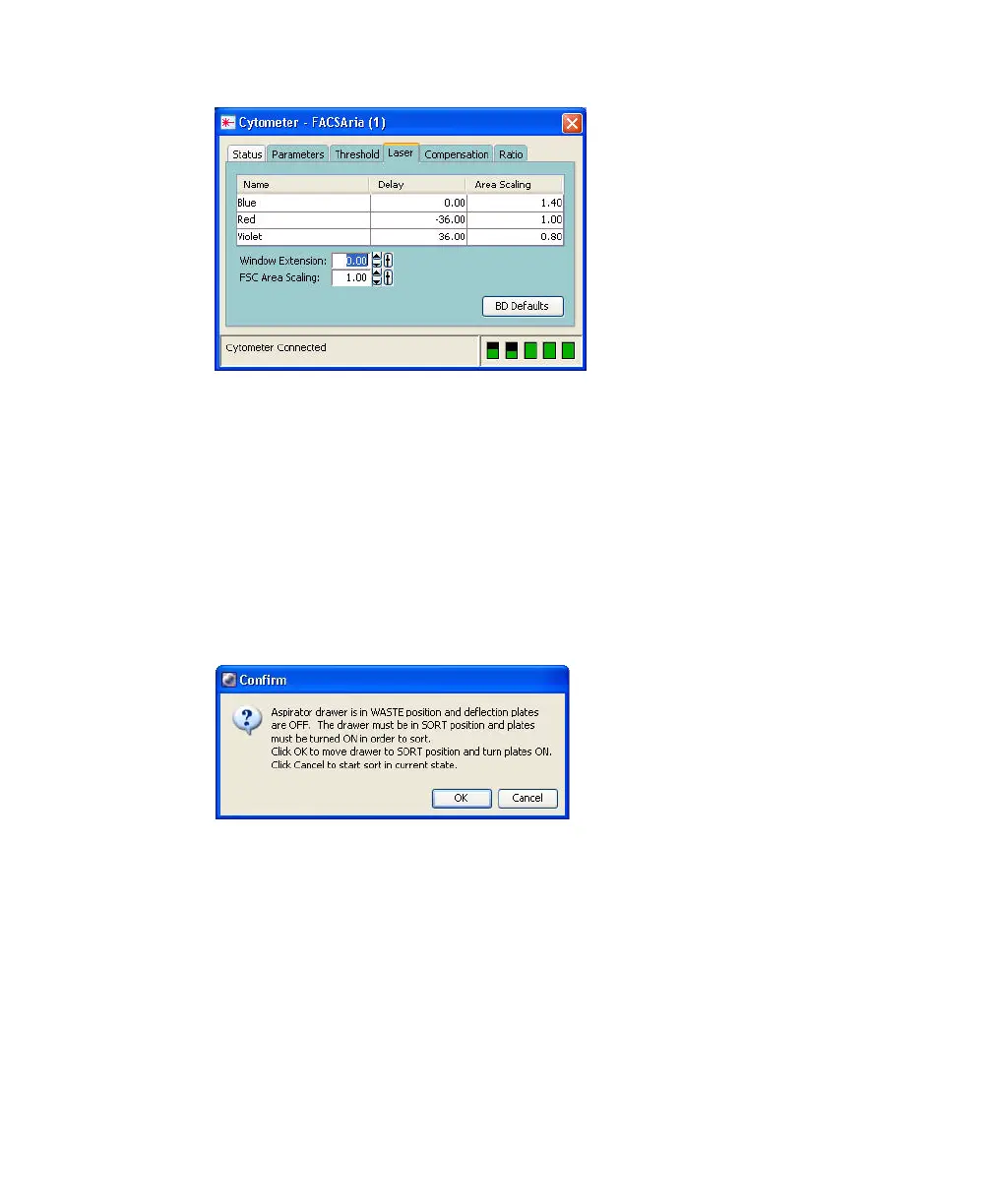
5 Click Cancel at the Confirm dialog.
There is no need to collect the beads. When the drawer is closed, the beads
are sorted to waste.
6 Adjust the micrometer dial (Figure 1-17 on page 41) to obtain the brightest
bead spot on the center stream.
7 Click the Optical Filter control in the Side Stream window.



 To Next Page