Chapter 4: Running Samples 109
Tip If you are using temperature control, start heating or cooling the
sample injection chamber or the recirculating water bath while the lasers are
warming up. See Sample Temperature on page 83.
5 Start BD FACSDiva software, and log in with your user name
and password.
To start the software, double-click the application shortcut on
the desktop.
6 Verify fluidics levels in the Cytometer window. Replenish fluids or empty
the waste, if needed.
To display the Cytometer window, click the Cytometer button ( ) in the
Workspace toolbar. Verify fluid levels at the bottom of the window.
To service the fluid containers, see Setting Up the Fluidics Cart on page 112
and Emptying the Waste on page 114.
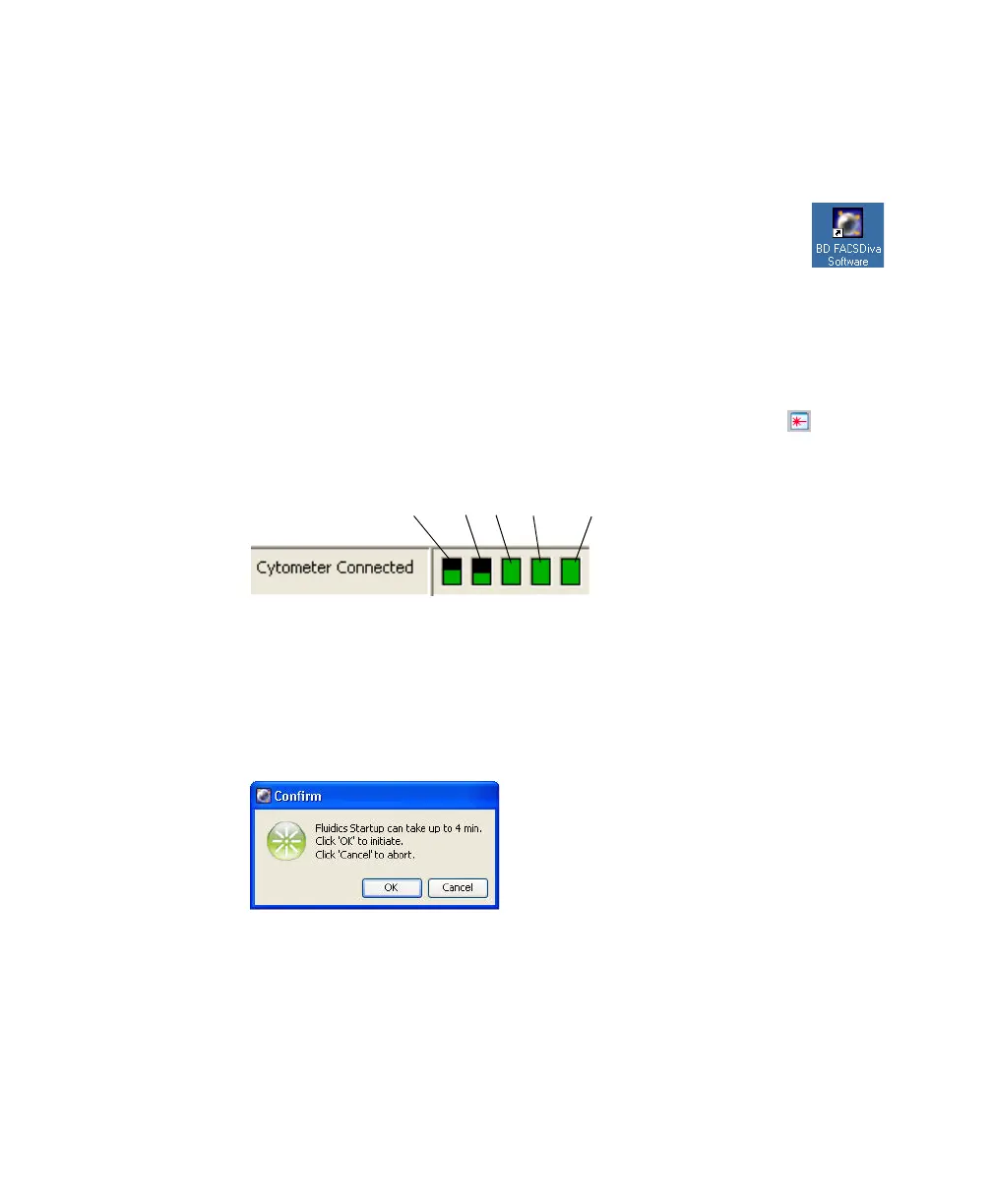
7 From the BD FACSDiva Cytometer menu, select Fluidics Startup, and click
OK at the confirm dialog.
Fluidics startup removes DI water from the plenum tanks and fluid lines
and replaces it with sheath fluid.
8 When fluidics startup is complete, use the software controls to start the
stream.
ethanol
bleachDIwaste
sheath
Note: Roll the mouse pointer
over fluid indicators to see
contents.



 To Next Page