Chapter 3: Using BD FACSDiva Software 83
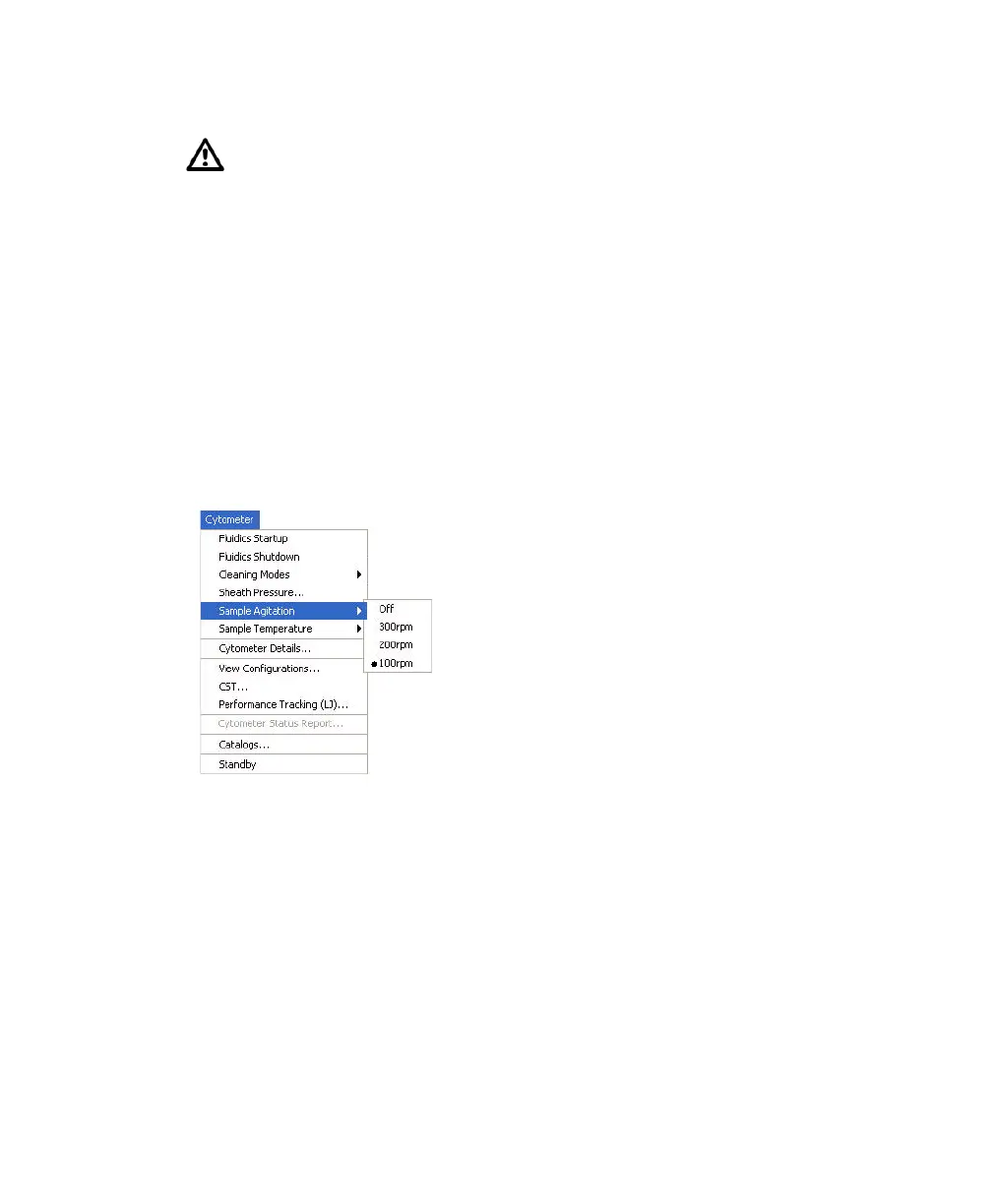
Sample Agitation
Select Cytometer > Sample Agitation to specify the speed at which samples are
agitated. You can select from one of the specified values, or select Off to turn off
agitation.
Sample Temperature
Use the Sample Temperature command to set the temperature inside the sample
injection chamber. You can select from one of the specified values, or select Off to
turn off temperature control (Figure 3-2 on page 84).
Each sort setup option is optimized at a preset sheath pressure. If you
change the sheath pressure, a multitude of other values will be affected,
including the drop drive frequency, drop charge levels, laser delay, area
scaling factor, and other values. For proper cytometer operation, change the
sheath pressure by selecting an option from the Sort > Sort Setup menu. Do
not adjust the pressure using controls in the Sheath Pressure dialog box.
Note that the Sheath Pressure command is disabled when the Sweet Spot is
on.



 To Next Page