206 BD FACSAria User’s Guide
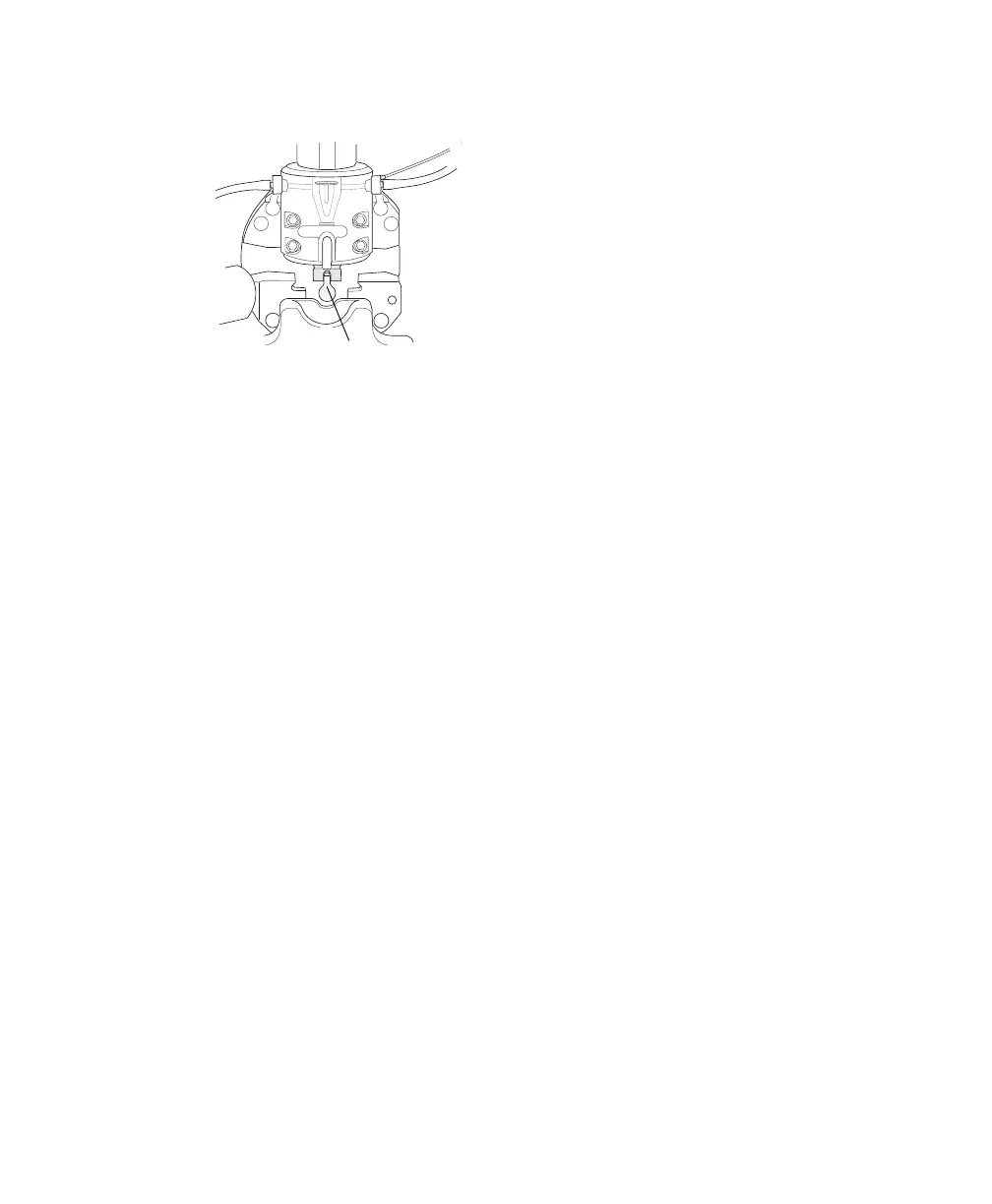
Figure 6-7 Nozzle-locking lever
Tip To avoid losing the O-ring, hold the nozzle steady and pull it straight
out without tilting it from side to side. If you do not see the O-ring on the
nozzle, it could be stuck to the cuvette. To locate and remove the O-ring, wet
the wooden end of a cotton swab and use it to wipe the inside of the nozzle
well.
3 Insert the new nozzle into the flow cell.
Use the magnifying glass in the accessory kit to make sure an O-ring is
installed in the groove at the end of the nozzle. Insert the nozzle at a slight
downward angle to avoid contact between the O-ring and the cuvette. Push
it gently all the way forward without rocking it from side to side.
4 Turn the nozzle-locking lever clockwise to the 12:00 position.
5 Turn on the stream and make sure it flows smoothly from the nozzle into
the center of the waste aspirator.
If the stream is flowing but is unsteady, check for bubbles in the flow cell. If
you see bubbles, turn off the stream, wait for the bubbles to float to the
top, and turn on the stream again.
If you see any dripping or spraying, or the stream image appears abnormal,
turn off the stream and refer to Troubleshooting the Stream on page 220.
NOTE After changing the nozzle, you might need to adjust the angle of the sort
block to re-center the stream in the aspirator. To do so, loosen the adjustment
screws on either side of the deflection plates and rotate the sort block (see
lever



 To Next Page