212 BD FACSAria User’s Guide
1 Open the sort block door and remove the deflection plates.
Pull the plates straight out to remove them.
2 Remove the nozzle.
For detailed instructions, see Changing the Nozzle on page 205. (You do
not need to remove the lever.)
3 Place 1–2 drops of DI water or ethanol on a cotton swab.
4 Right-click the Breakoff window and select Raw Image.
Visible smudges are more apparent in the raw image view.
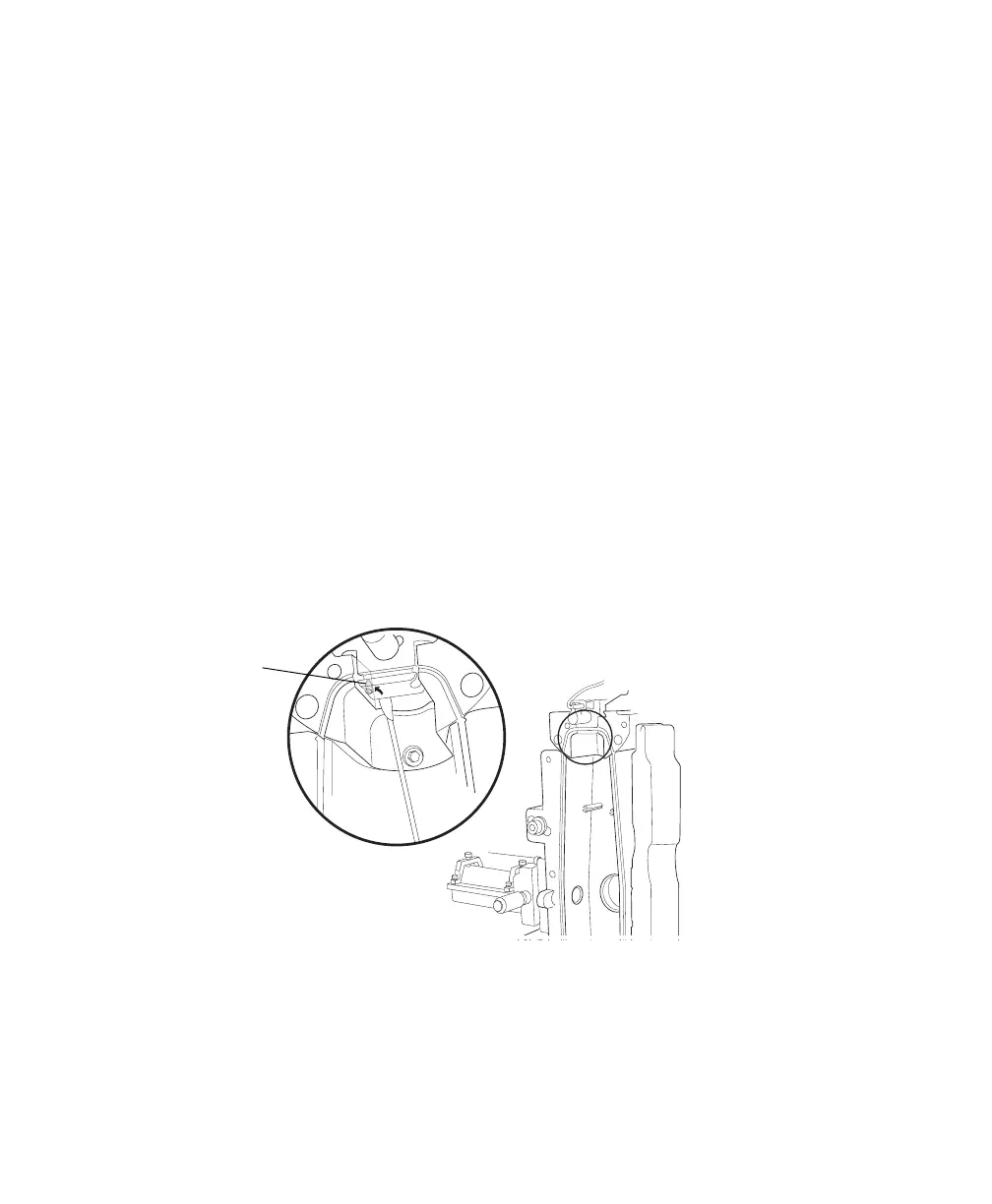
5 While viewing the image on the Breakoff window, insert the swab just
below the bottom of the cuvette.
The strobe lens and upper camera window are located behind two circular
openings on either side of the cuvette. You will see the end of the swab in
the Breakoff window when you intercept either opening.
6 Gently wipe the upper camera window, and then the strobe lens (opposite
the window) to remove any saline.
7 Repeat with spectral-grade methanol or absolute ethanol until clean.
upper
camera
window



 To Next Page