149
Internet (WAP) function
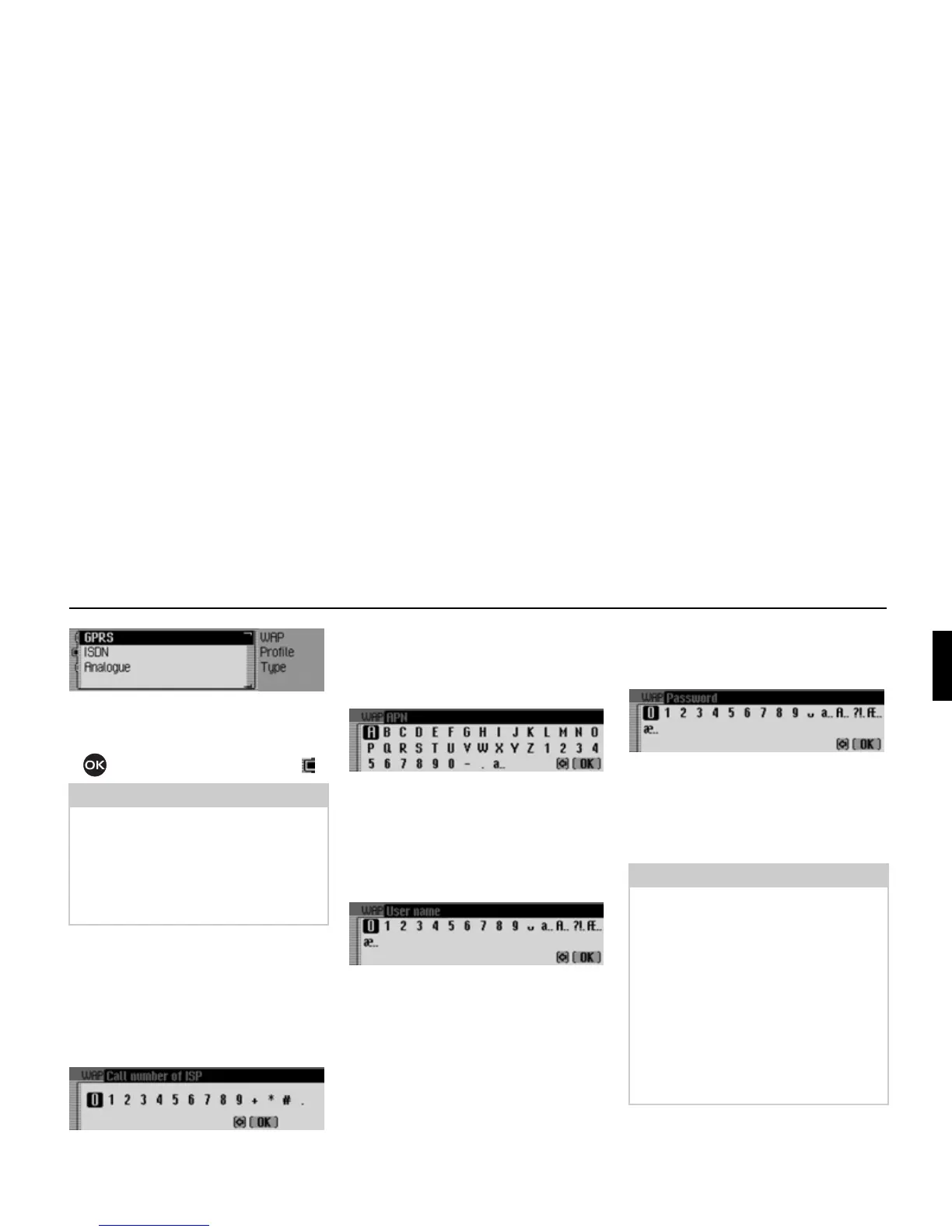
! Select the required connection type
GPRS, ISDN or Analogue.
! Turn the rotary control/push button
to activate the required time ( ).
Provider phone number
(for
ISDN and Analogue connection types
only)
Here you can enter the provider’s phone
number (dial-up number).
! Select the Call number of ISP entry.
The input menu appears.
! Enter the information.
APN (Access Point Name
(for the
GPRS connection type only)
Here you can enter the APN name.
! Select the APN (Access Point Name) entry.
The input menu appears.
! Enter the information.
User name
Here you can enter the username.
! Select the User name entry.
The input menu appears.
! Enter the information.
Password
Here you can enter the password.
! Select the Password entry.
The input menu appears.
! Enter the information.
Proxy IP address
Here you can enter the proxy IP address.
Note:
With an active data connection via
GPRS, both incoming and outgoing tele-
phone calls are possible. With the
ISDN
and Analogue connection types, no tele-
phone calls are possible when a data
connection is active.
5251
5238
5238
5204
Notes:
• An IP address consists of four digit
groups with three digits in each. A
digit group must always contain three
digits. If necessary, enter leading ze-
ros.
• The unit uses WAP 2.0 and requires a
WAP proxy. A WAP gateway (with
port number 9201) cannot be used.
Changing the predefined values for
Proxy IP address and Proxy IP port is not
recommended.
5239















 To Next Page