BMP
®
61 Label Printer
User’s Manual
1-35
Navigation and Editing
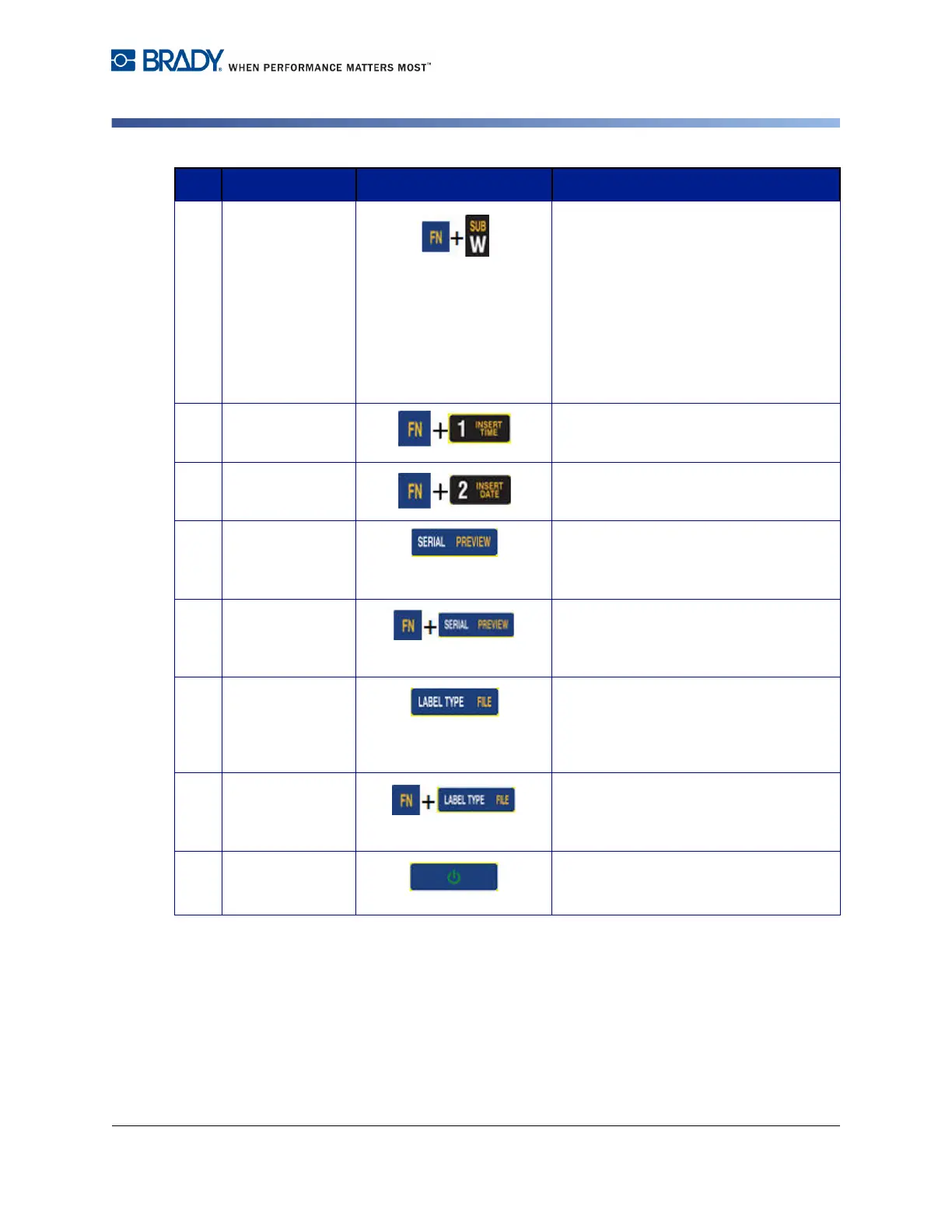
Subscript Key
• Places the next typed character in
subscript format, displaying slightly
below the line of text.
• Will place multiple characters in
subscript if the characters are
highlighted first. (Refer to "Pre-
Existing Data” on page 3-3 for
information on highlighting
characters.)
17 Insert Time Key Inserts the current time, as set on the
printer.
Insert Date Key Inserts the current date, as set on the
printer.
18 Serial Key Sets the values for single, multiple, or
linked serialization. (Refer to
"Serialization” on page 3-31.)
Preview Key Previews the label as it will look when
printed. (Refer to "Print Preview” on
page 5-2.)
19 Label Type Key Accesses the different
applications/label types installed (i.e.,
wiremarker, flags, terminal blocks, etc.).
(Refer to "Label Types” on page 6-1.)
File Key Saves, opens, or deletes a label or set
of labels. (Refer to "Label Files” on
page 4-1.)
20 Power Key Turns the printer on and off.
Function Key Description



 To Next Page