1-34 BMP
®
61 Label Printer
User’s Manual
Navigation and Editing
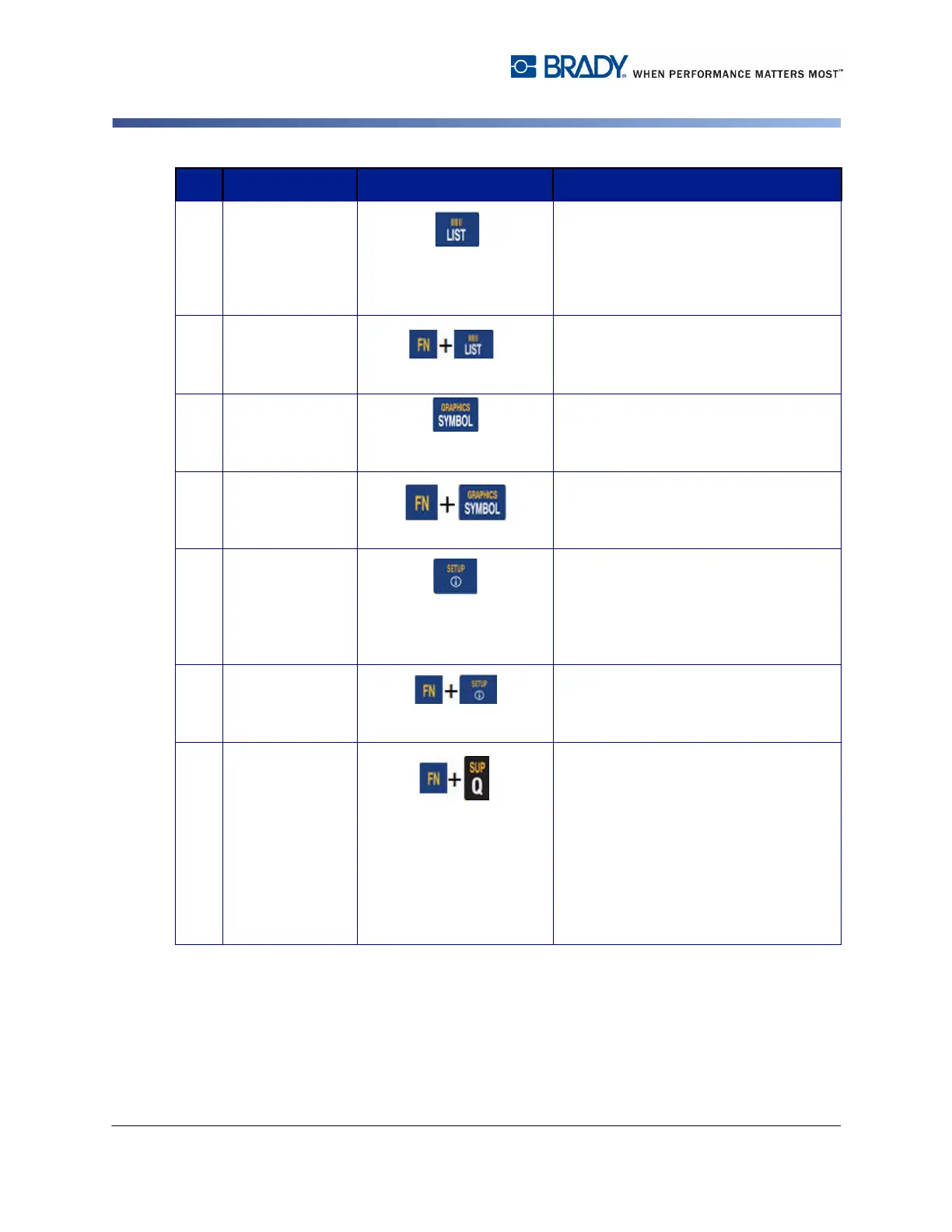
13 List Key Enables you to produce multiple labels
with variable information from a single,
formatted label (main document) and a
structured data source. (Refer to "List”
on page 3-36.)
Barcode Key Places a text string in Barcode format,
toggling the barcode on and off. (Refer
to "Barcode” on page 3-27.)
14 Symbol Key Accesses the various symbols available
on the printer. (Refer to "Symbols” on
page 3-8.)
Graphics Key Accesses user supplied graphics
loaded onto the printer. (Refer to
"Graphics” on page 3-10.)
15 International Key Accesses characters specific to some
international alphabets with diacritical
and accent marks incorporated into the
characters. (Refer to "International
Character Sets” on page 3-11.)
Setup Key Defines the printer’s default
parameters. (Refer to "Setup” on
page 1-44.)
16 Superscript Key
• Places the next typed character in
superscript format, displaying
slightly above the line of text.
• Will place multiple characters in
superscript if the characters are
highlighted first. (Refer to "Pre-
Existing Data” on page 3-3 for
information on highlighting
characters.)
Function Key Description



 To Next Page