141
Creating Embroidery Patterns Using Images
Changing the Image Settings
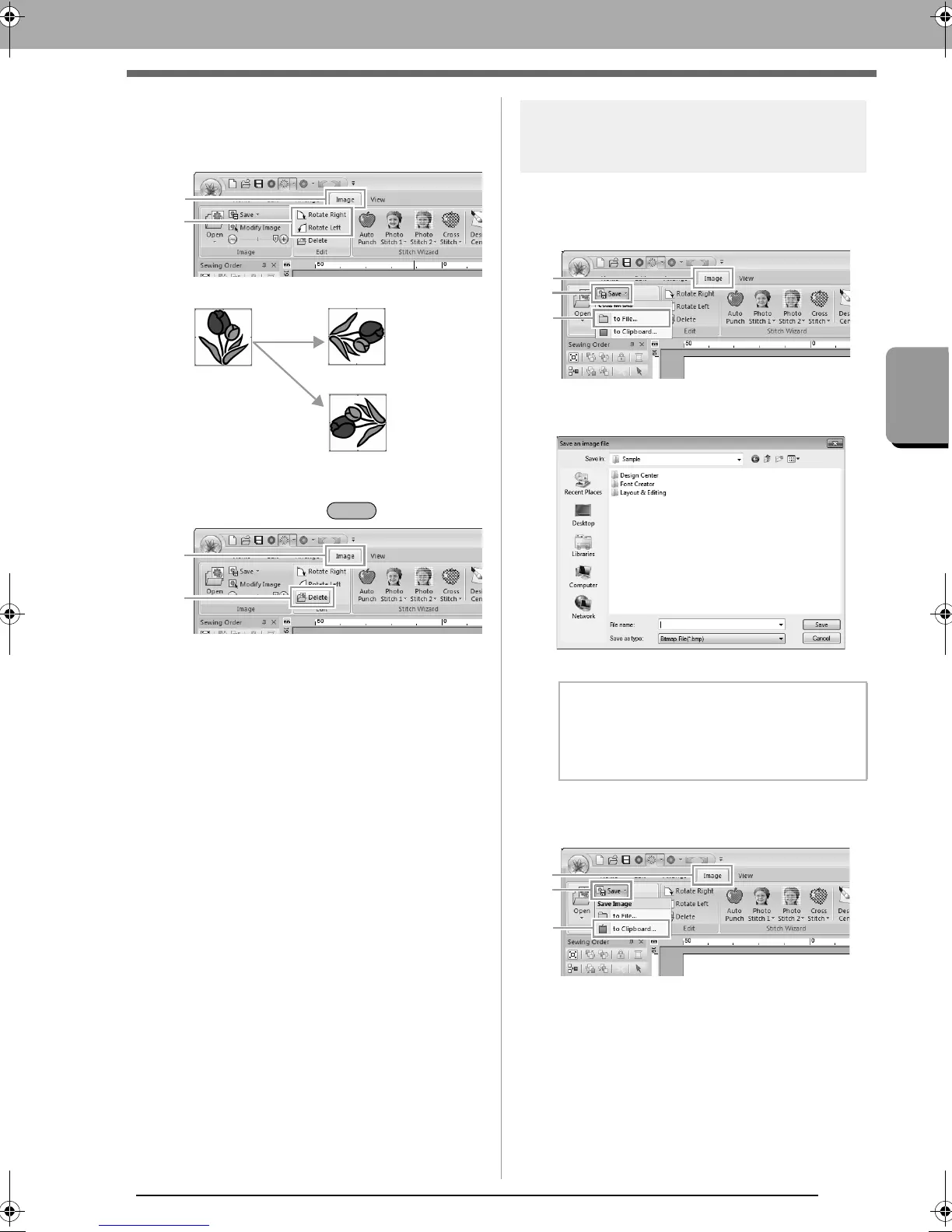
Rotating an image:
An image can be rotated in 90° increments.
Click 1, then 2.
Deleting an image:
Click 1, then 2, or press the key.
Saving the image data
■ Saving as a file
1. Click 1, then 2, then 3.
2. Select the drive, the folder and the format.
Type in file name. Click Save.
■ Outputting to the Clipboard
Click 1, then 2, then 3.
Rotate right
Rotate left
1
2
b Memo:
The image data can be saved in either of the
following formats: Windows bitmap (.bmp),
Exif (.jpg).
XE8656-001.book Page 141 Monday, May 24, 2010 5:44 PM



 To Next Page
 Loading...


