213
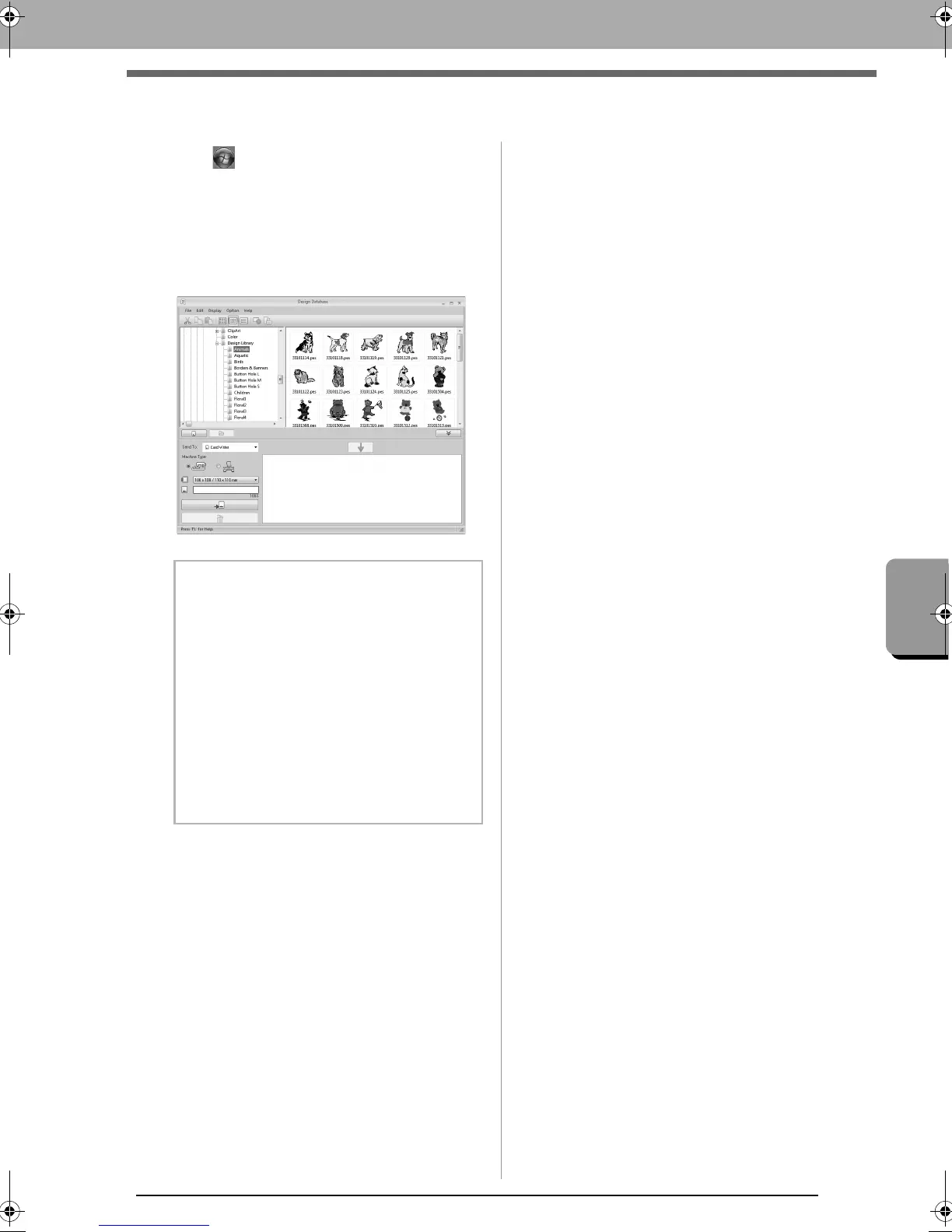
Starting Up Design Database
Starting Up Design Database
1.
Click , then select
All Programs
, then
PE-DESIGN NEXT
,
then
Tools
,
then
Design
Database
.
2. Click a folder in the folder pane.
All embroidery files in the folder are
displayed in the contents pane on the right.
b Memo:
• The displayed files have the following
extensions.
.pes, .phc, .dst, .exp, .pcs, .hus, .vip, .shv,
.jef, .sew, .csd, .xxx, .pen
• .pem files are not displayed since they cannot
be read by the machine. Import the
embroidery design into Layout & Editing from
Design Center, and then save it as a .pes file.
• Zipped file can not be read in this
application.
c
“Importing into Layout & Editing”
on page 192.
XE8656-001.book Page 213 Monday, May 24, 2010 5:44 PM



 To Next Page
 Loading...


