227
Outputting a Catalog of Embroidery Designs
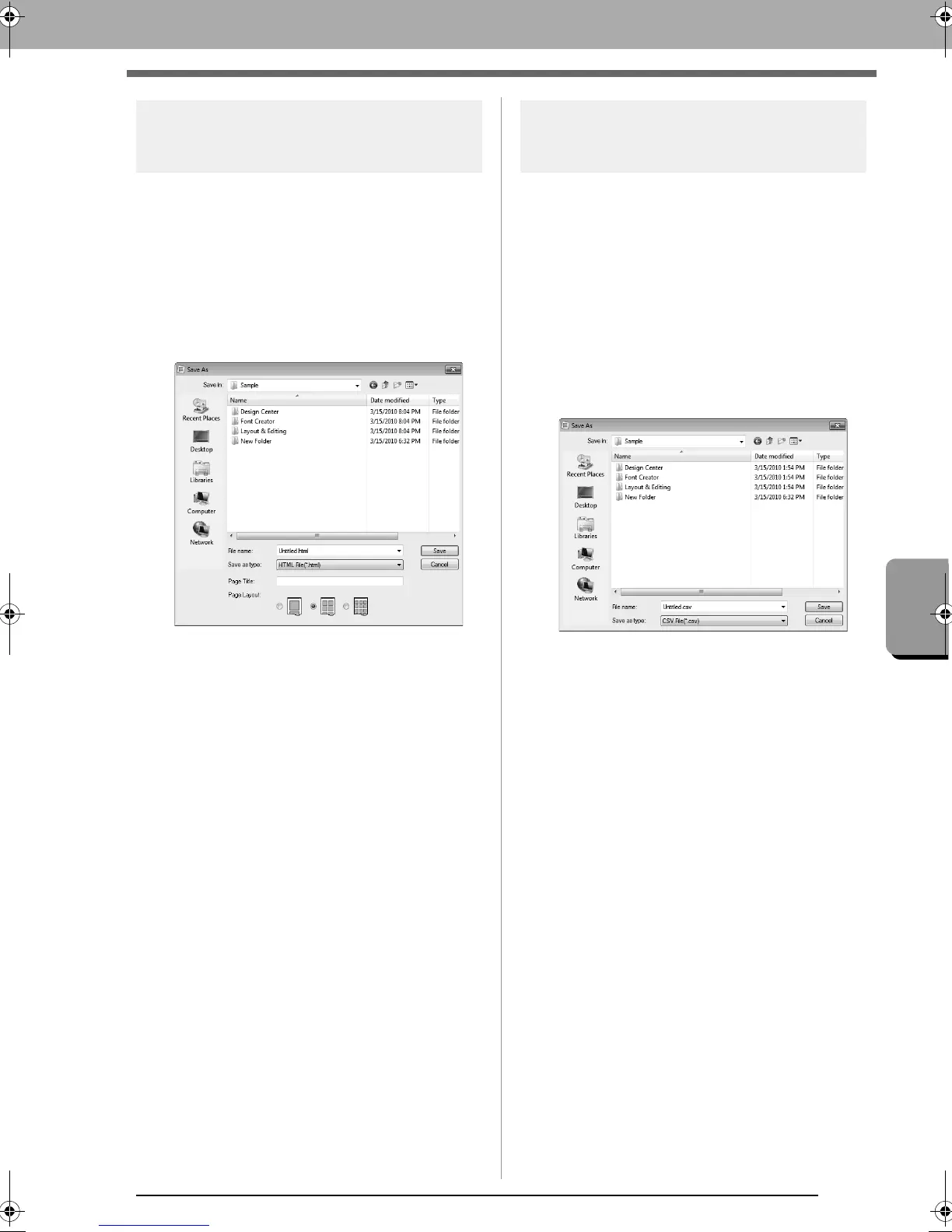
Outputting as an HTML file
Instead of being printed, the catalog of embroidery
designs can be outputted as an HTML file.
1. In the folder pane, select the folder containing
the embroidery designs.
2. Click File, then Create HTML.
3. Select the drive and the folder, and then type
in the name of the HTML file.
4. To add a title at the top of the file and in the title
bar, type the title in the Page Title box.
5. Under Page Layout, select how the designs
appear on the page.
6. Click Save.
Outputting as a CSV file
A .csv file containing the sewing information (file
name, dimensions, number of stitches, number of
colors, file path, file properties (.pes files only) and
the names of thread colors and thread numbers) for
selected embroidery designs can be outputted.
1. In the folder pane, select the folder containing
the embroidery designs.
2. Click File, then Create CSV.
3. Select the drive and the folder, and then type
in the name of the .csv file.
4. Click Save.
XE8656-001.book Page 227 Monday, May 24, 2010 5:44 PM



 To Next Page
 Loading...


