215
Organizing Embroidery Designs
Deleting files
1. In the folder pane, select the folder containing
the embroidery design that you want to delete.
2. In the contents pane, select the name of the
embroidery design.
3. Press the key.
The file is moved to the Recycle Bin.
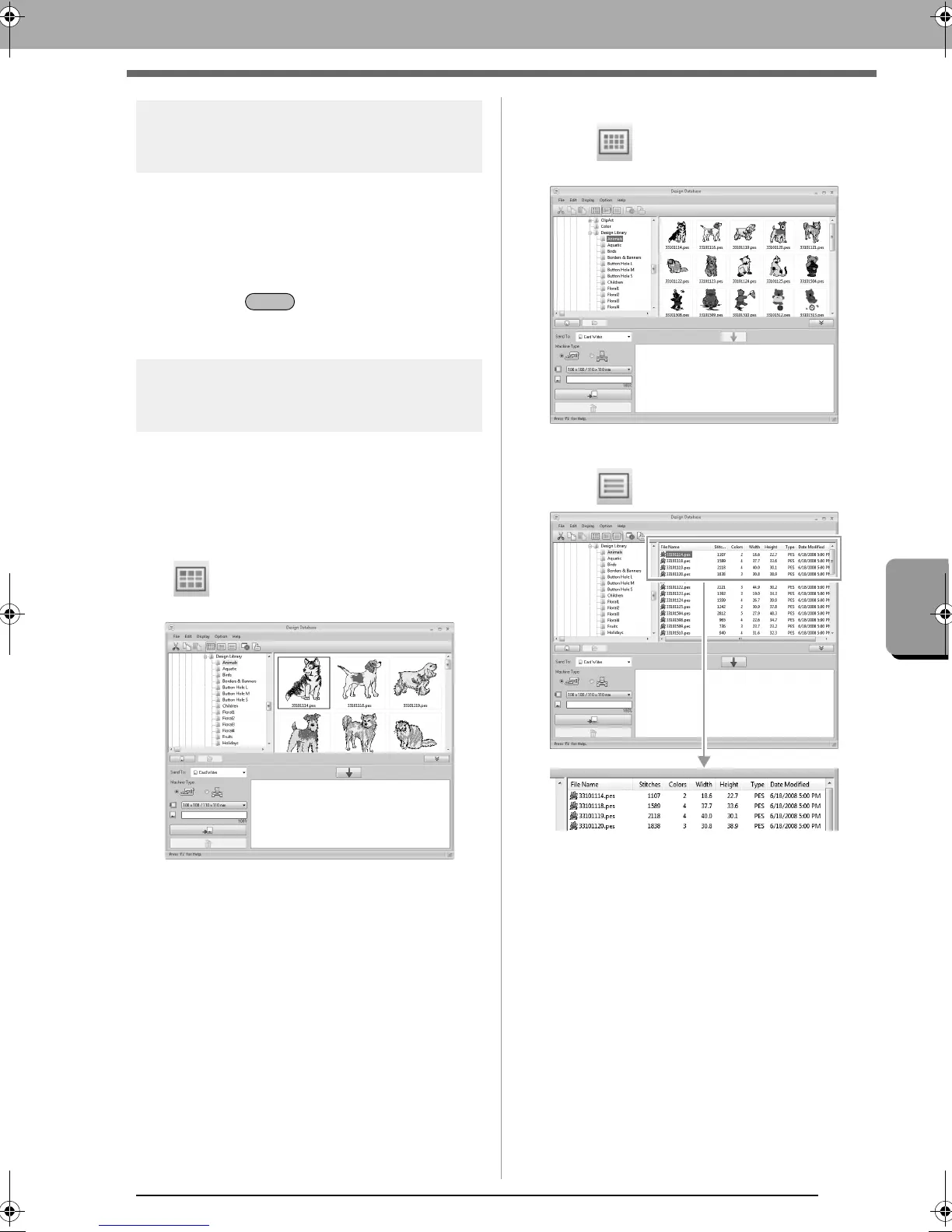
Changing how files are
displayed
The embroidery designs in the contents pane can
be displayed as large thumbnails or small
thumbnails, or they can be listed by their sewing
information.
■ Large Thumbnails
Click or click Display, then Large
Thumbnails.
■ Small Thumbnails
Click or click Display, then Small
Thumbnails.
■ Sewing information
Click or click Display, then Details.
XE8656-001.book Page 215 Monday, May 24, 2010 5:44 PM



 To Next Page
 Loading...


