255
Opening a File
Opening a File
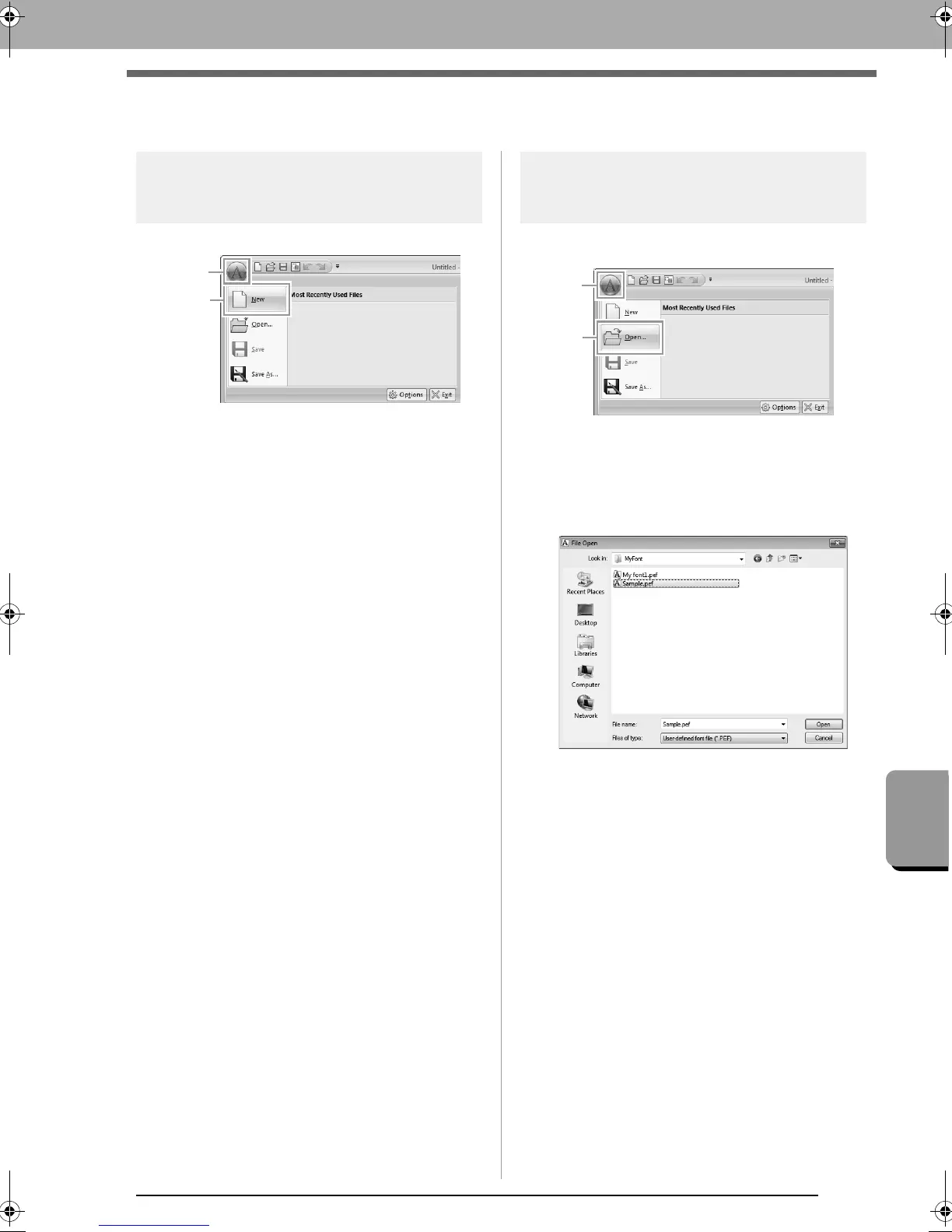
Creating a new font
Click 1, then 2.
Opening a font file
1. Click 1, then 2.
<
2. The created font is saved in the MyFont folder
at the following location.
(Drive where PE-DESIGN was
installed)\Program Files (Program Files
(x86))\Brother\PE-DESIGN NEXT\MyFont
3. To open a file, select it, and then click Open,
or double-click the file’s icon.
font.fm Page 255 Thursday, May 27, 2010 8:27 PM



 To Next Page
 Loading...


