111
Creating Embroidery Patterns Containing Text
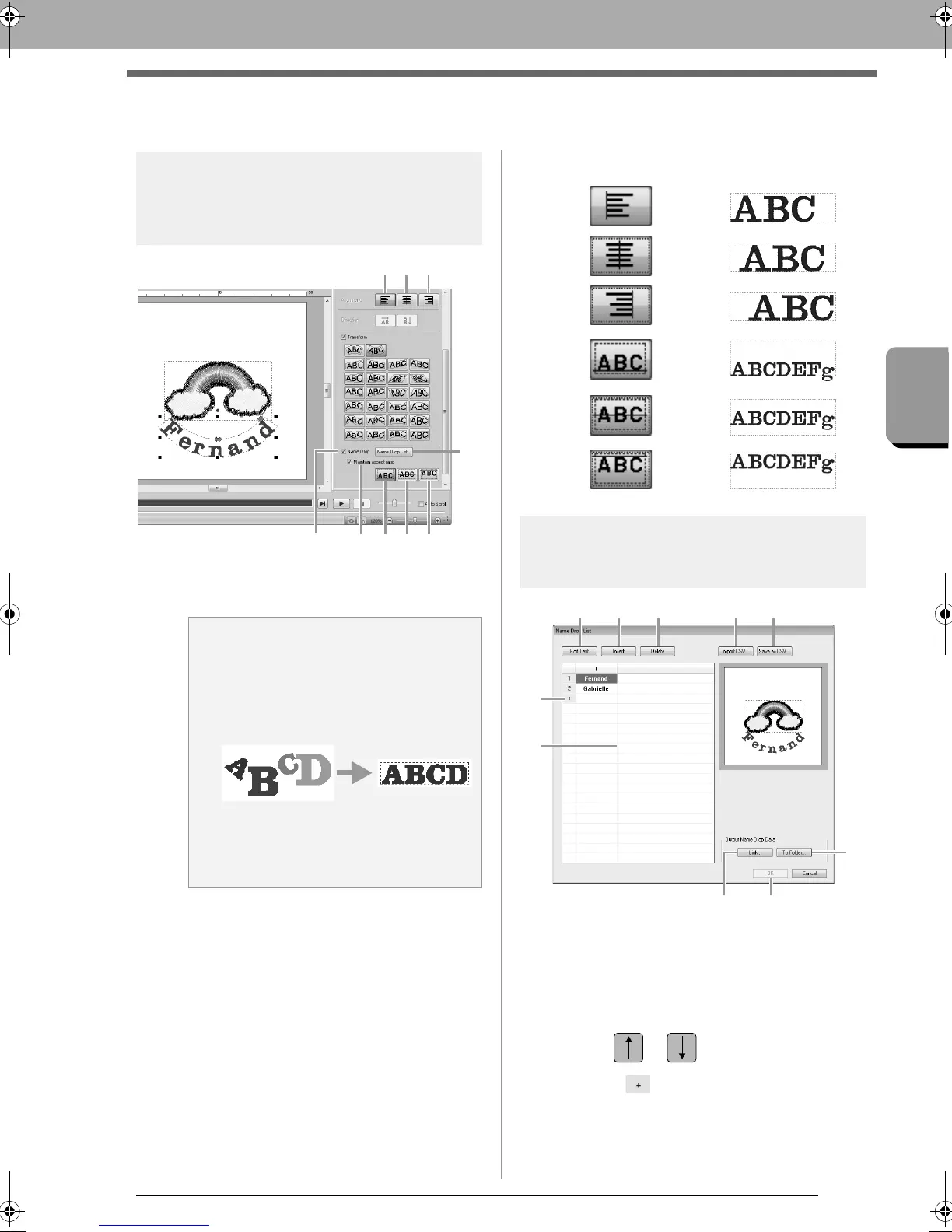
Name Drop Feature (Replacing Text)
Name Drop Feature (Replacing Text)
Text attributes with the
Name Drop attribute
applied
(1) Name Drop
If this check box is selected, the Name
Drop attribute is applied.
(2) Name Drop List
Click this button to display the Name
Drop List dialog box.
(3) Maintain aspect ratio
If this check box is selected, the height-to-
width ratio of the text is maintained.
■ Alignment
Functions in the Name
Drop List dialog box
(1) Name Drop List: Create the list of text to
be used to replace text in the pattern.
Double-click a cell to enter input mode.
Select a row to display a preview of the
pattern with the text in that row. A row in
the text list can be selected by pressing
the or key.
(2) Click to add a row at the end of the
list.
(Up to 500 rows can be added.)
a Note:
• When the
Name Drop
attribute is applied,
the settings for
Kerning
,
Vertical Offset
,
Rotate Angle
,
Character Spacing
,
Line
Spacing
, the character size and color will
be reset.
• The
Name Drop
attribute is not available
with text where the
Fit Text to Outline
command has been specified, Small Text
or monogram text.
(9)
(4)
(2)
(5) (6)
(8)(7)(3)(1)
(4)
(5)
(6)
(7)
(8)
(9)
(1)
(2)
(4) (5) (7) (6)
(8)
(10)
(3)
(9)
XE8656-001.book Page 111 Monday, May 24, 2010 5:44 PM



 To Next Page
 Loading...


