17
Support/Service
Checking for the Latest Version of the
Program
Click in Layout & Editing, then Check for Updates.
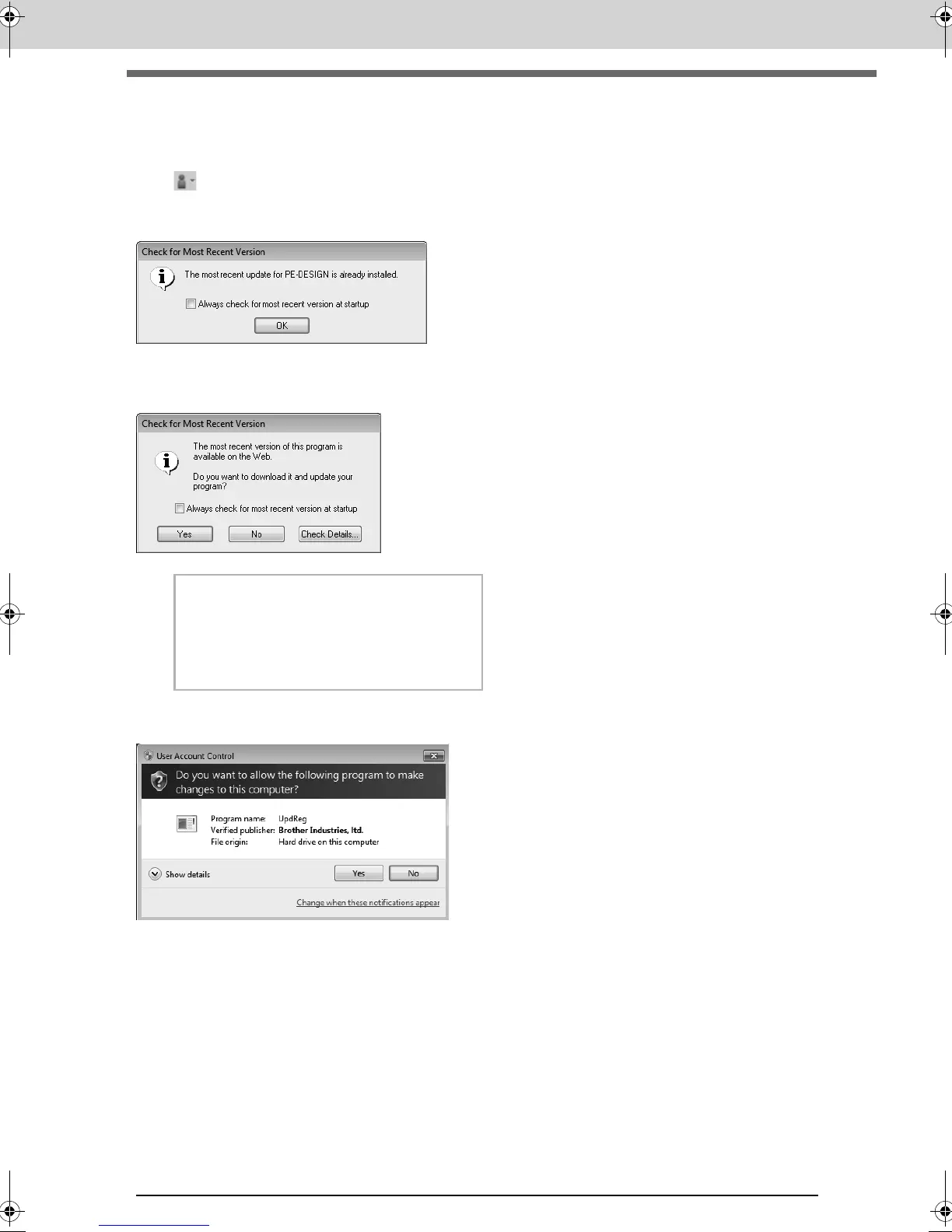
The software is checked to determine whether or not it is the latest version.
If the message shown below appears, the latest version of the software is being used.
If the message shown below appears, the latest version of the software is not being used. Click Yes, and then
download the latest version of the software from the Web site.
The User Account Control dialog box appears.
Click Yes.
b Memo:
If the
Always check for most recent version
at startup
check box is selected, the software
is checked at startup to determine whether or
not it is the latest version.
XE8656-001.book Page 17 Monday, May 24, 2010 5:44 PM



 To Next Page
 Loading...


