3
Improved User Interface for
Better Operability
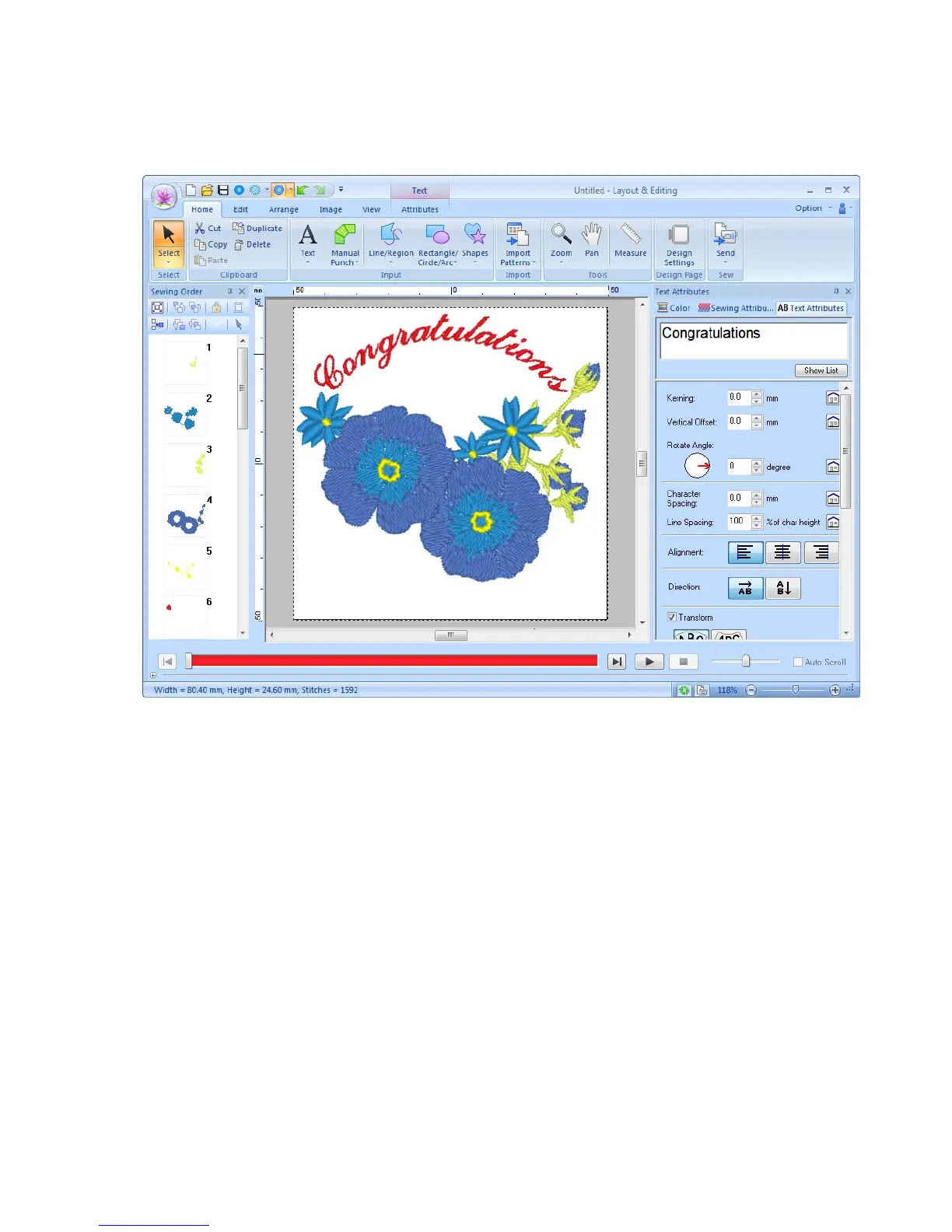
● The Ribbon is an area in each application window that displays related commands.
● The Application button displays a menu containing commands for the most important file operations,
such as Save.
● Realistic View allows you to edit the embroidery pattern while viewing a realistic image of the
embroidery.
● The Color/Sewing Attributes/Text Attributes pane provides easy access to even the more detailed
settings.
● The Sewing Order pane allows you to monitor the sewing order of the patterns.
● Floating, Docking and Auto Hide allow you to display only the panes and dialog boxes containing the
information that you need.
● Stitch Simulator provides quick access to a simulation of the embroidering.



 To Next Page
 Loading...


