210
Sew Setting Stage
Saving embroidery
patterns
The file can be saved at each stage.
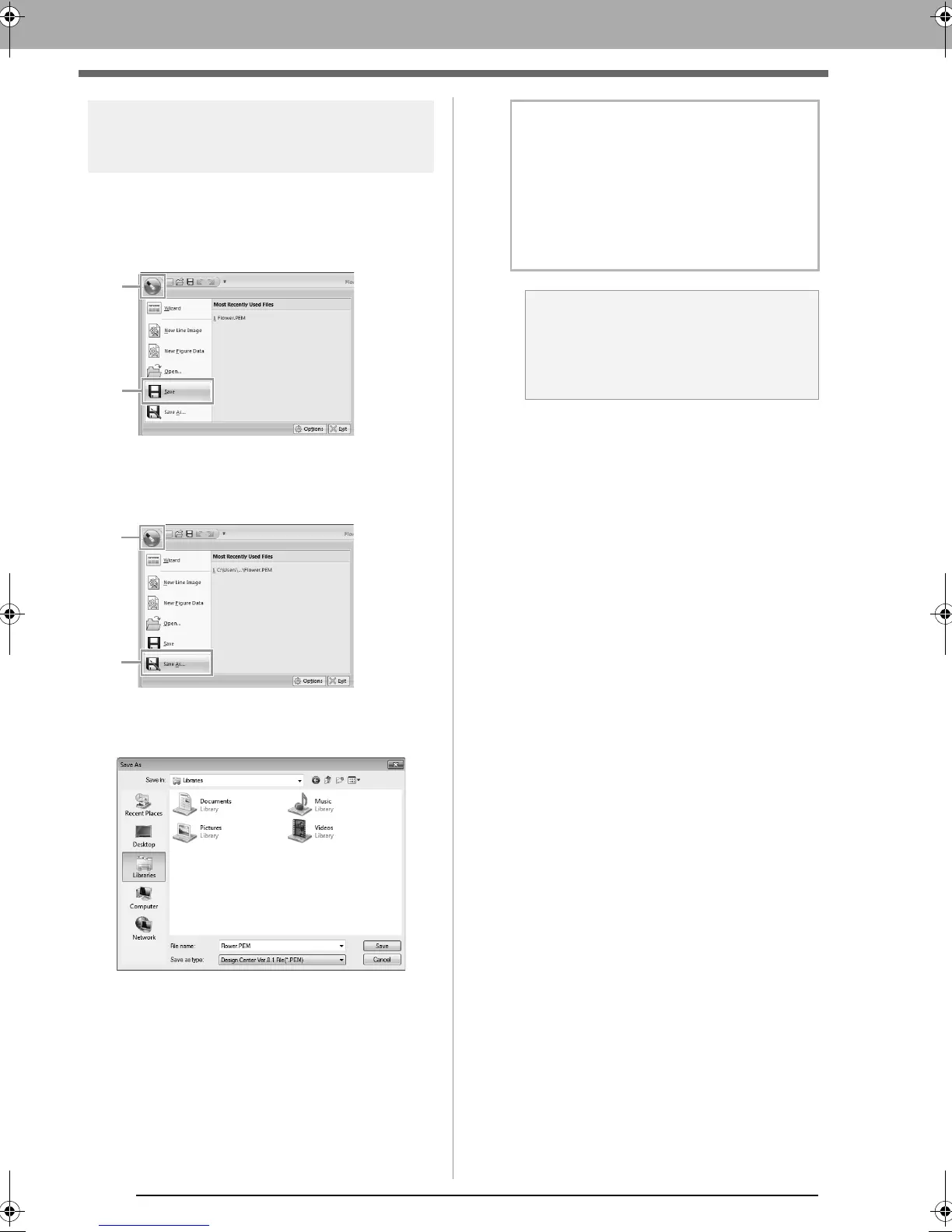
■ Overwriting
Click 1, then 2.
■ Saving with a new name
1. Click 1, then 2.
2. Select the drive and the folder, and then type
in the file name.
3. Click Save.
b Memo:
• Image data from the Original Image Stage
can be saved as a bitmap file (.bmp).
• In the Line Image Stage, image data is
saved as a .pel file.
• In the Figure Handle Stage and the Sew
Setting Stage, pattern data is saved as a
.pem file.
a Note:
If you select a file type of a previous software
version, saved .pem files can be opened
with that version of the software; however,
some information may be lost.
XE8656-001.book Page 210 Monday, May 24, 2010 5:44 PM



 To Next Page
 Loading...


