Note
• If any cut sheet has been fed, or roll paper that will not be used has been fed from Roll 2 (Lower),•
a message is shown requesting you to remove it.
After following the instructions on the screen to remove the paper, redo the operation.
•
If roll paper is loaded in Roll 2 (Lower) but Roll 2 (Lower) is not selected as the paper source, a
•
message asking you whether or not to change paper is displayed.
Tap Replace paper, remove the paper, and go to the next step.
2.
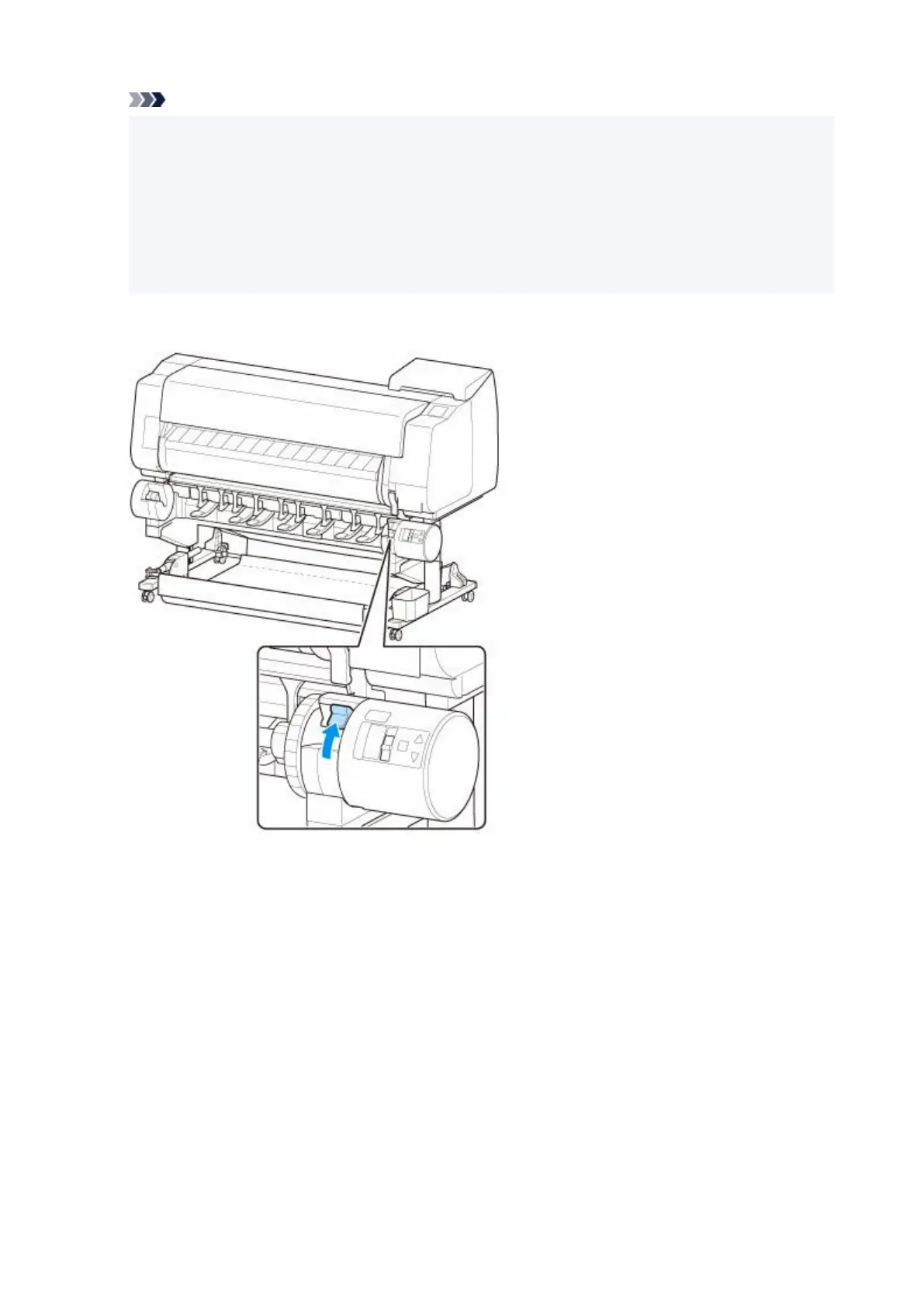
Change Roll Holder Lock switch on roll unit to release position.
2.
3.
Hold flanges (A) so that holder stopper is on left, align roll holder shaft with roll holder slot
3.
left and right guide grooves (B), and load.
105












 To Next Page