Priority printing
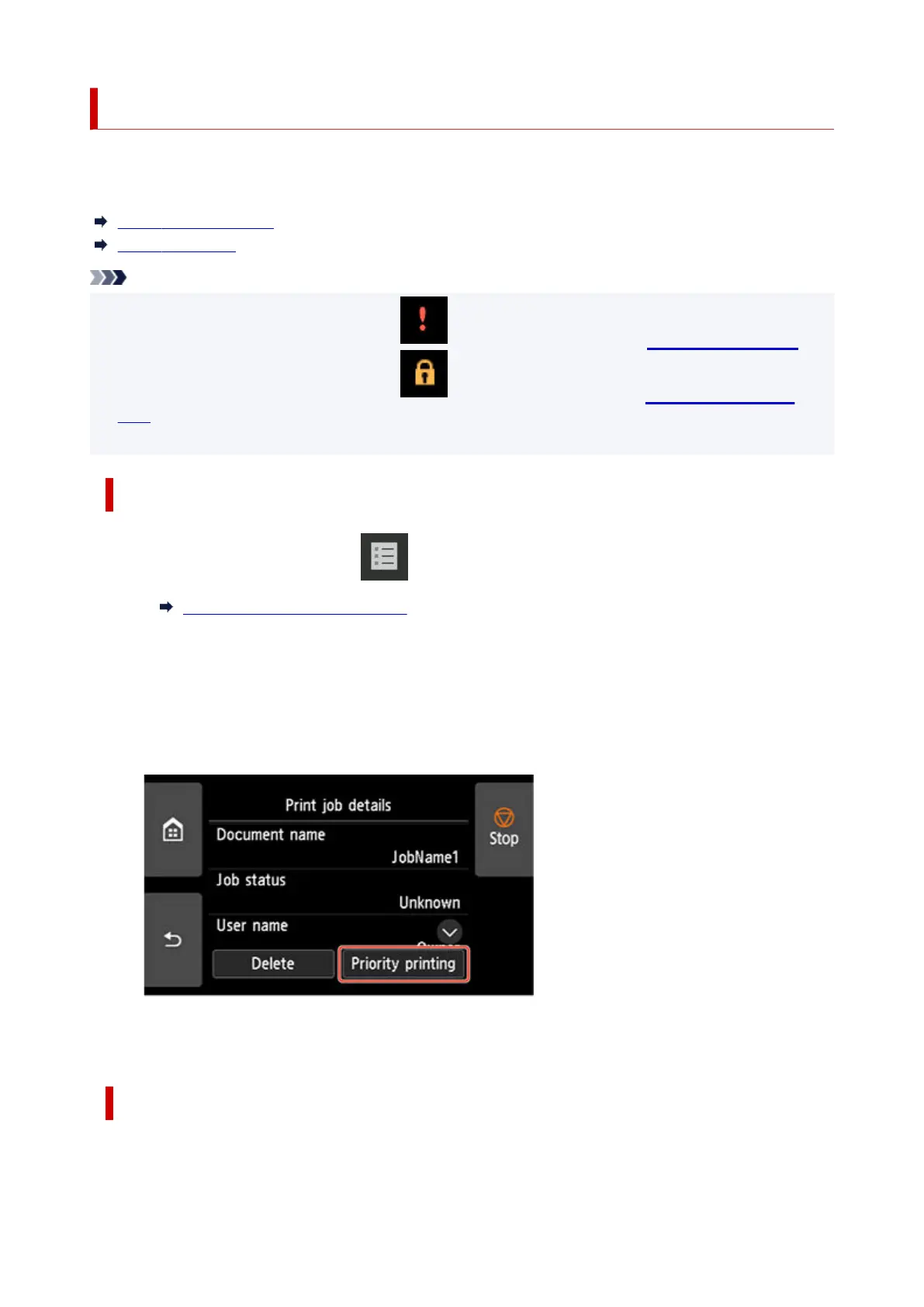
You can change the print order (Priority printing) by specifying the print job that is being received.
This operation is available using the operation panel or Remote UI.
Using Operation Panel
Using Remote UI
Note
• For the operation of the print job with the icon (pending print job), see Printing Pending Jobs.
• For the operation of the print job with the icon (security print job), see Printing Security Print
Jobs
.
Using Operation Panel
1. Flick HOME screen and tap Job management.1.
Home Screen Menu Composition
2.
Tap Print job.
2.
3.
In the list, tap the target job.
3.
4. Tap Priority printing.4.
5.
Confirm displayed message and tap Yes.
5.
Using Remote UI
1.
Start up Remote UI.
1.
712












 To Next Page