Monitoring service settings
Select this setting item from Printer settings.
Important
• The administrator password is required to change settings if it is enabled for changing settings using the
operation panel.
• Enable/disable monitoring service•
Selecting Enable allows the printer to send error details to the service center.
When selecting Enable, perform a communication test.
• Communication test•
Performs a communication test with the service center.
• Communication log•
Displays the list of error numbers (up to 30), error code, and time the error occurs. Tapping an item
displays the error details.
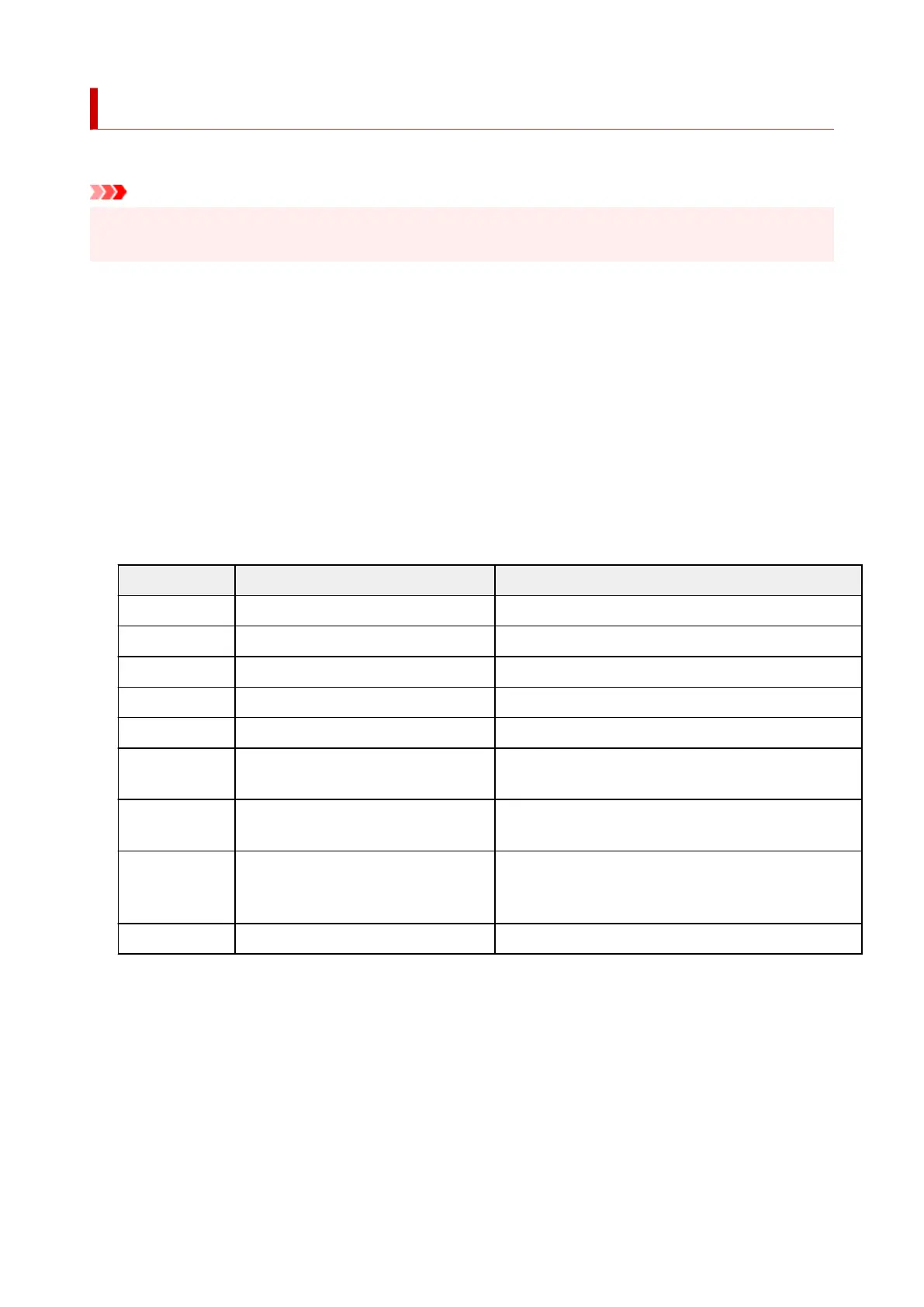
Main errors and countermeasures
Error code Error detail Countermeasure
0xxx0003 Communication test is not performed. Perform the communication test.
8xxx0003 E-RDS switch is setting OFF. Enable monitoring service.
8xxx2003 Network is not ready, try later. Check the network settings.
8xxx200A Server connection error Check the network settings.
8xxx2014 Proxy connection error Check the proxy server address etc.
8xxx201E Proxy authentication error Check the user name and password to log in to the proxy
server.
8xxx2046 Server certificate expired The server certificate has expired. Set the correct date
and time on the printer.
8xxx2047 Server response time out Check the network settings. Check the proxy server ad-
dress. Make sure that the correct date and time is set on
the printer.
8xxx2058 Unknown error Wait a while, and then try the communication test again.
• Warning display•
Selecting Enable, the touch screen displays a message when communication with the service center
fails.
260












 To Next Page