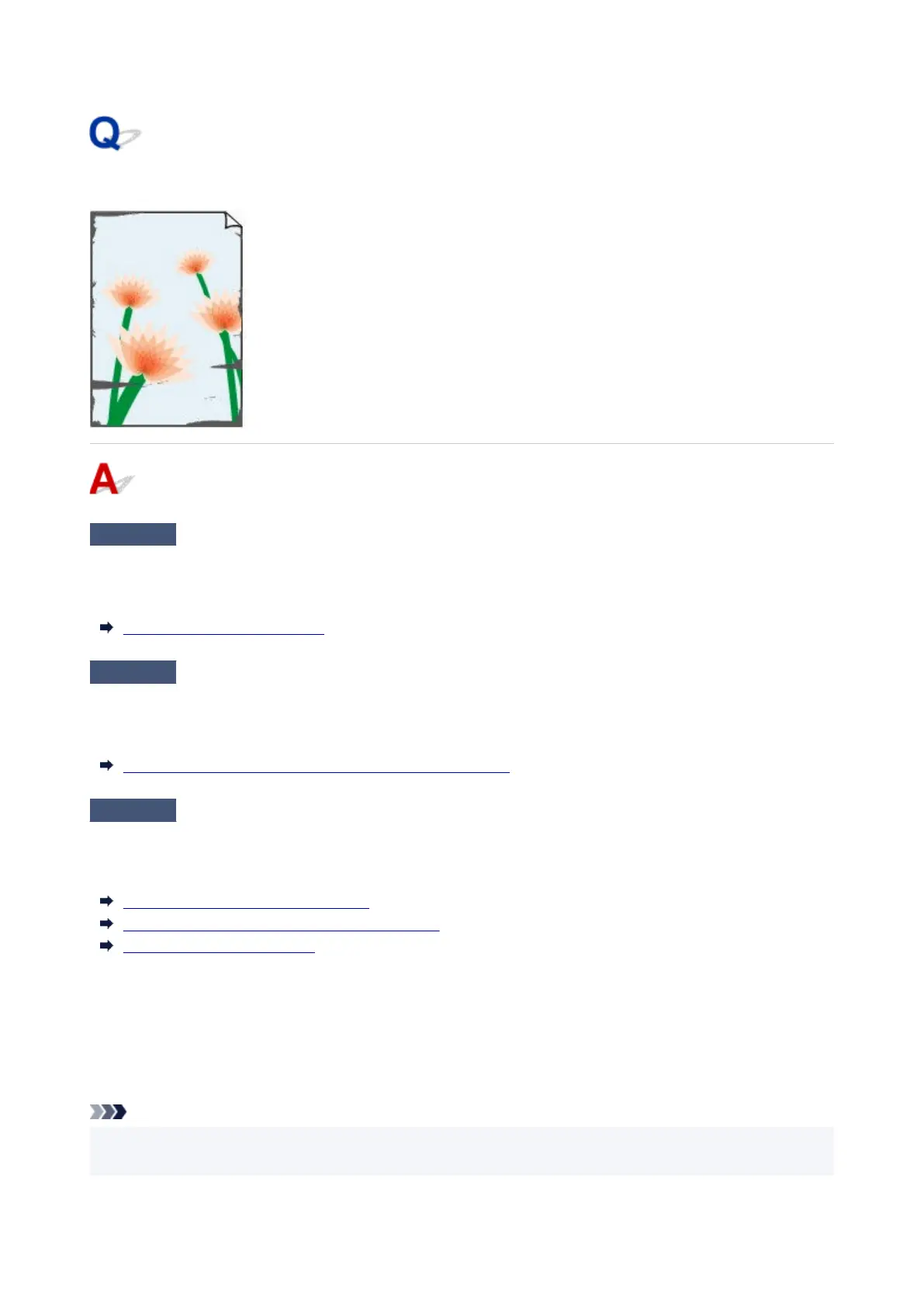
The edges of the paper are dirty
Check 1
Was printing borderless or on small paper?
The platen may become dirtied by borderless printing or on small paper sizes.
Open the top cover and clean the platen.
Cleaning Inside the Top Cover
Check 2
Is Extension for borderless printing set to a large value?
The platen may become dirtied by setting a large amount of extension.
Reduce the value of Extension for borderless printing.
Specifying the Amount of Extension for Borderless Printing
Check 3
Is the media type specified in the printer driver the same as the media type in
the printer?
When printing with the media type specified in the printer driver, load the specified media type in the printer.
Loading the Upper Roll on the Printer
Loading the Lower Roll on the Roll Unit (Option)
Loading Sheets in the Printer
When printing with the media type loaded in the printer, specify the same media type in the printer driver.
1. To stop printing, tap the Stop.1.
2.
Change the type of paper in the printer driver and try printing again.
2.
Note
• When Auto (Use Printer Settings) is selected for the media type, printing is performed with the media•
type loaded in the printer.
791












 To Next Page