Deleting Print Jobs
You can delete a print job as needed.
This operation is available using the operation panel or Remote UI.
Using Operation Panel
Using Remote UI
Using Operation Panel
1.
Flick HOME screen and tap Job management.
1.
Home Screen Menu Composition
2.
Tap Print job.
2.
3. In the list, tap the target job.3.
Note
• Tap Del. selected to delete multiple jobs at one time.•
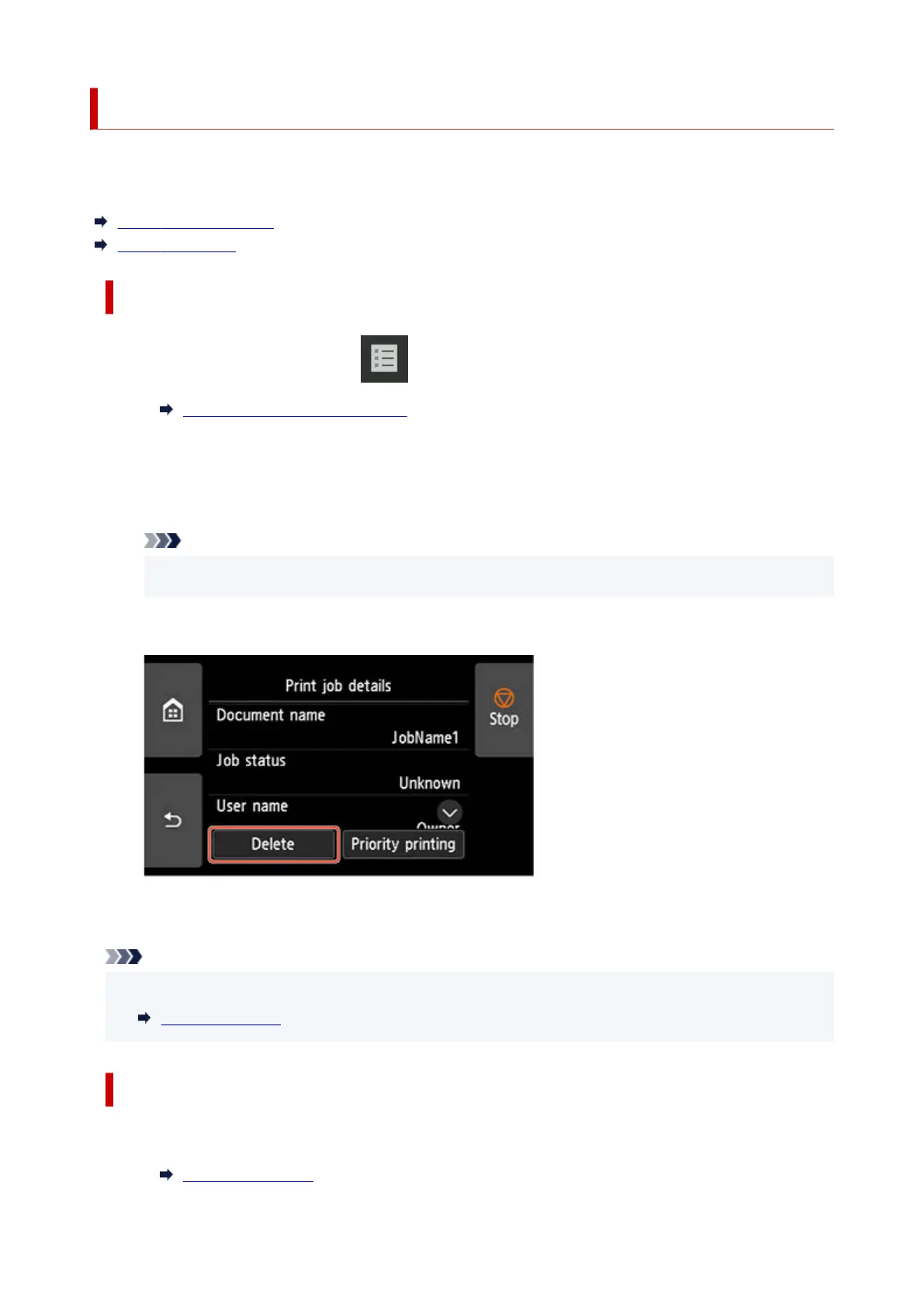
4. Tap Delete.4.
5.
Confirm displayed message and tap Yes.
5.
Note
• Select Delete all print jobs on Job management to delete all jobs in the job queue•
Job management
Using Remote UI
1.
Start up Remote UI.
1.
Start up Remote UI
718












 To Next Page