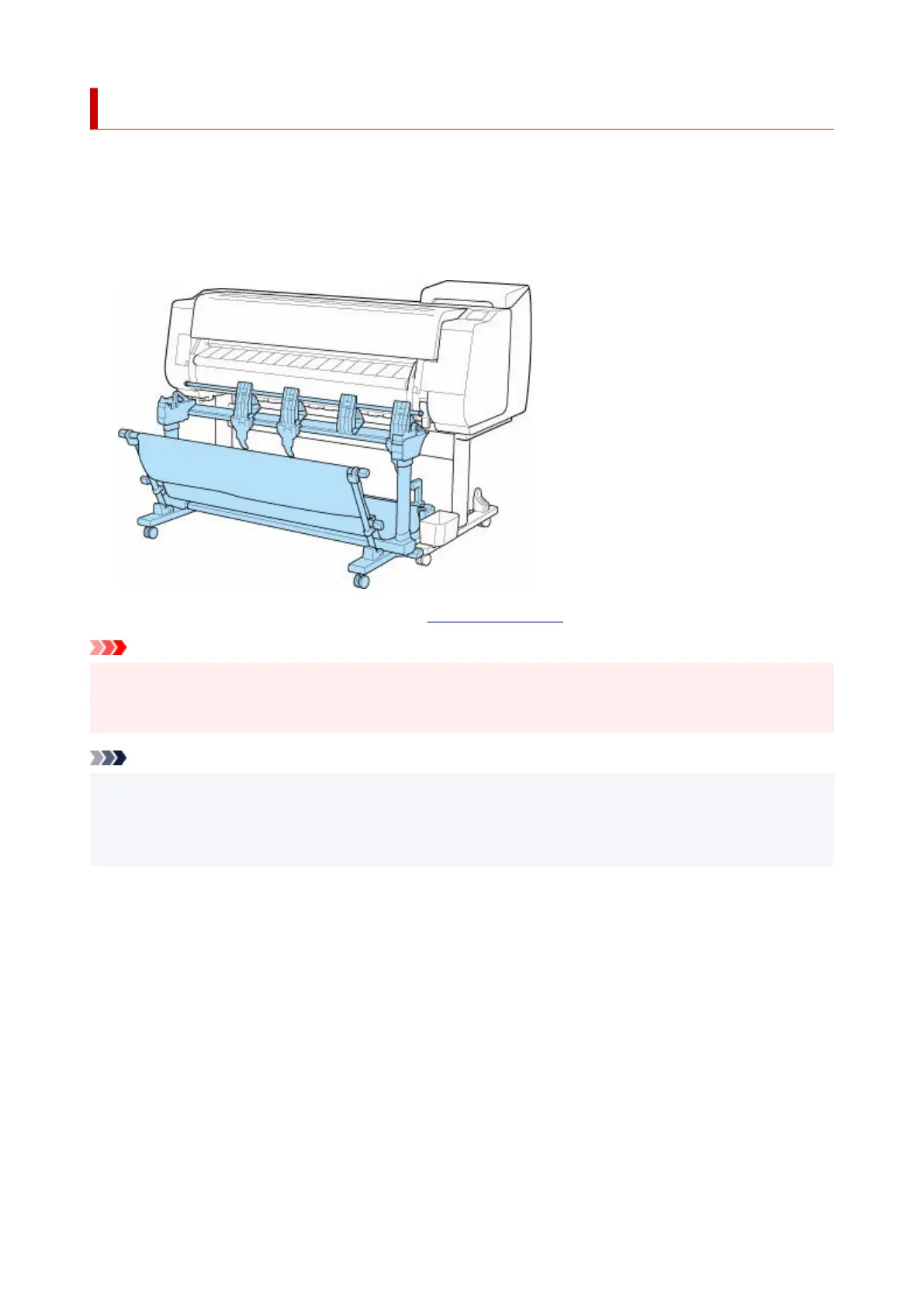
Stacker
The following stacker can be used in this printer.
• TX-4100 / TX-5410 : Stacker SS-41•
• TX-3100 / TX-5310 : Stacker SS-31•
• TX-2100 / TX-5210 : Stacker SS-21•
For details on the main parts of the stacker, see "Parts of the Stacker."
Important
• When moving the stacker, be sure to set the locking caster lock to the OFF position to release the lock.•
If you move it while the locking casters are locked, the floor may become scratched.
Note
• For instructions on installing the stacker, see Setup Guide provided with the stacker.•
• Depending on your region, these might be included as standard or they might be available as optional•
accessories.
56












 To Next Page