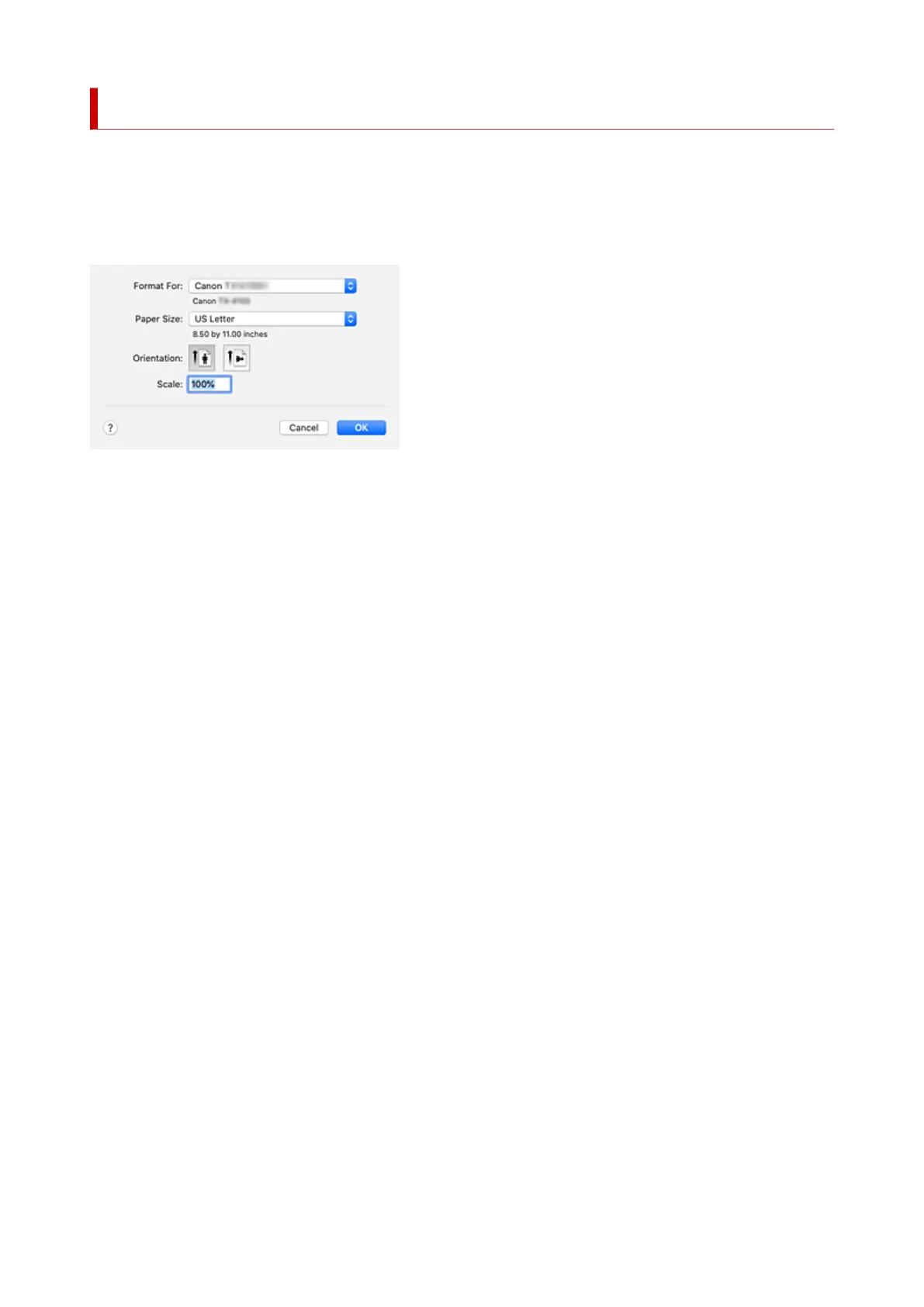
Page Setup Dialog
In the Page Setup dialog, you configure the basic print settings such as the size of paper loaded in the
printer or the scaling ratio.
To open the Page Setup dialog, you typically select Page Setup... from the File menu of your application
software.
Format For
Select the model to be used for printing.
Paper Size
Select the size of the paper to be used for printing.
To set a non-standard size, select Manage Custom Sizes....
Orientation
Select the print orientation.
Scale
Set the scaling percentage.
You can expand or reduce the size of the document when printing.
668












 To Next Page