Loading and Printing on Sheets
These are the basic steps for loading sheets and then printing.
Follow the steps below to load and print on sheets.
Note
• For details on paper sizes and types that can be loaded, see "Paper Sizes" or "Paper Information List".•
• Borderless printing is not supported on sheets. For the features and the main printing methods available•
for sheet printing, see "Printing Options Using Rolls and Sheets."
1.
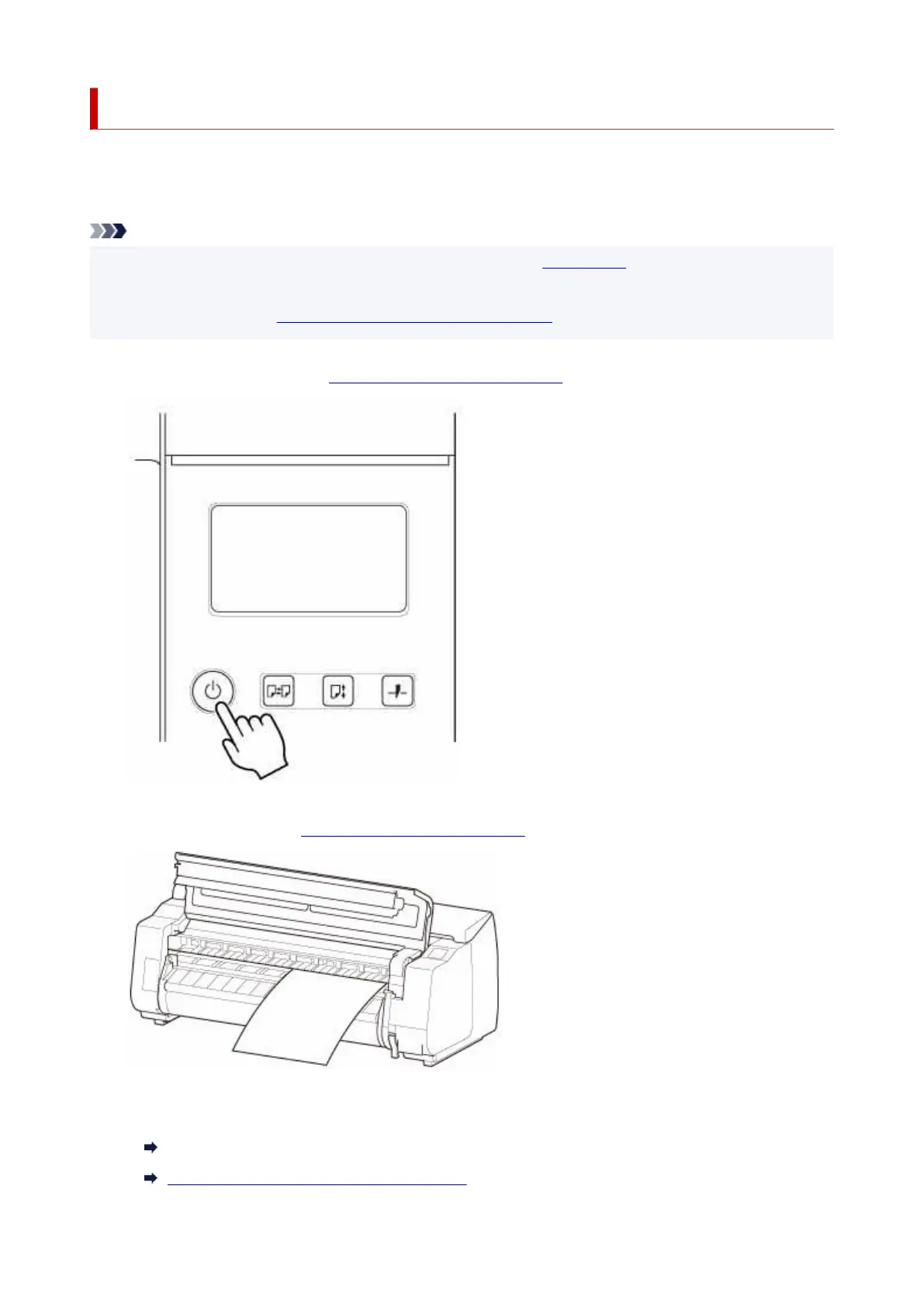
Turn the printer on. (See "Turning the Printer On and Off.")
1.
2. Load the sheet. (See "Loading Sheets in the Printer.")2.
3.
Complete settings in the printer driver for the type of paper and other details.
3.
How to Open the Printer Driver Setup Window (Windows)
How to Open the Printer Driver Setup Dialog (macOS)
71












 To Next Page