Save paper and Auto rotation
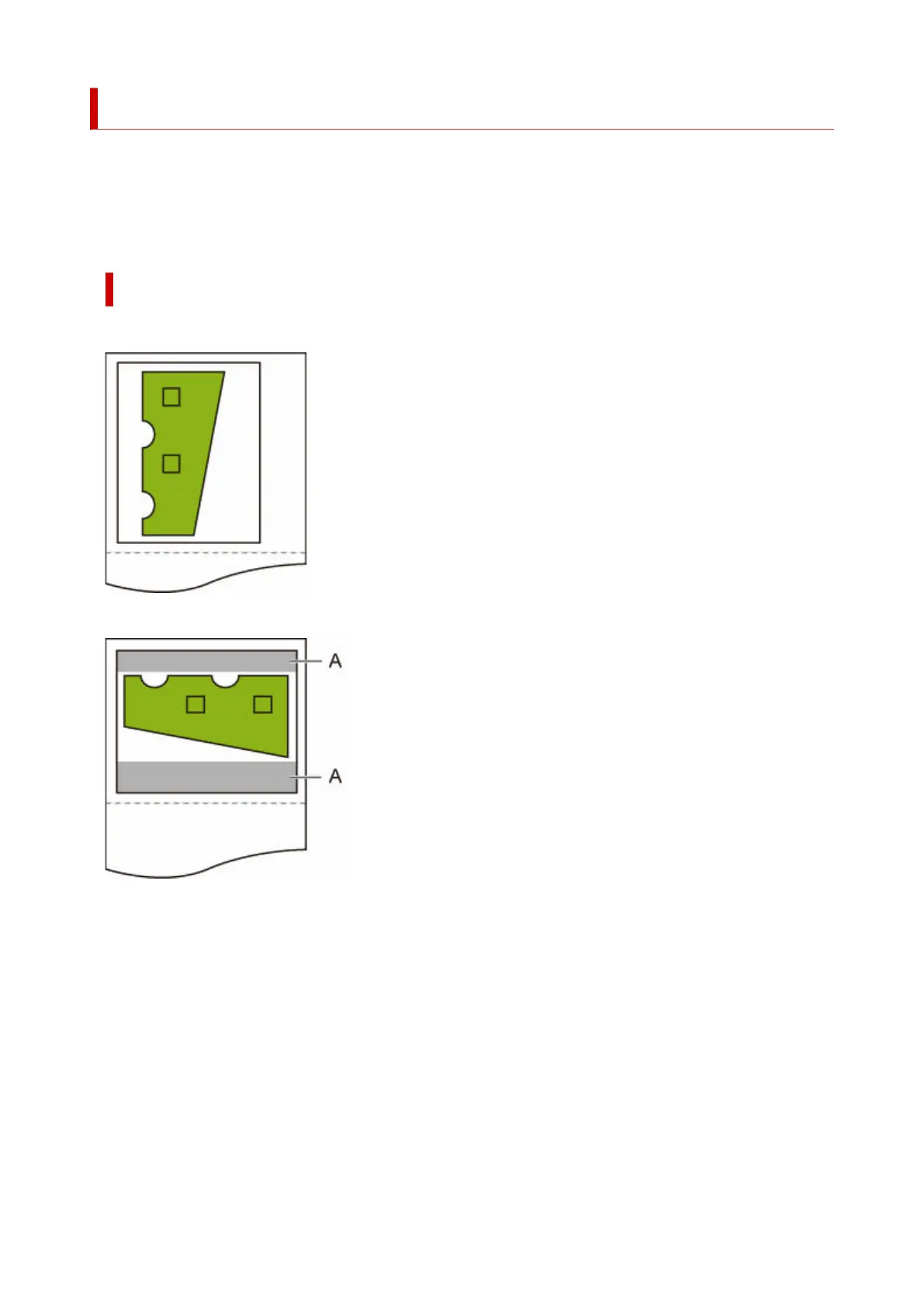
When Save paper and Auto rotation are both specified, Auto rotation is performed first, followed by the
Save paper process.
After Auto rotation is applied to the print data, the image is printed with upper and lower blank areas
removed.
Save paper AND Auto rotation EXAMPLE
Print data (image drawing range)
Image after auto rotation
A. Blank area
Printed image
322












 To Next Page