Setting Accounting Information
By Setting Accounting Information, you add IDs to print jobs, and use the printer and cost management tool
to tabulate print history information for any ID.
The procedure for Setting Accounting Information is described below.
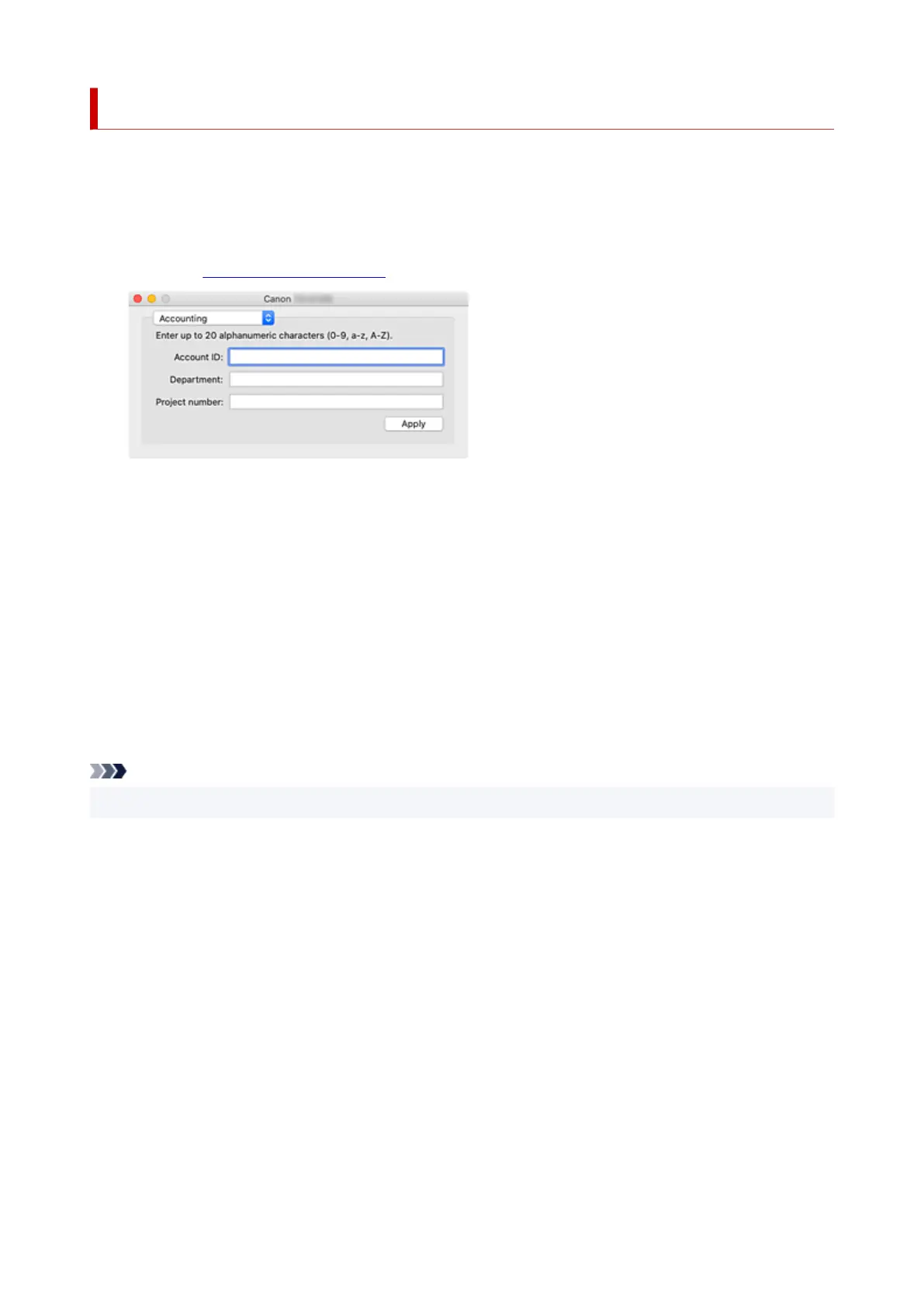
1. From the Canon IJ Printer Utility2 pop-up menu, select Accounting1.
2. Set Account ID2.
Set an Account ID, as necessary.
Account ID/Department/Project number
Enter the Account ID, Department, or Project number to be set. Enter the ID by using up to 20
alphanumeric characters (0 to 9, a to z, A to Z).
3. Apply settings3.
Check that the printer is on, and then click Apply.
When the confirmation message appears, click OK.
The setting is now valid.
Note
• If the printer is being shared, Accounting information cannot be set on client machines.
675












 To Next Page