Adjusting Colors with the Printer Driver
To use printer driver matching when printing, turn on the printer driver's color correction function. Printer
driver matching accurately applies the characteristics of data displayed on the monitor and allows you to
obtain print results of impressions that are close to those displayed on the monitor.
Important
• When printing using printer driver matching, Canon recommends that you set the monitor and the
environment light as follows:
Monitor
Color temperature: D50 (5000K)
Brightness: 100 to 120cd/m2
Gamma: 2.2
Environment light
Fluorescent light for D50 color evaluation (color temperature 5000K, high color rendering
properties)
Brightness when looking at printed materials: 500 lx ± 125 lx
Note
• When printing from an application software that allows you to identify and specify ICC profiles, use an
ICC profile for printing with that application software and select setting items that manage colors.
The procedure for adjusting colors with the printer driver is as follows:
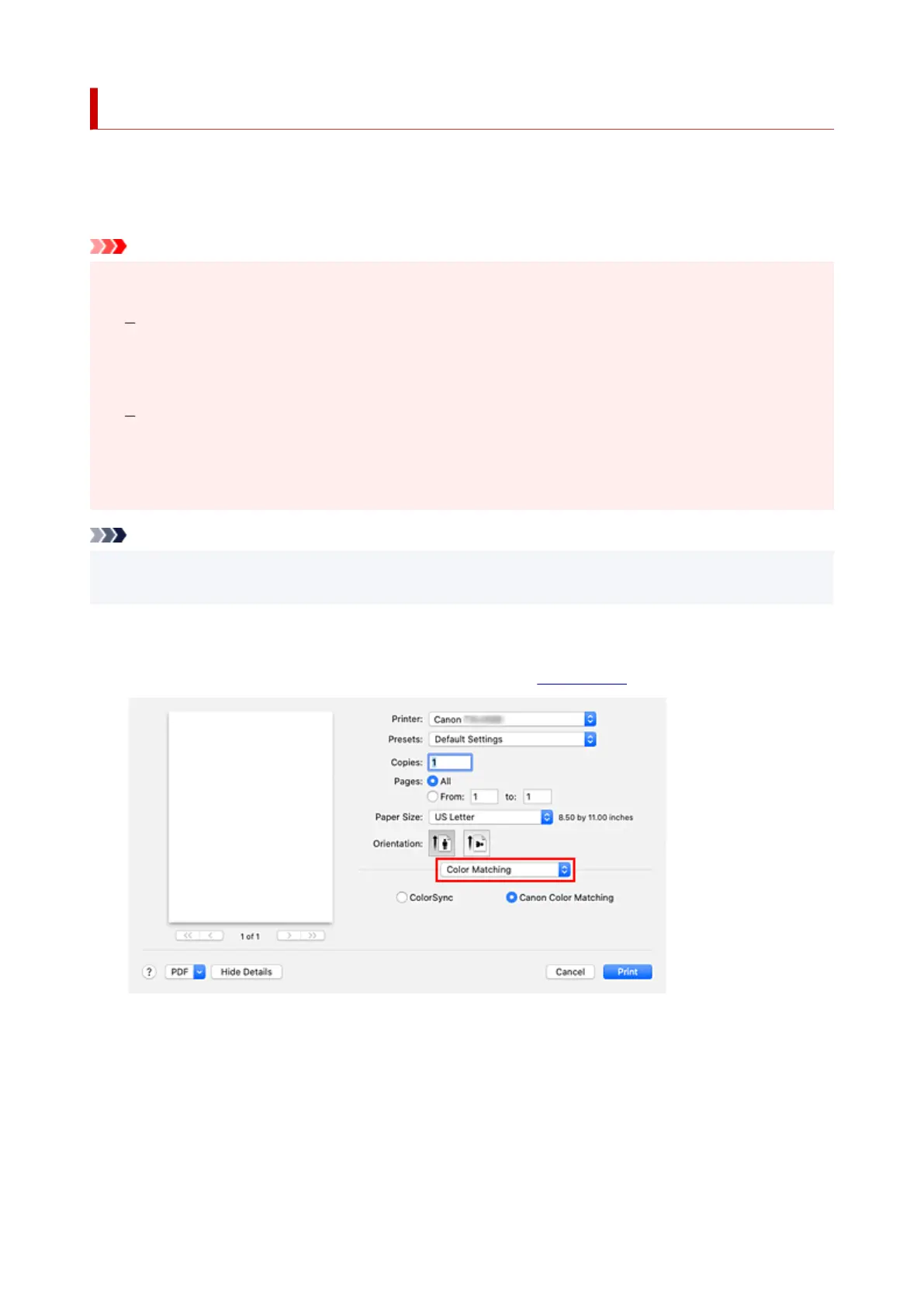
1. Select Color Matching from the pop-up menu of the Print Dialog1.
2.
Select color correction
2.
Select Canon Color Matching.
3.
Select Quality & Media from the pop-up menu
3.
4.
Select the rendering intent
4.
588












 To Next Page