Canceling Print Jobs from Windows
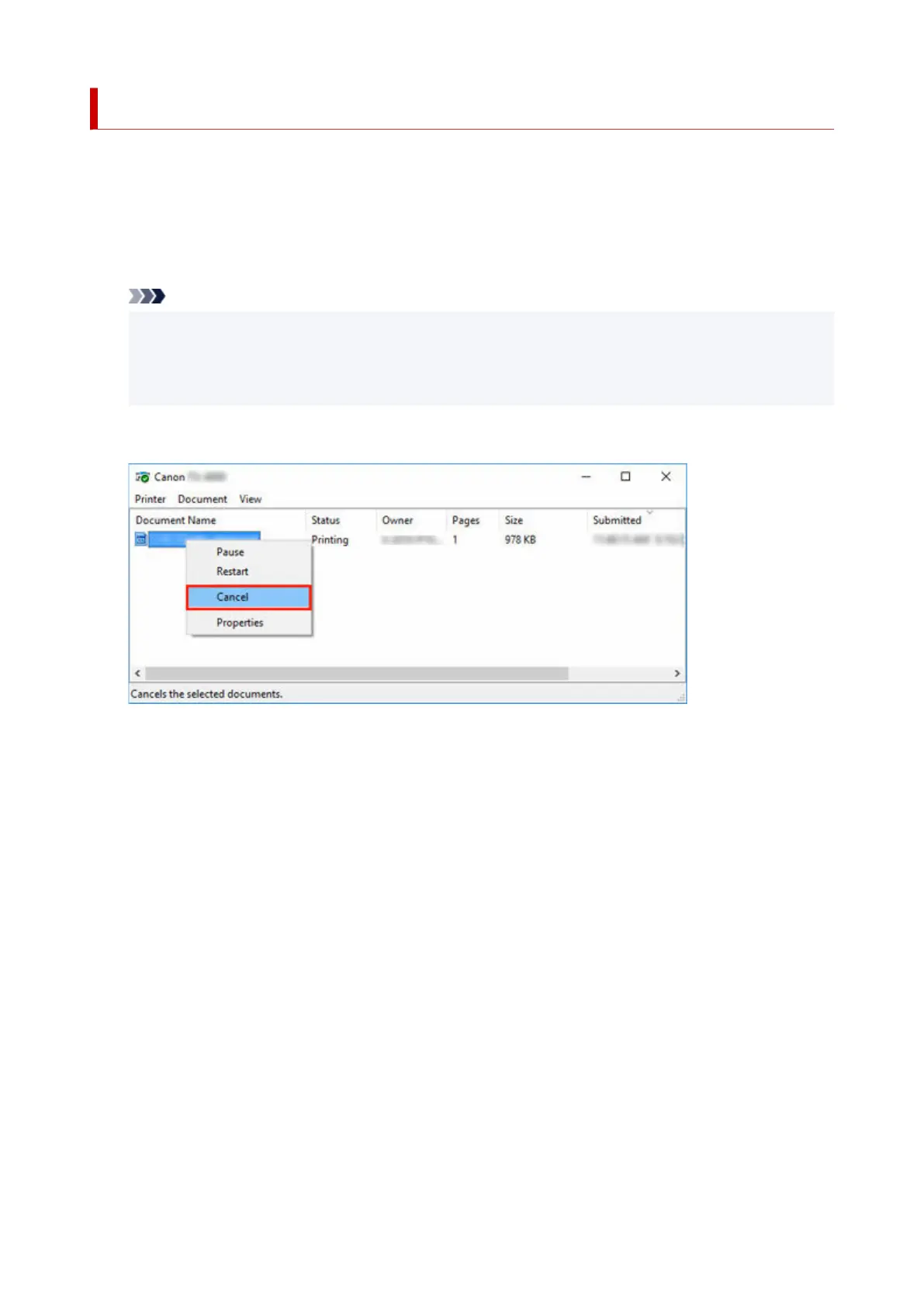
In the printer window, you can cancel jobs that are being sent to the printer.
Using Canon IJ Status Monitor, you can cancel print jobs that have already been received by the printer or
that are currently being printed.
1. Click the printer icon in the taskbar to display the printer window.1.
Note
•
You can proceed from the folder for configuring the printer settings in the OS you are using.
•
For example, in Windows 7, open the Devices and Printers window from the start menu and
double-click the printer icon.
2.
Right-click the job to cancel and select Cancel.
2.
3. If job to be canceled is not shown in printer window (that is, if print data has already been3.
received by printer), click taskbar icon to display Canon IJ Status Monitor.
4. Click Cancel Printing.4.
79












 To Next Page