Merge
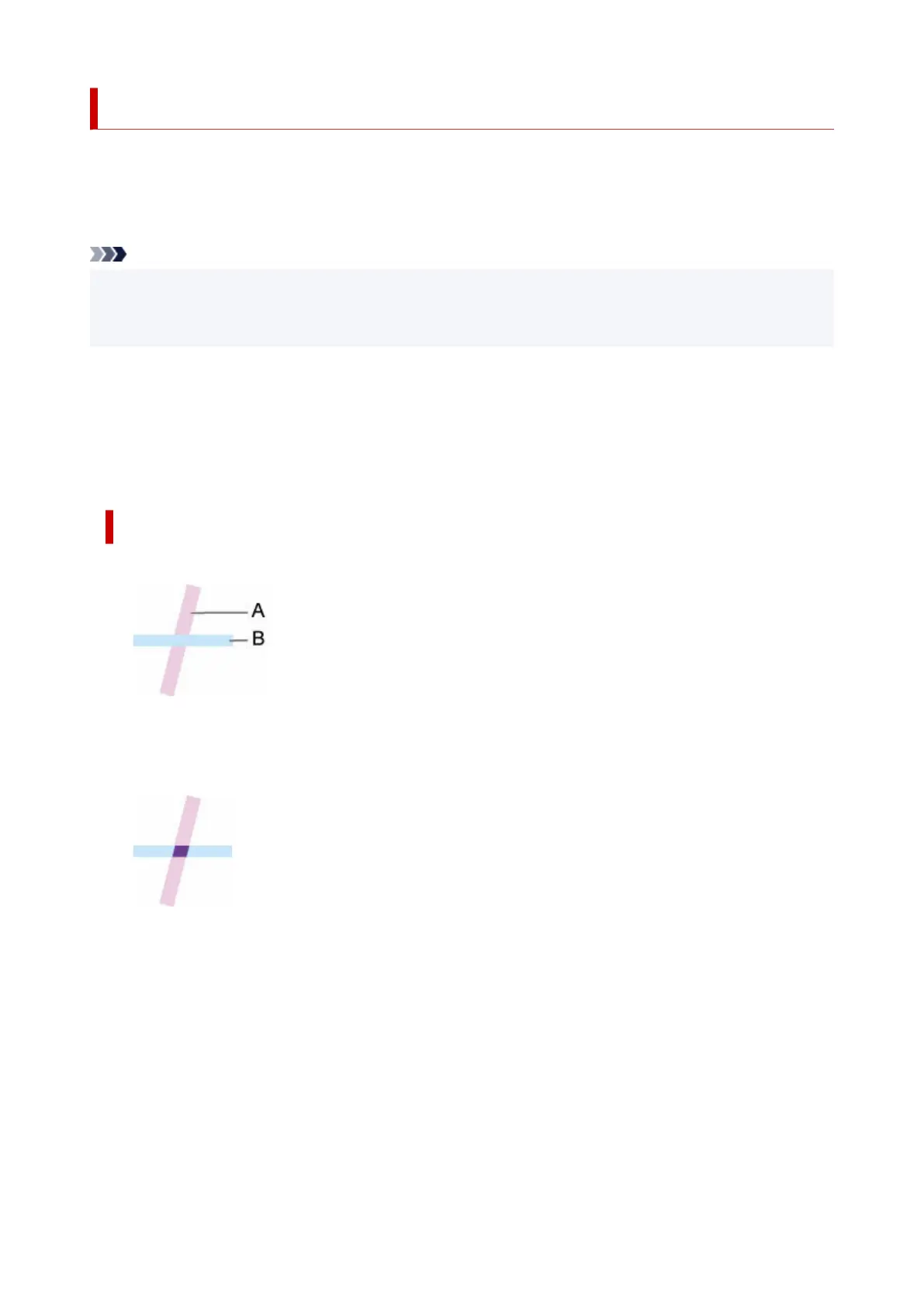
Specifies how colors should be processed when lines overlap.
This setting item is displayed by tapping in the following order.
Printer settings > Print settings > HP-GL/2 print settings > Line & pen manager
Note
• The data is given priority when a specification command is included in the HP-GL/2 data.
• If the HP-GL/2 data does not include a specification command, the operation is performed using the
specified selection value.
• ON•
The section where lines overlap becomes the mixed color of the intersecting lines.
• OFF (Initial setting)•
The section where lines overlap becomes the same color as one of the intersecting lines.
ENABLE MERGE EXAMPLE
• When OFF is selected:•
A. Data drawn previously
B. Data drawn later than A
• When ON is selected:•
304












 To Next Page