Adjusting Brightness
You can brighten or darken the colors of the overall image data during printing.
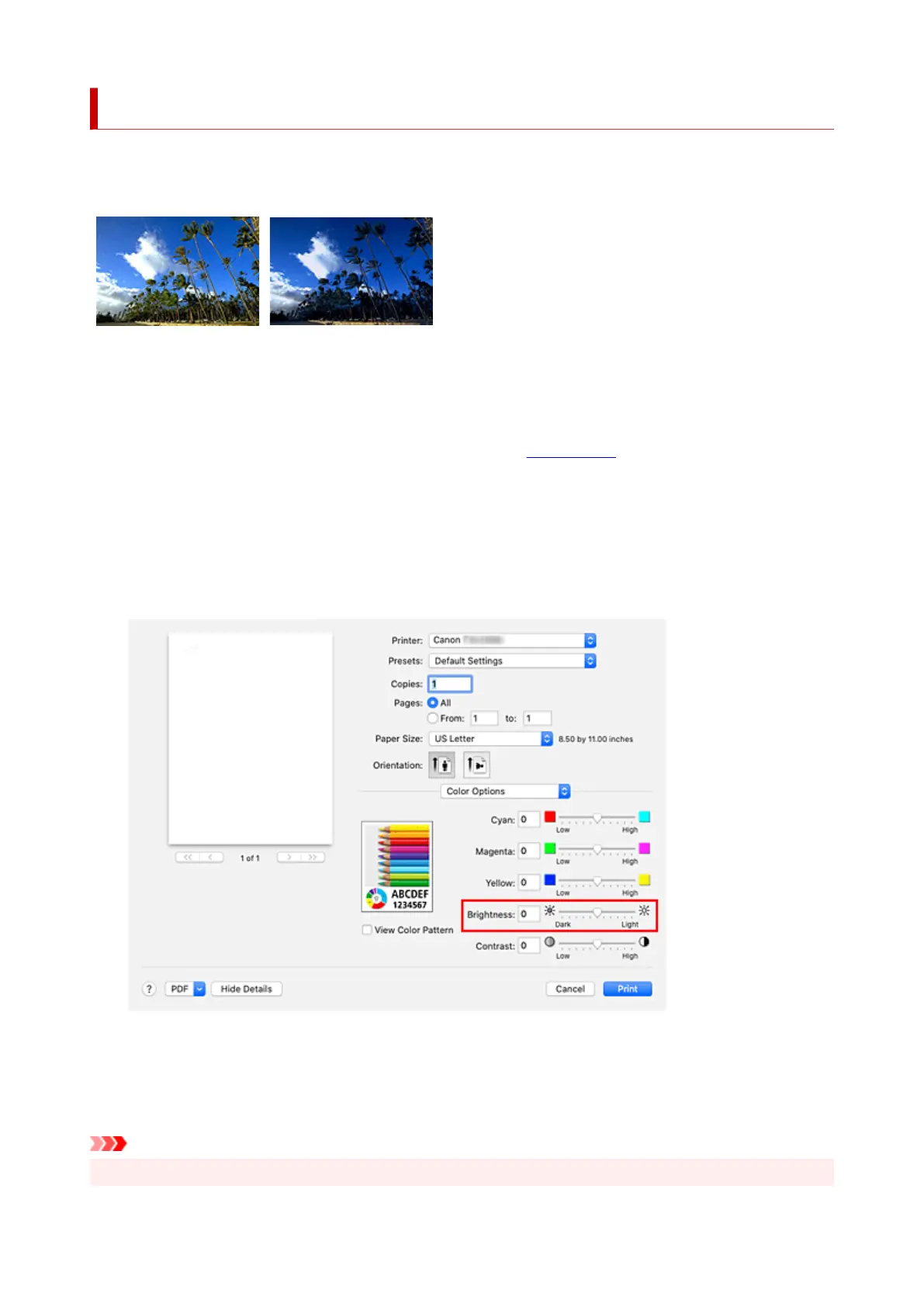
The following sample shows the case when light colors are darkened when the image data is printed.
No adjustment Darken light colors
The procedure for adjusting brightness is as follows:
1.
Select Color Options from the pop-up menu of the Print Dialog
1.
2.
Adjust brightness
2.
Moving the Brightness slider to the right brightens the colors, and moving the slider to the left darkens
the colors.
You can also directly enter a value linked to the slider. Enter a value in the range from -50 to 50. The
current settings are displayed in the settings preview on the left side of the printer driver.
3.
Complete the setup
3.
Click Print.
When you execute print, the data is printed at the adjusted brightness.
Important
• In the following cases, Brightness appears grayed out and is unavailable.
593












 To Next Page