Manual Adjustment to Straighten Lines and Colors
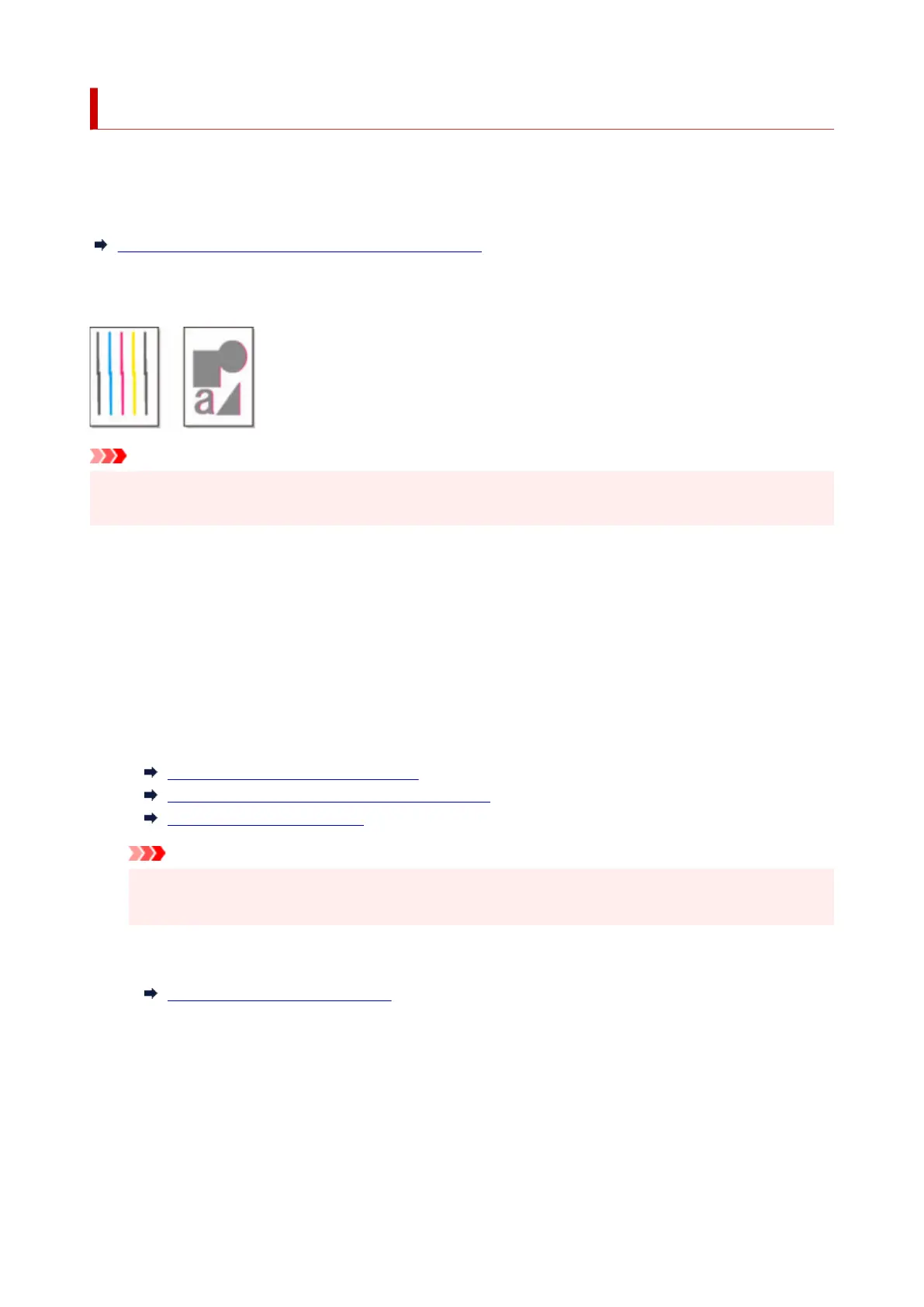
If printed vertical lines are warped or colors are out of alignment, execute Print Head Alignment and adjust
the print head position.
Normally, execute Auto (standard).
Automatic Adjustment to Straighten Lines and Colors
However, when printing on special paper or if printing is not improved after Auto (advanced), try Manual.
Manual adjustment requires you to examine the printed test pattern and enter an adjustment value.
Important
• Because the results of adjustment vary depending on the type of paper used for adjustment, use the
same type of paper as you will use for printing.
Paper to Prepare
When using rolls
An unused roll at least 10.00 in. (254.0 mm) wide
When using sheets
Four sheets of unused paper, A4/Letter size or larger (or a sheet when using A2 or larger)
Perform adjustment as follows.
1. Load paper.1.
Loading the Upper Roll on the Printer
Loading the Lower Roll on the Roll Unit (Option)
Loading Sheets in the Printer
Important
•
Always make sure the loaded paper matches the type of paper specified on the printer.
Adjustment cannot be completed correctly unless the loaded paper matches the settings.
2.
Tap Maintenance on HOME screen.
2.
Home Screen Menu Composition
The Maintenance screen appears.
3.
Tap Print Head Alignment.
3.
4.
Tap Manual.
4.
A confirmation message appears.
426












 To Next Page