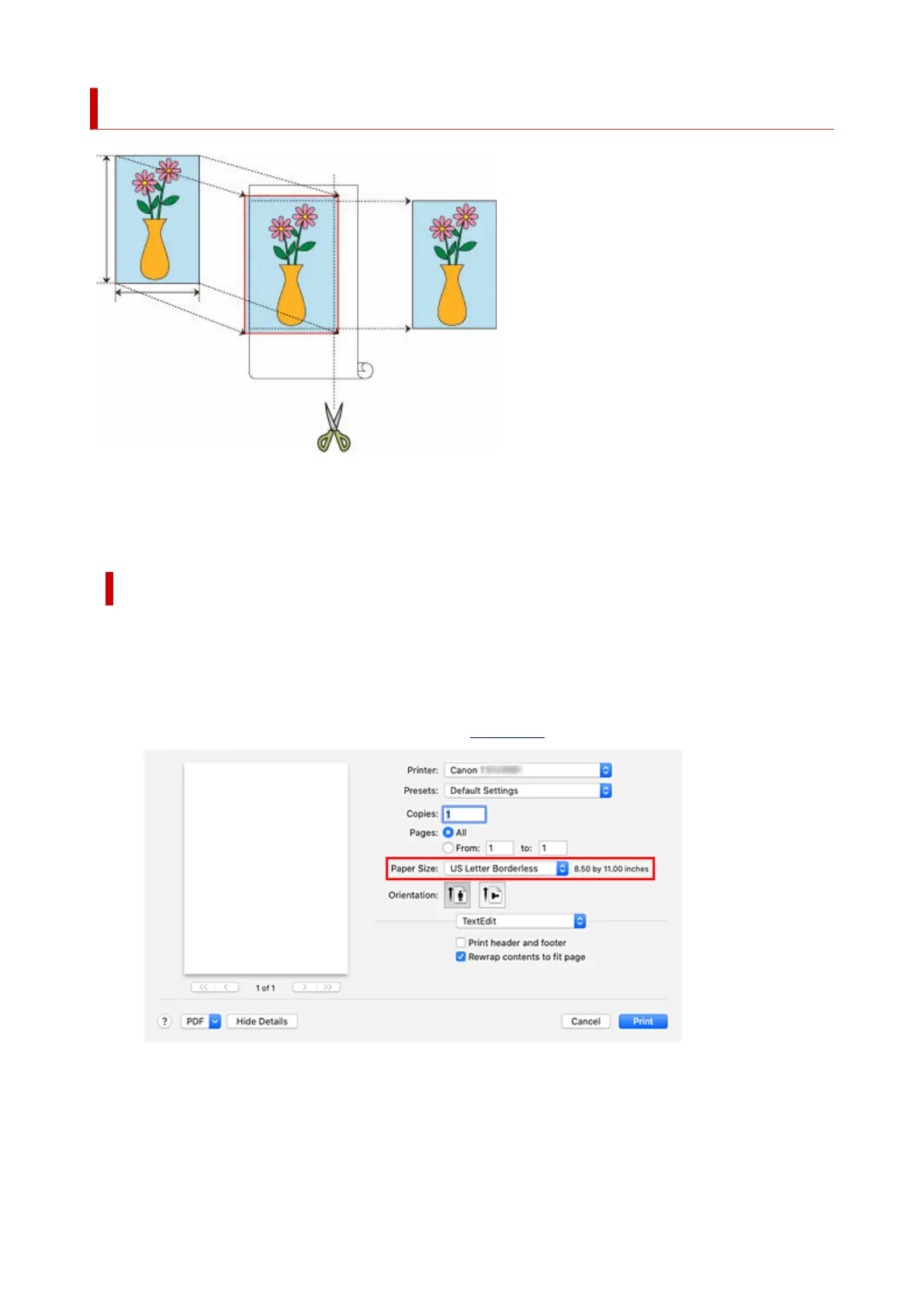
Three-sided Borderless Printing on Roll Paper
With the three-sided borderless printing feature, you can print with no borders on three sides if the paper
sizes don't match the roll paper width.
You can complete borderless printing by cutting the right side of the paper after printing.
Three-sided Borderless Printing to Match Paper Size
The procedure for three-sided borderless printing by enlarging or reducing documents to match paper size
is described below.
1.
Select the paper size for whole-surface borderless printing
1.
Select "XXX Borderless" from Paper Size in the print dialog.
2.
From the pop-up menu, select Paper Handling
2.
3.
Place a checkmark next to Scale to fit paper size
3.
615












 To Next Page