Canceling Print Jobs from the Control Panel
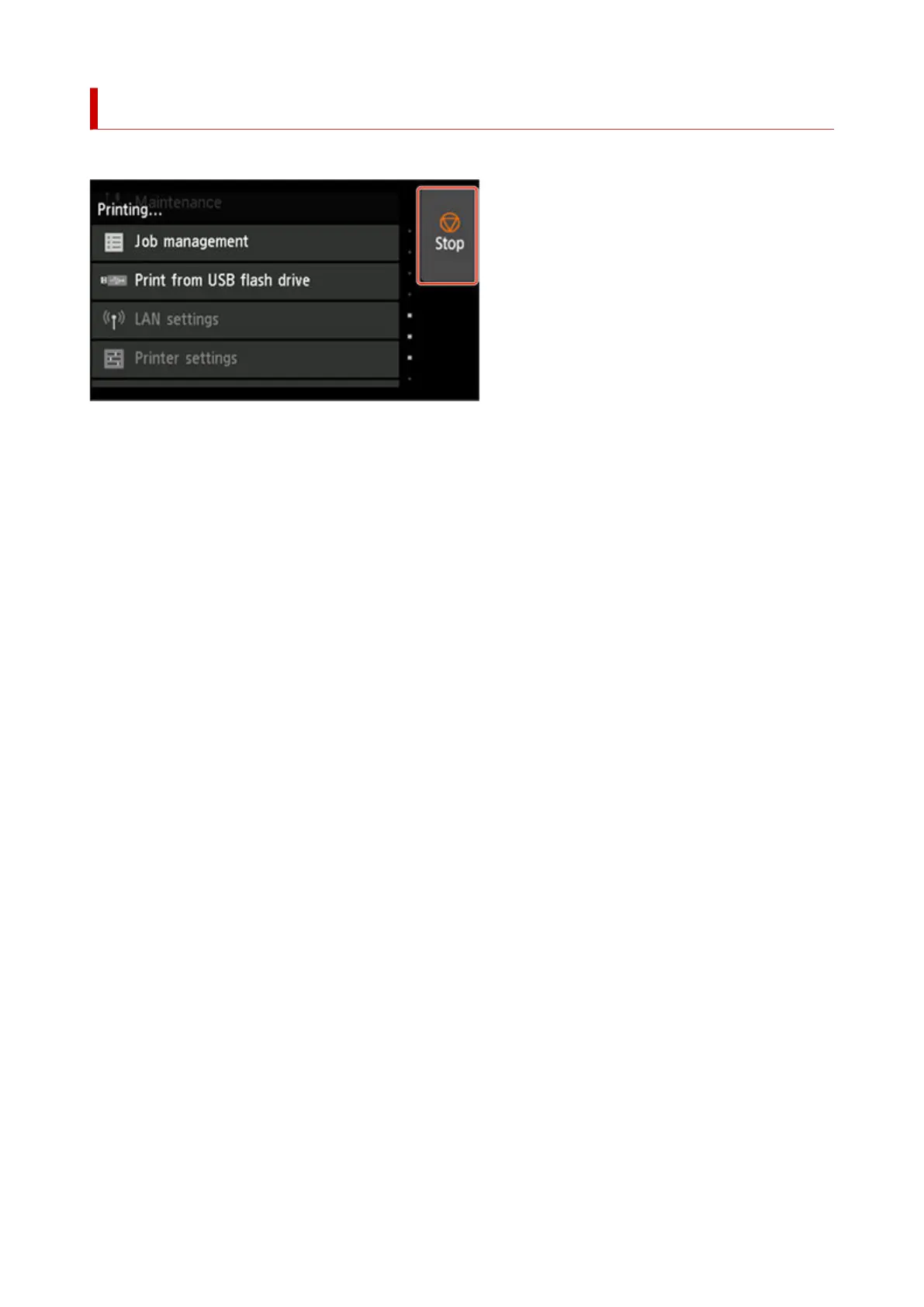
To cancel printing or reception of print jobs, press the Stop button on the operation panel.
When you press the Stop button during printing, the printer operation varies depending on the current
status.
• You press the Stop button before printing starts•
Pressing the Stop button before printing starts displays a confirmation message. To cancel the print job,
select Yes.
• You press the Stop button during printing•
Pressing the Stop button during printing displays a confirmation message. To cancel the print job
immediately, select Yes.
78












 To Next Page