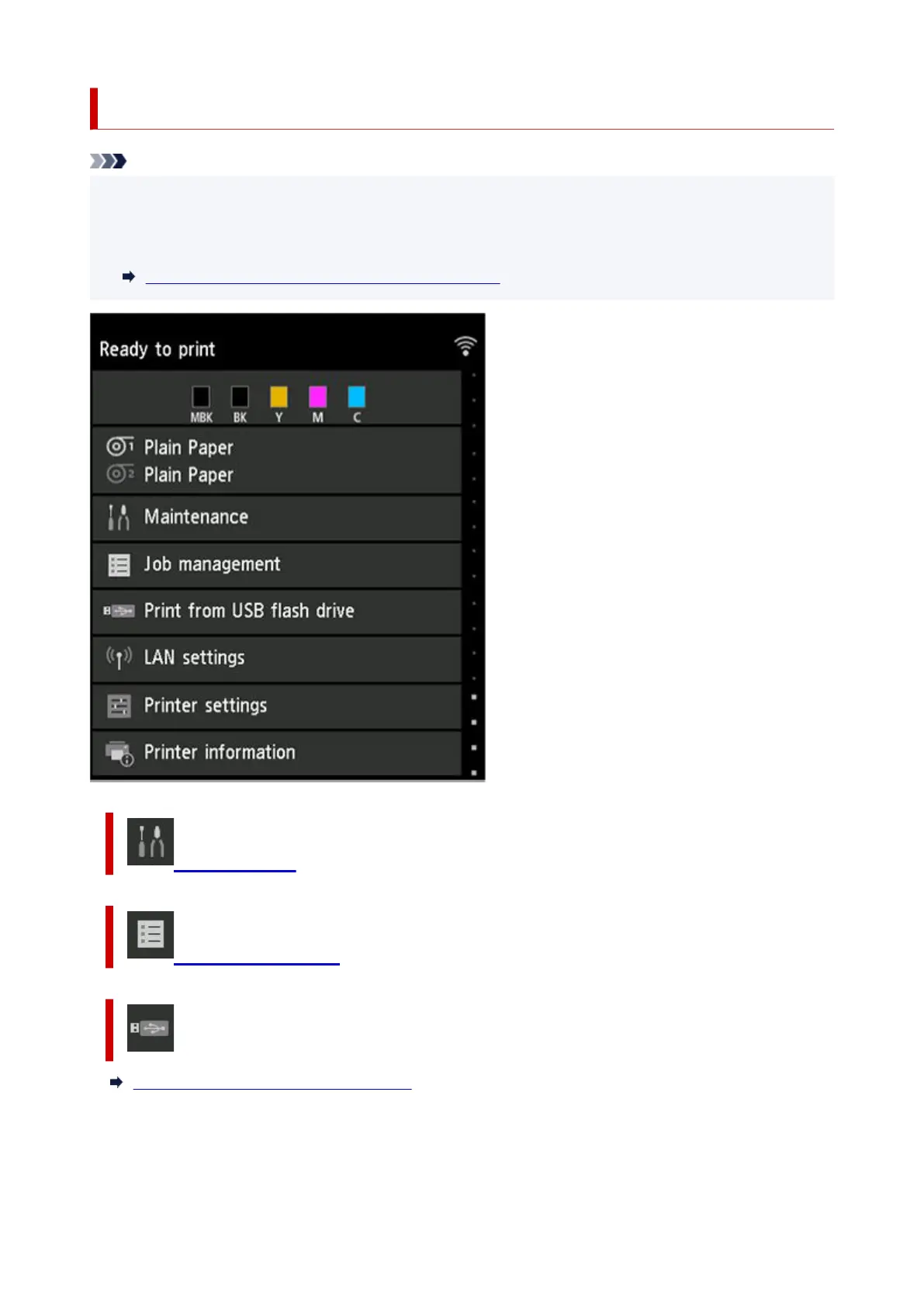
Setting Items on Operation Panel
Note
• The administrator password is required to change some setting items if it is enabled for changing•
settings using the operation panel.
For more on setting items which the administrator password is required:
Setting Administrator Password on Operation Panel
Maintenance
Job management
Print from USB flash drive
Printing Data Saved on USB Flash Drive
236












 To Next Page