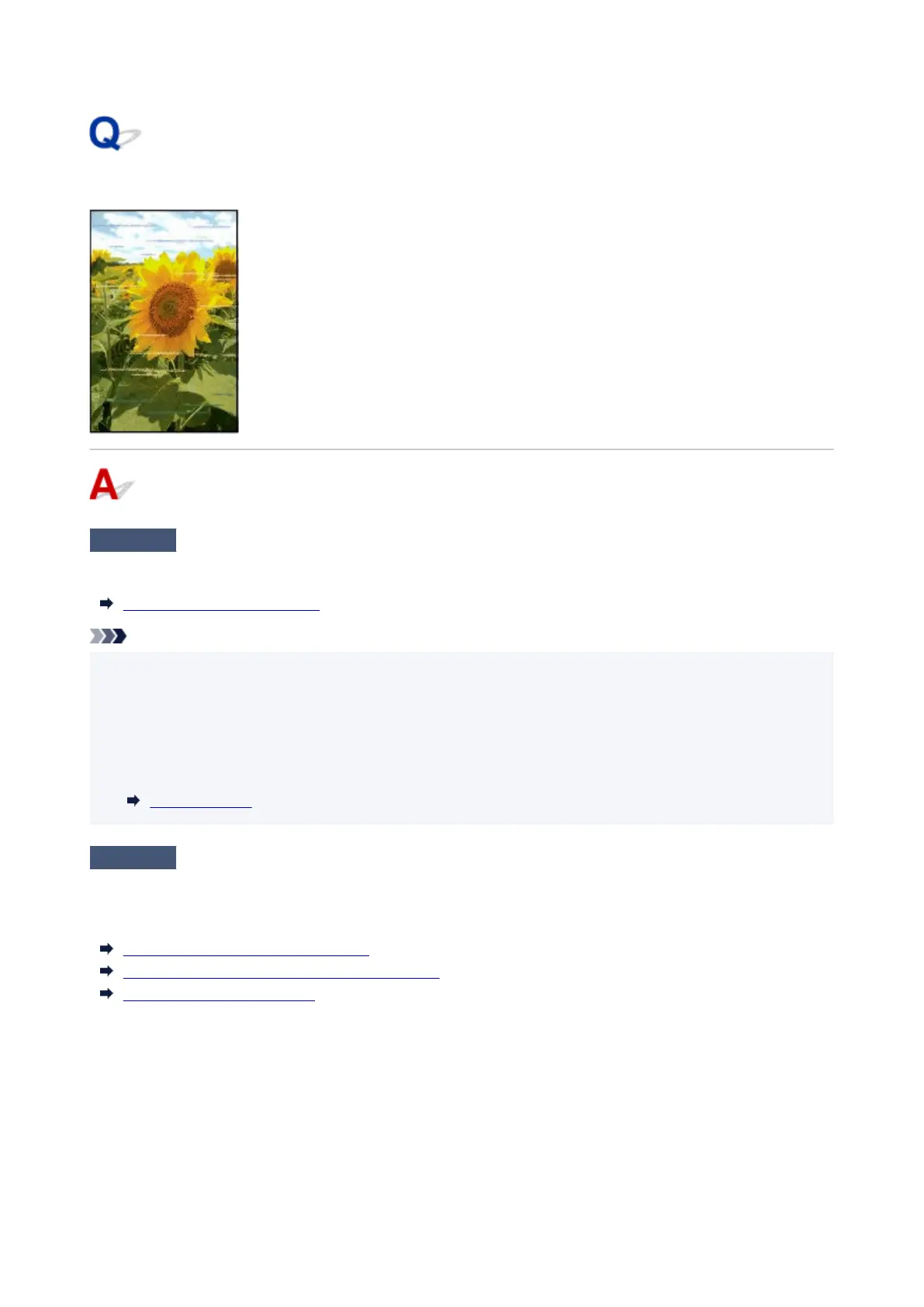
Banding in different colors occurs
Check 1
Make sure that the Print head nozzle is not blocked
Print a test pattern to check the nozzles and see if they are clogged.
Checking for Nozzle Clogging
Note
•
To automatically check for nozzle blockages after printing, set Auto nozzle check in the touch screen
•
menu to a setting other than Disable.
To show warnings based on nozzle check results, set Nozzle check error display in the touch screen
menu to Enable.
However, printing may be stopped by warnings if this setting is set to Enable.
Menu Structure
Check 2
Is the media type specified in the printer driver the same as the media type
loaded in the printer?
When printing with the media type specified in the printer driver, load the specified media type in the printer.
Loading the Upper Roll on the Printer
Loading the Lower Roll on the Roll Unit (Option)
Loading Sheets in the Printer
When printing with the media type loaded in the printer, specify the same media type in the printer driver.
1.
To stop printing, tap the Stop.
1.
2. Change the type of paper in the printer driver and try printing again.2.
800












 To Next Page