Printing to Oversized Paper Sizes
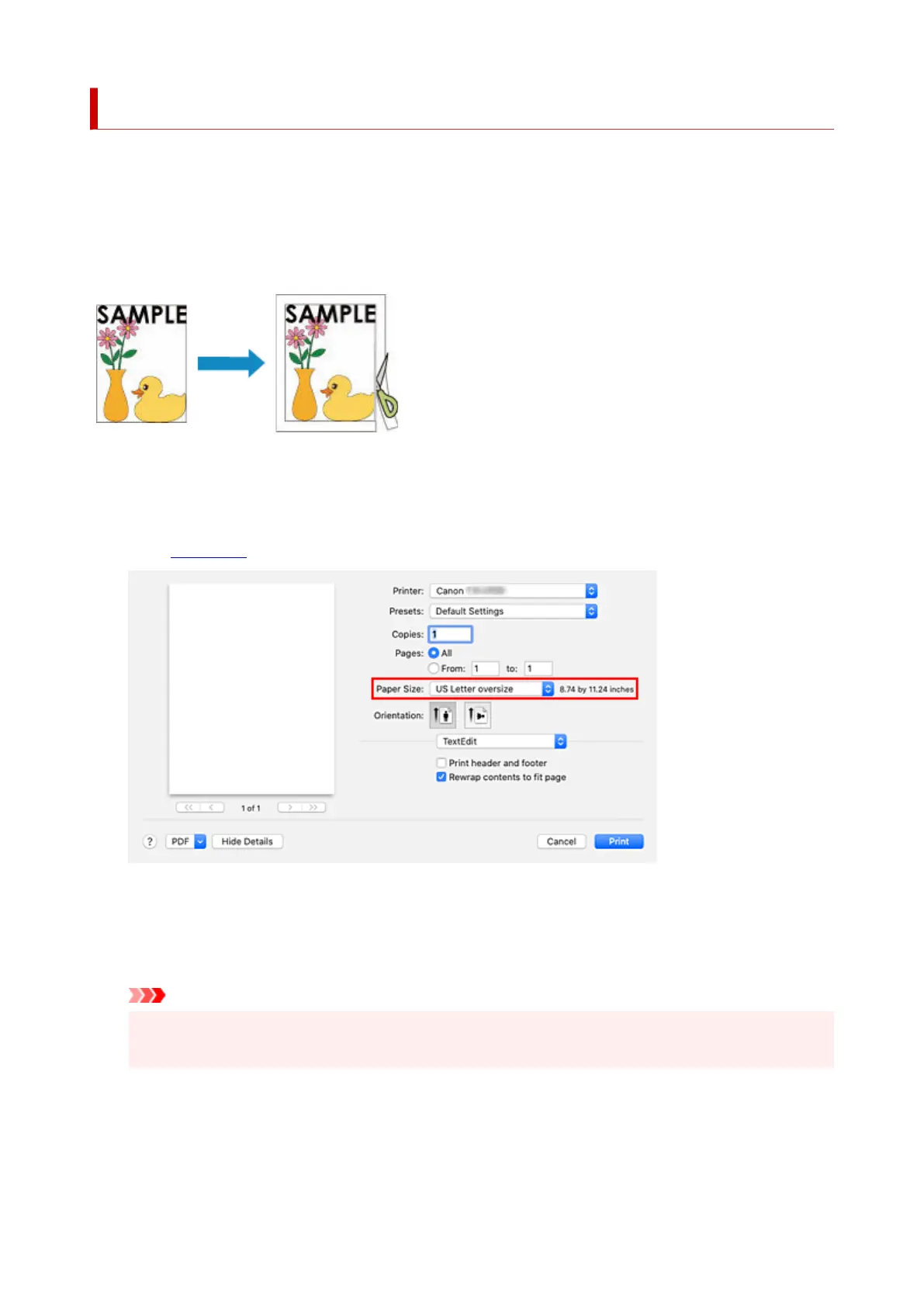
When printing a created document so that it fills the entire paper width, select a paper size from the "XXX
oversize" (sizes resulting from adding margins necessary for printer operation to the document sizes) so that
all areas of the document are printed at their actual size.
A printout that has the same area as the document can be obtained by trimming the outer margins after
printing.
The procedure for printing with oversize is as follows:
1. Select oversized paper size1.
In the Print dialog, select "XXX oversize" for Paper Size.
2.
Select the paper source
2.
For Paper Source, select the paper source that matches your purpose from Roll Paper (Auto), Roll 1,
and Roll 2.
Important
•
The paper feed method will differ depending on the lower level (roll paper 2) settings or roll unit
option settings.
3.
Select Page Processing from the pop-up menu
3.
4.
Select roll paper width
4.
599












 To Next Page