Paper switching on a DOUBLE-roll printer model and Enlarge/
Reduce (Specify scaling)
The example below shows printing when Enlarge/Reduce (Specify scaling) is specified on a double-roll
printer model.
This function is available when the paper settings of the printer are specified.
• Different size of roll paper is loaded on the upper/lower roll, with paper source switching enabled.
• Identify size is selected for Printer settings > Paper-related settings > Roll paper auto switching.
• Auto select is selected for Printer settings > Print settings > HP-GL/2 print settings > Paper
settings > Paper src.
EXAMPLE OF PAPER SWITCHING ON A DOUBLE-ROLL PRINTER
MODEL AND Enlarge/Reduce (Specify scaling)
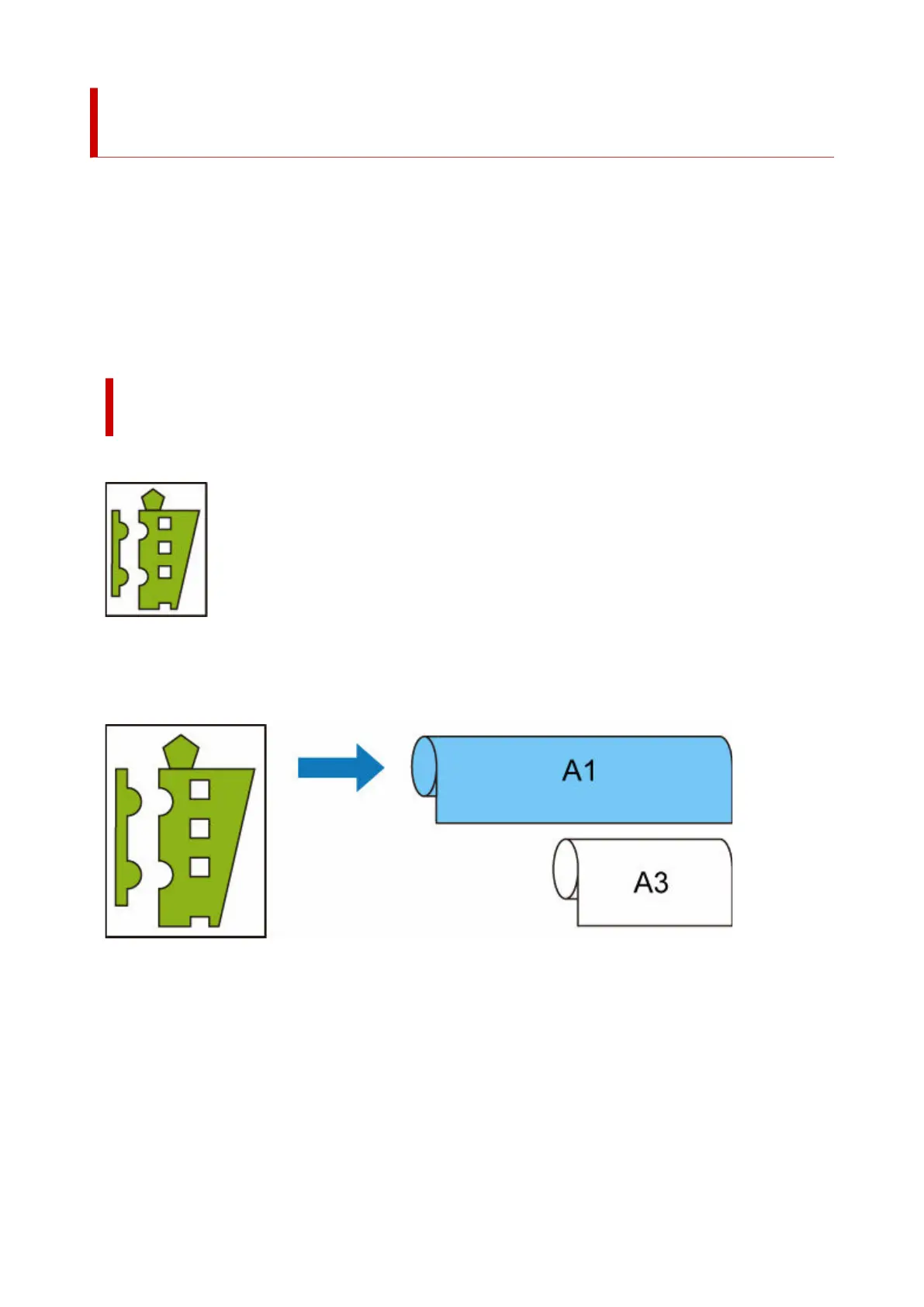
A4 size image
First, the image is enlarged and then the paper that can be used for printing the enlarged image is
selected.
A4 size image enlarged by 160 %
When the A1 width roll paper is loaded on the upper roll, A3 width roll paper on the lower, and the
paper source can be switched, and when an A4 size image is enlarged by 160 % specified in Scaling on
Enlarge/Reduce, the A1 width roll paper is selected, as the image width exceeds that of A3.
334












 To Next Page