Printing Network Settings
Use the operation panel to print the printer's current network settings.
Important
• The network settings printout contains important information about your network. Handle it with care.
1. Check that printer is turned on.1.
2.
Load plain paper.
2.
Loading the Upper Roll on the Printer
Loading the Lower Roll on the Roll Unit (Option)
If you use sheets, prepare at least 11 sheets (A4 or Letter-sized).
Loading Sheets in the Printer
3.
Select Printer settings on HOME screen.
3.
4. Select LAN settings.4.
5. Select Print details.5.
6. Select Yes on displayed screen.6.
7. Select Yes or No on displayed screen.7.
The printer starts printing network settings information.
Note
•
You can also print the printer's network settings. Select Printer settings > Test print > Print LAN
details > Yes > Yes.
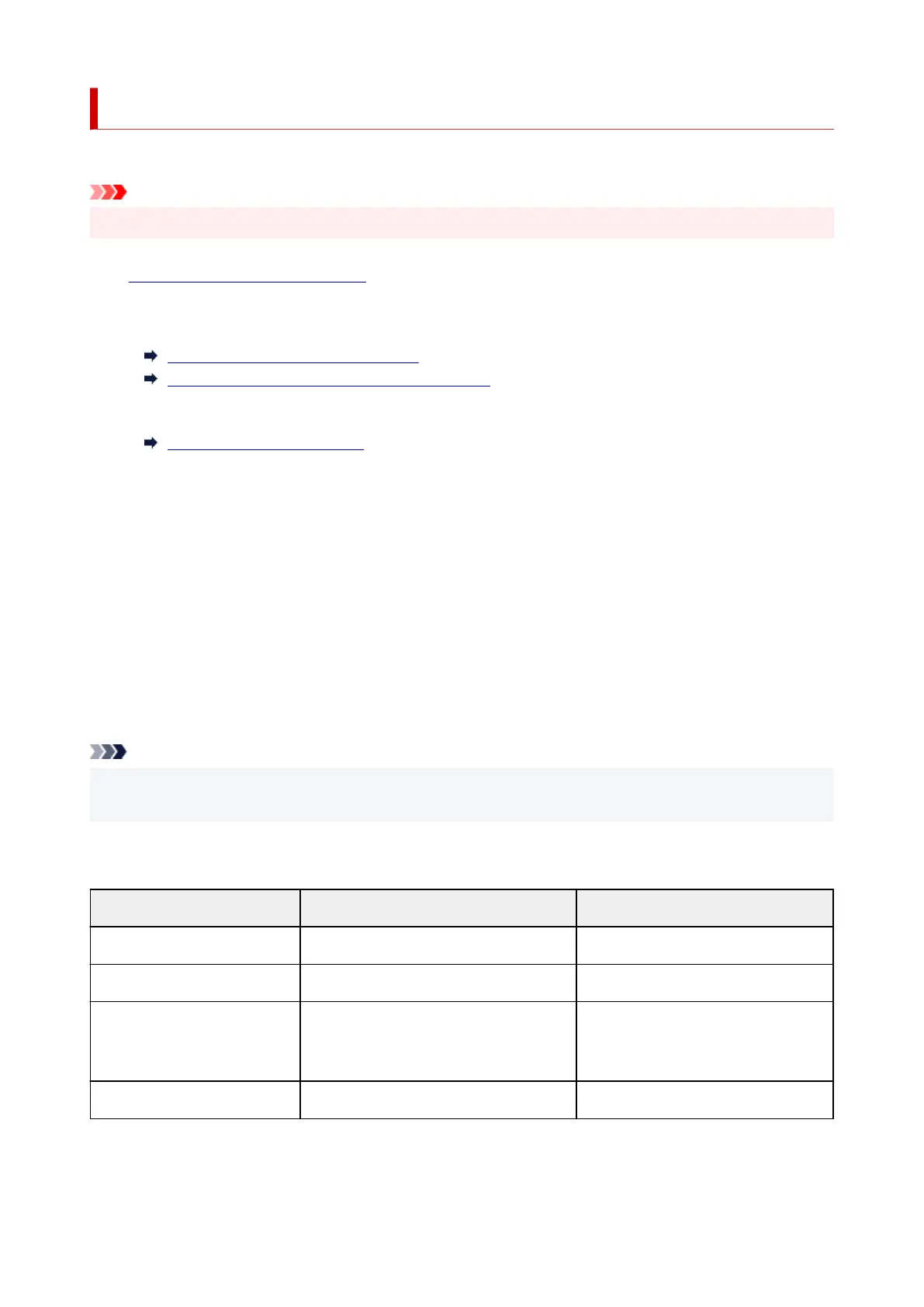
The printed network settings information is as follows: (Some setting values are not displayed depending on
the printer settings.)
Item Description Setting
LAN Setting Basic setting information -
Basic Info IPv4 setting information (Wired LAN) -
LAN Interface Mode Current interface Wired LAN/Wireless LAN(Infra)/Wire-
less LAN(AP)/Wireless(Direct connec-
tion)/Disabled
Link Active Operation status Active/Inactive
389












 To Next Page