Printing Saved Jobs
Print saved print jobs stored on the printer's hard disk as follows.
This operation is available using the operation panel or Remote UI.
Using Operation Panel
Using Remote UI
Using Operation Panel
1.
Flick HOME screen and tap Job management.
1.
Home Screen Menu Composition
2.
Tap Saved job.
2.
3. In the list, tap the target job box.3.
Note
• Enter the password if it is enabled.
4.
Tap Job list.
4.
5. In the list, tap the target job.5.
6. Tap Print settings.6.
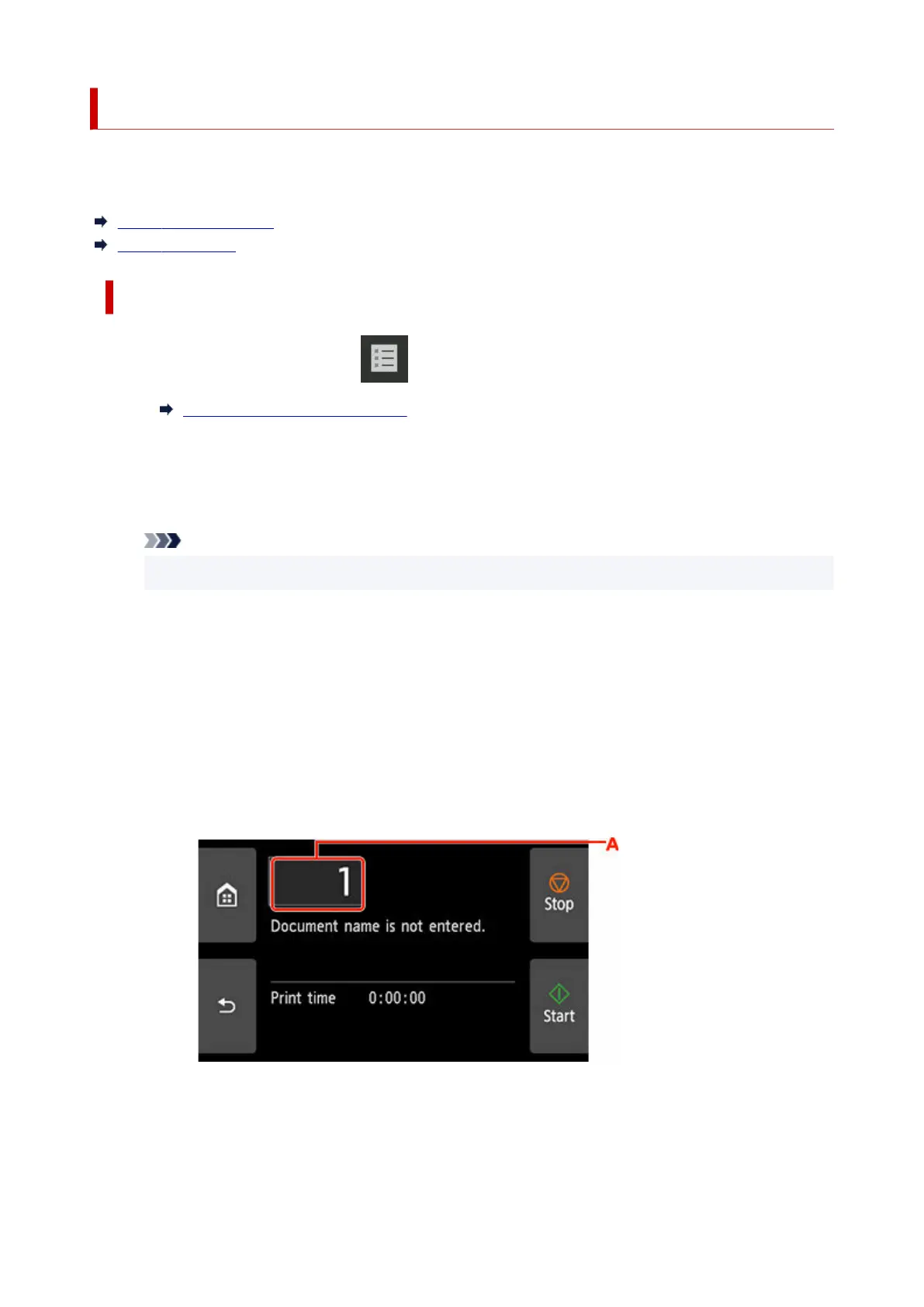
7. Specify the number of copies.7.
1. To change the number of copies, tap A.1.
2. Specify the number of copies and tap OK.2.
720












 To Next Page