Mirror
Flip the image horizontally and print.
This setting item is displayed by tapping in the following order.
Printer settings > Print settings > HP-GL/2 print settings > Paper settings
• ON•
Flip the image horizontally and print.
Depending on the paper to be printed, the position where the horizontally flipped image is printed varies.
• OFF (Initial setting)•
Horizontal flip of the image is not performed.
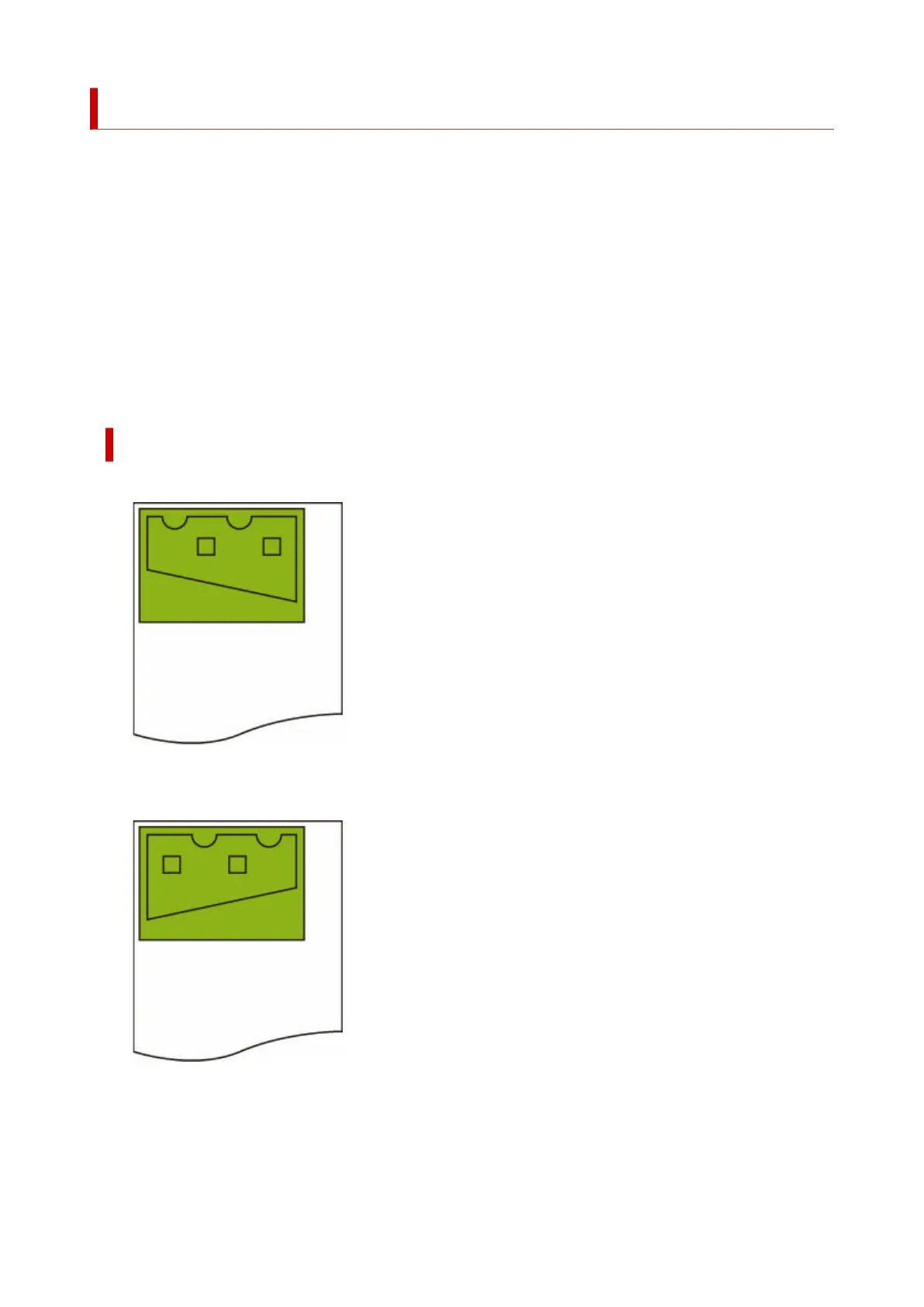
HORIZONTAL FLIP (MIRROR) EXAMPLE
• When OFF is selected when printing on roll paper:•
• When ON is selected when printing on roll paper:•
Do not move the position to print the image on the paper, flip the image horizontally.
• When OFF is selected when printing on cut paper or roll paper cut to standard size:•
302












 To Next Page