Printing Security Print Jobs
A security print job is a print job that requires you to enter the PIN code set in the printer driver when
printing.
The print job specified for the security print job has a lock icon to the left of the job name in the list such as
List of print jobs.
Note
• The security print job remains saved as a normal pending job until you enter the PIN code using the•
operation panel or Remote UI.
In this case, the printer processes the next job in the queue without pausing.
• When deleting a security print job, you do not need to enter a PIN code.•
1.
Flick HOME screen and tap Job management.
1.
Home Screen Menu Composition
2. Tap Job management.2.
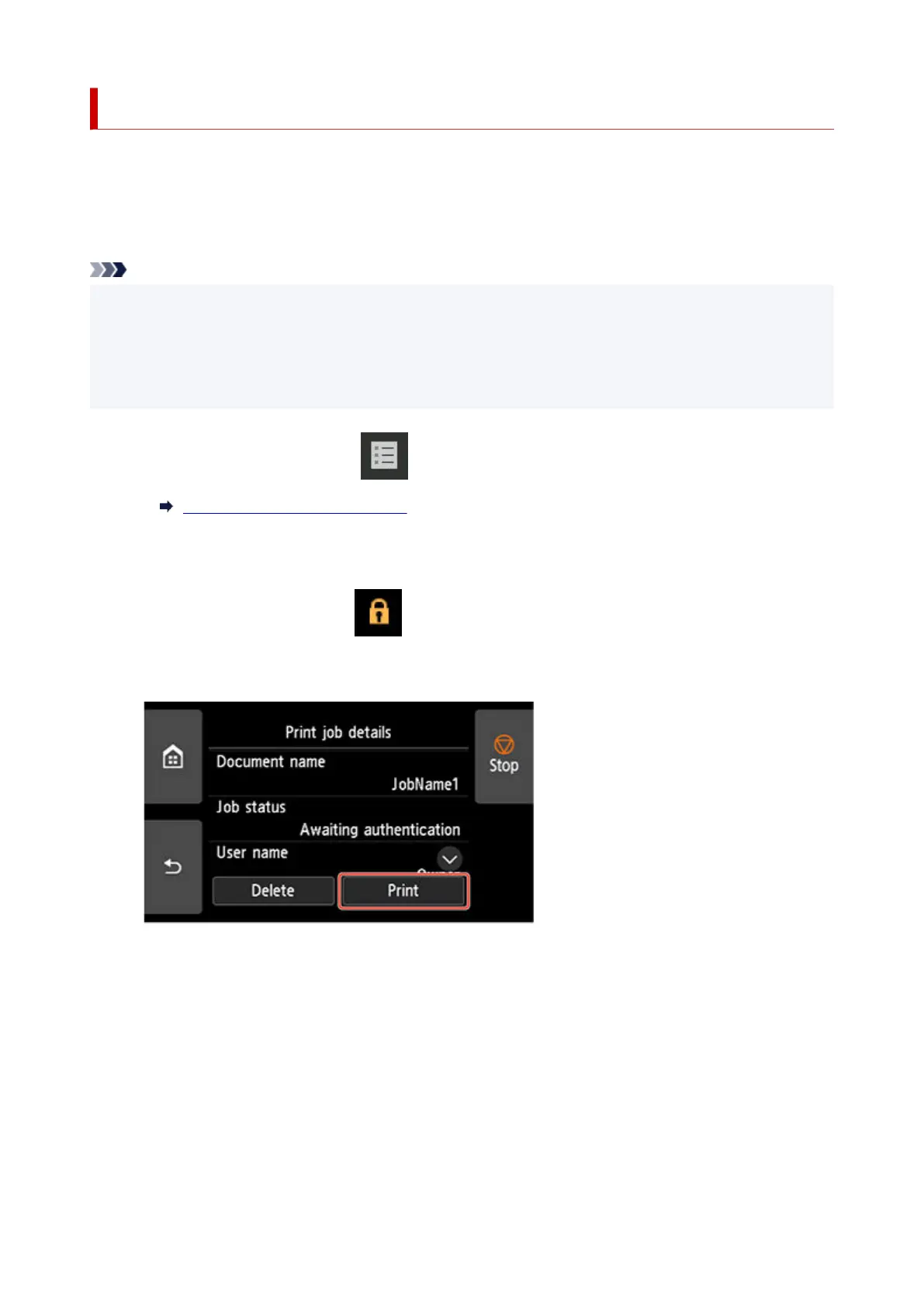
3. In the list, tap print job with icon on the left.3.
4. Tap Print.4.
5.
Enter PIN code you set and tap OK.
5.
716












 To Next Page