Printing From a Desired Starting Point
Print on sheets from a desired starting point as follows.
Setting Detect paper width to Disable
1.
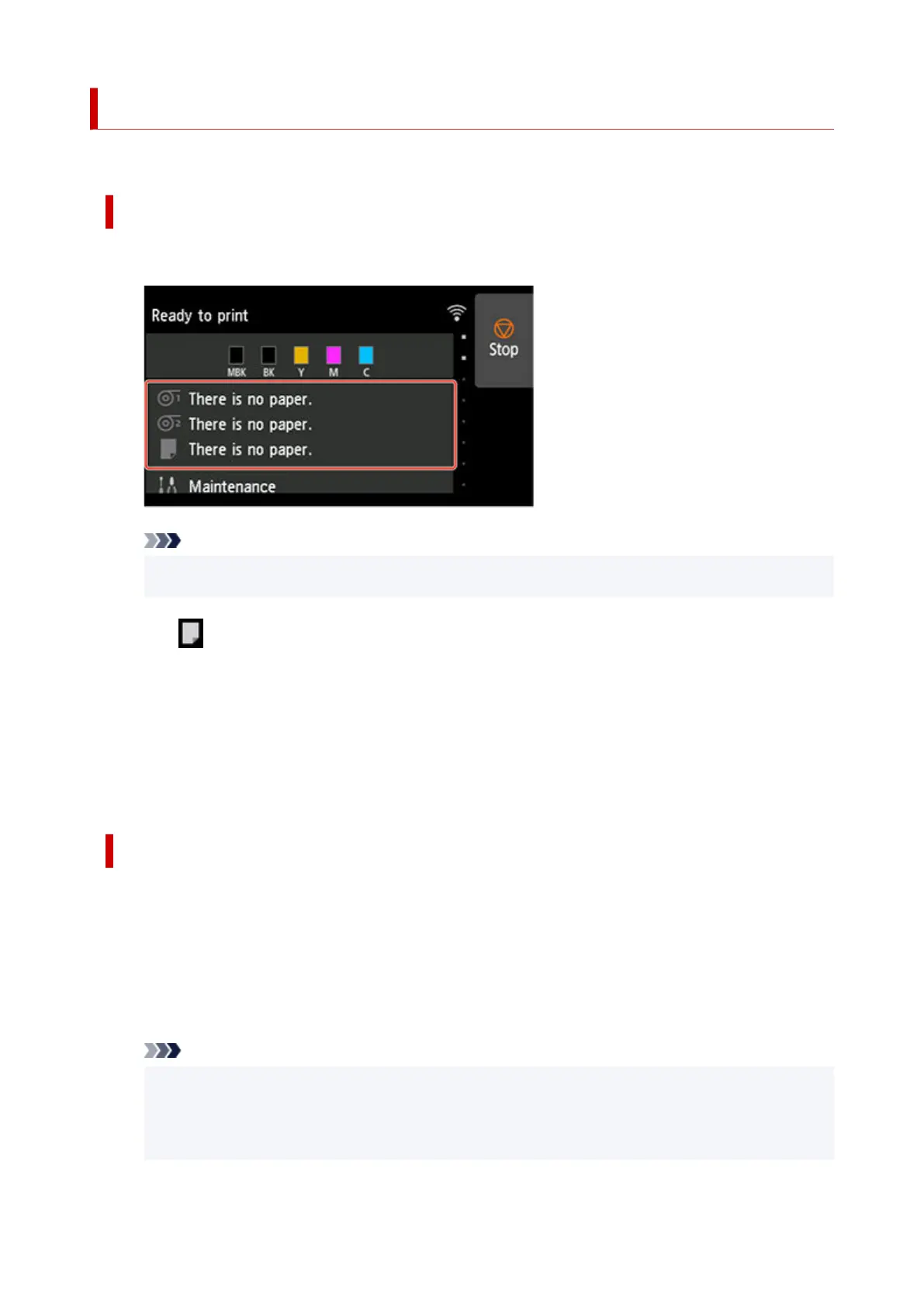
Tap paper settings display area on Home screen of touch screen.
1.
Note
• If the Home screen does not appear, tap the HOME button.•
2. Tap area.2.
3. Tap Paper settings.3.
4. Tap Advanced.4.
5.
Select Detect paper width and tap Disable.
5.
Load paper in the desired position to start printing from
Follow these instructions to load paper at the desired starting position for printing when Detect paper
width is set to Disable.
1.
If you did not send a print job in advance, a menu for selection of the type of paper is
1.
displayed.
Tap media type loaded.
Note
•
If a print job was received before the paper was fed, the media type and size specified by the
•
job are shown on the touch screen.
Go to step 2.
157












 To Next Page